The best apps to stop doomscrolling in the US for 2026, from gentle nudges to blocks you can't skip. Find the one that matches how you actually lose time.
Quick answer: the best app to stop doomscrolling depends on how you lose time. ScrollToll is best if you bypass every limit, because unlocking an app requires camera-verified exercise instead of a tappable skip button. one sec is best for a gentle, peer-reviewed pause. ScreenZen is the strongest free option. Freedom is best for scrolling that spans phone and laptop. Jomo suits people who prefer encouragement to restriction. Apple Screen Time is fine for awareness only.
Best apps to stop doomscrolling at a glance
| Your failure point | Best app | How it stops you |
|---|---|---|
| You bypass every blocker you set | ScrollToll | Camera-verified pushups, squats or overhead reaches to unlock |
| You open apps on autopilot | one sec | A short breathing pause before the app opens |
| You want something free and flexible | ScreenZen | Configurable delays and prompts, no cost |
| You scroll on phone and laptop both | Freedom | One synced block across iOS, Android, Mac, Windows and browsers |
| Strict rules make you rebel | Jomo | Gamified focus sessions and positive framing |
| You only need to see the numbers | Apple Screen Time | Built-in limits and usage reports |
What is doomscrolling?
Doomscrolling is the compulsive consumption of negative or emotionally charged content on an algorithmic feed. It is different from ordinary screen time: you can have a low daily total and still doomscroll, because the damage comes from what the feed serves you, not from the clock. You open your phone for one thing and resurface an hour later, feeling worse. If that sounds familiar, you are already fluent in the loop, and the effect it has on your mood is not in your head.
The rest of this guide breaks down each app in detail, grouped by the approach that fits you.
If you keep bypassing every limit: ScrollToll
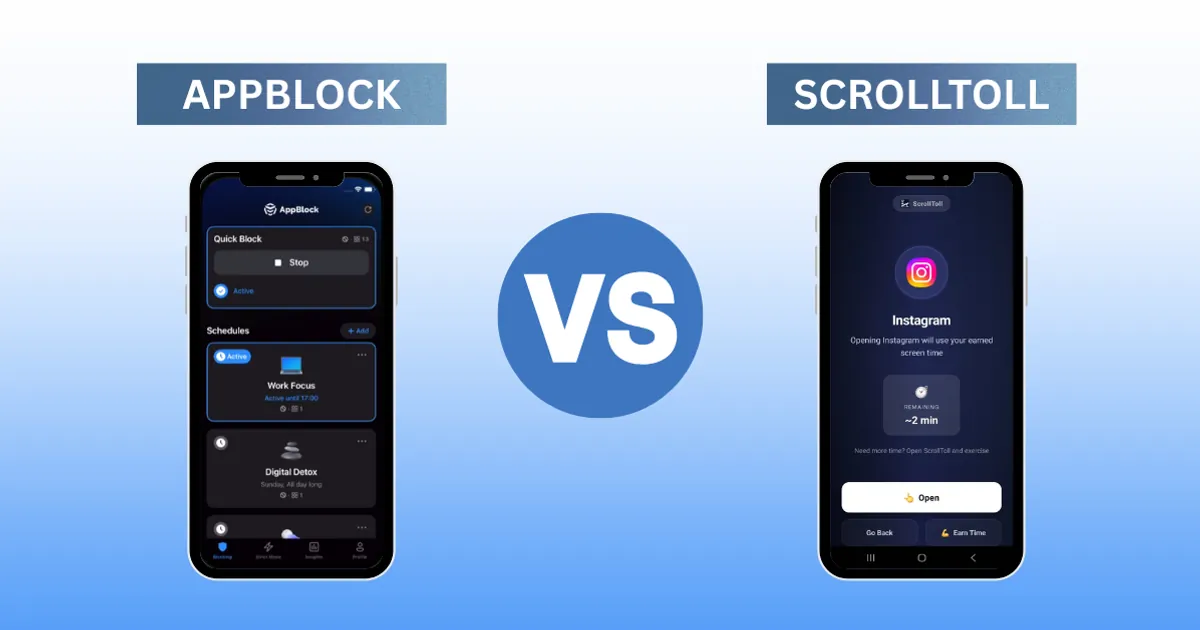
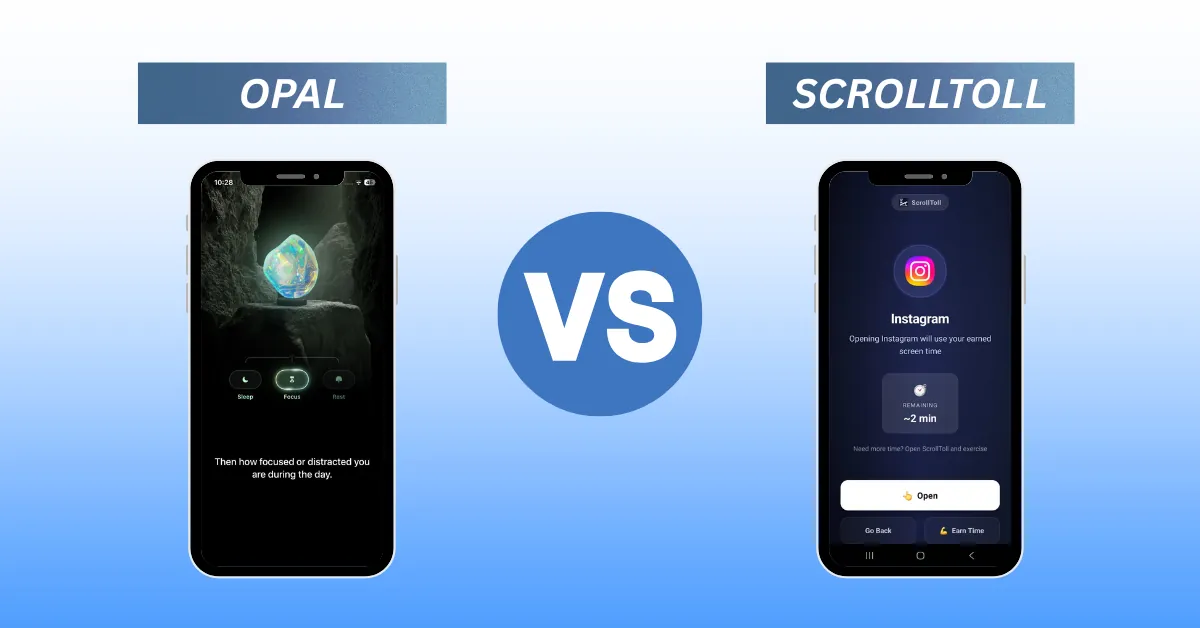
ScrollToll makes you earn your screen time with real exercise. When your time runs out, unlocking apps means doing pushups, squats, or overhead reaches, verified by your phone's camera, so there's no "skip" button to tap. Best for people who've caved on every other blocker and need a limit that's genuinely hard to cheat, while swapping the scroll for movement.
There's also a second benefit that most blockers ignore. The scroll habit and a sedentary body reinforce each other, so the rep you do to unlock Instagram is chipping away at both sides of the loop at once. Free to download, with a Pro upgrade that unlocks every exercise, removes the weekly session cap and drops the ads.
If you want a gentle, research-backed nudge: one sec
one sec adds a short breathing pause before a blocked app opens. It's peer-reviewed and effective at interrupting autopilot opens. Best for people who scroll out of habit and want awareness rather than a hard lock. If a pause turns out to be enough for you, a seven-day routine reset will get you further than any stricter tool would.
If you want a strong free option: ScreenZen
ScreenZen adds configurable delays and prompts before your chosen apps open, with genuinely good customization at no cost. Best for anyone who wants to start reducing screen time without paying. If the pause stops working after a few weeks, our ScreenZen alternatives breakdown covers what to switch to. Pair it with a realistic target rather than a vague intention, which is where a week-by-week plan to get from five hours to two does the heavy lifting.
If your scrolling spans devices: Freedom
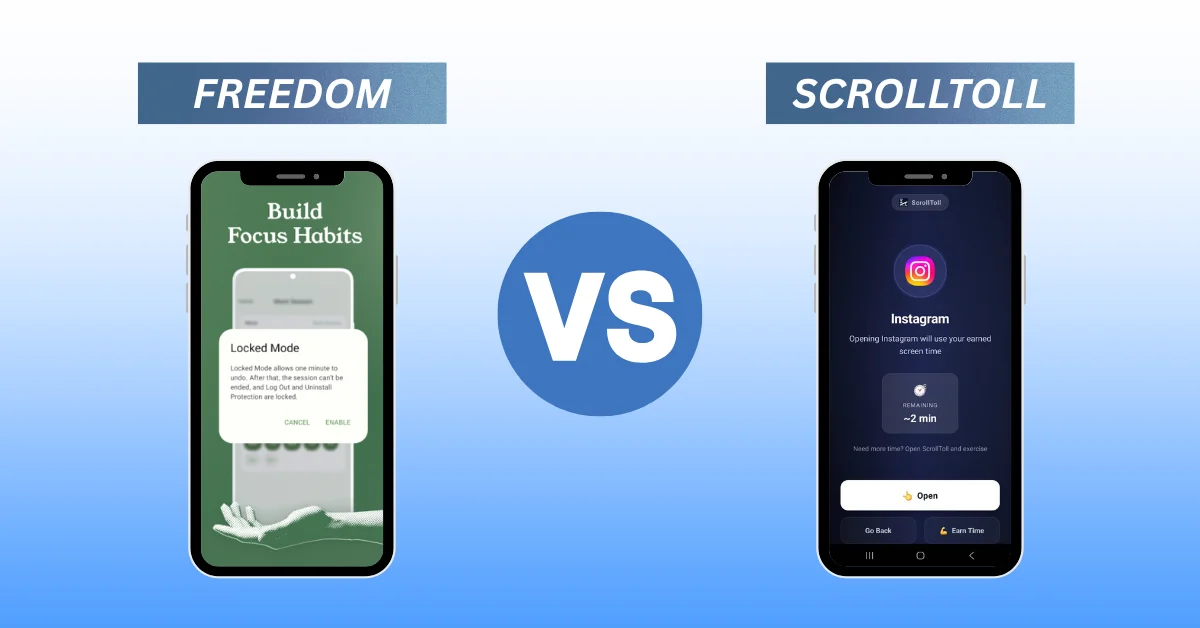
Freedom blocks distractions across iPhone, Android, Mac, Windows, and browsers in one synced session. Best for people whose doomscrolling jumps from phone to laptop. It's the veteran of the category, so it's worth reading a direct comparison with ScrollToll before you subscribe, or the wider list of Freedom alternatives if the price or the strictness doesn't suit you.
One caveat if your problem is specifically phone-shaped: desktop-style website blocking tends to fall apart on mobile, because the app opens before the block ever sees a URL.
If you want encouragement, not restriction: Jomo
Jomo ("joy of missing out") frames screen time positively with focus sessions and a friendly, gamified design. Best for people who respond better to encouragement than to strict blocking.
If you just want awareness: Apple Screen Time
Already built into your iPhone, Apple Screen Time is fine for seeing the numbers and setting basic limits. Best for disciplined people who mainly need visibility, though a passcode makes it easy to override. If you want to set it up properly first, the full walkthrough for locking apps on iPhone and Android covers Screen Time and Digital Wellbeing, including which methods can actually be bypassed.
Where doomscrolling actually happens
Most people don't doomscroll evenly across the day. It clusters, and the cluster tells you which app to pick.
- In bed, late. The hardest one to break, and the one that costs you the most. Start with the strategies for stopping the TikTok scroll at night.
- Between tasks at work. This is a focus problem more than a feed problem, and the broader distraction blocker comparison is the better starting point.
- One specific app. If it's always the same feed, block that feed directly: TikTok, YouTube Shorts or Snapchat.
How to actually stop doomscrolling
Pick the app that matches your failure point: a nudge if a nudge is enough, a block you can't skip if it isn't. But apps are only half of it. Pair whatever you choose with a couple of habits:
- Keep your phone out of the bedroom.
- Turn off non-essential notifications.
- Replace the scroll with a default alternative, such as a book, a walk, or a workout.
- Judge any app at week three, not week one. Every app works during the honeymoon.
If you'd rather reset the habit before you tune the tools, a structured seven-day phone detox gives you a clean baseline, and the full guide to reducing screen time in 2026 covers the settings changes that make every blocker work better.
The real goal isn't to punish yourself. It's to put a little space between the impulse and the action, and to make bypassing your limit just inconvenient enough that you choose better.
Frequently Asked Questions
What is the best app to stop doomscrolling?
It depends on how you lose the time rather than on any single winner. ScrollToll is the strongest pick for people who bypass their own limits, because unlocking an app requires camera-verified exercise instead of a button you can tap past. one sec suits autopilot scrolling, ScreenZen is the best free option, and Freedom is best when the scrolling moves between phone and laptop.
Are there free apps to stop doomscrolling?
Yes. Apple Screen Time is built into every iPhone at no cost, and ScreenZen offers configurable delays and prompts for free. ScrollToll is also free to download, with a Pro upgrade that unlocks every exercise, removes the weekly session cap and drops the ads.
Why do I keep doomscrolling even when I have a blocker installed?
Usually because the blocker is too easy to bypass. A passcode you set yourself is a passcode you can remove, and a timer you can extend is a timer you will extend at 11pm. Blockers that require a real physical action to unlock, such as ScrollToll's camera-verified pushups or squats, are much harder to rationalise past.
Do doomscrolling blocker apps work on iPhone?
Yes. ScrollToll, one sec, ScreenZen, Freedom and Jomo all run on iPhone, and Apple Screen Time is built in. Several of them, including ScrollToll and Freedom, are available on Android as well.
Is doomscrolling different from normal screen time?
Yes. Doomscrolling is the compulsive consumption of negative or emotionally charged content on an algorithmic feed, while screen time is simply a total number of hours. You can have a low daily total and still doomscroll, because the mood effect comes from what the feed serves you rather than from the clock.
What is the best app to stop doomscrolling at night?
Night scrolling responds best to a blocker that cannot be talked past in the moment, since willpower is lowest late in the evening. An exercise-verified lock like ScrollToll works well here because doing squats in bed is enough friction to break the reach for the phone. Pair it with charging the phone outside the bedroom.
How long does it take to break a doomscrolling habit?
Most people notice a real difference somewhere around three to four weeks, not in the first few days. Almost any app feels effective during the first week, so judge a tool at week three, when the novelty has worn off and you are back to your normal stress levels. That is the point where a weak blocker starts getting bypassed.
What actually stops doomscrolling long term?
A block that survives your weak moments, combined with habit changes that reduce how often the urge arrives. Keeping the phone out of the bedroom, turning off non-essential notifications and having a default alternative such as a book or a walk all matter as much as the app itself. No app works in isolation.
Ready to break the loop?
Download ScrollToll and start earning your screen time through real movement.