Looking for the best Opal alternative? Learn how to block apps on iPhone and Android, restrict apps on iPad, and limit screen time permanently — without easily bypassing your own limits.
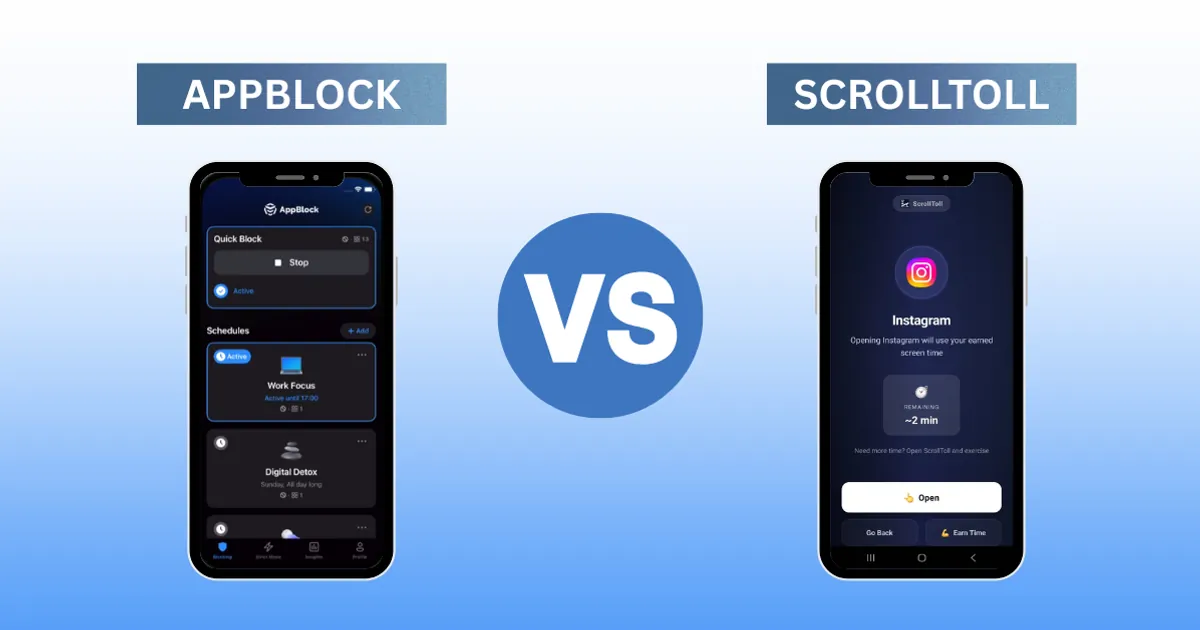
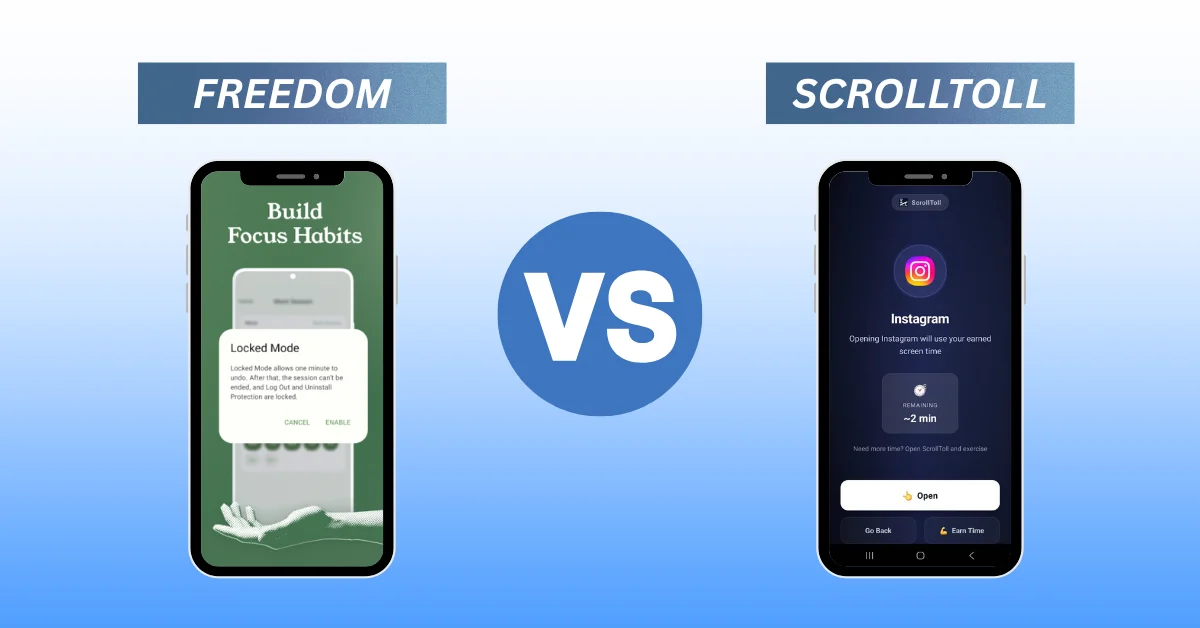
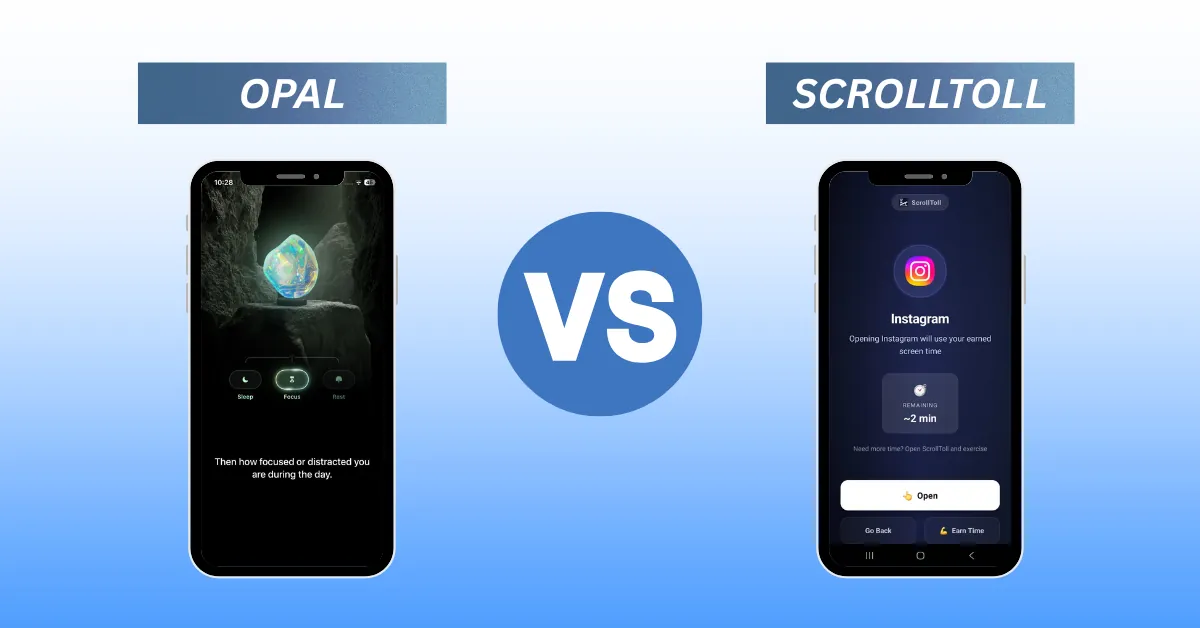
ScrollToll: Screen-Time Gym is the ultimate behavioral opal app blocker alternative designed for true user accountability. If you are currently wondering is opal free, the reality is that its most effective features are locked behind an expensive subscription—and even when paying premium prices, its passive limits are far too easy to bypass with a simple tap. If you have previously searched for how to block apps on iPhone or Android, you have likely run into the same digital walls.
ScrollToll disrupts this cycle by introducing an active opal screen time control substitute that replaces passive software timers with a strict physical accountability toll. Using your mobile phone’s camera paired with advanced, on-device AI pose tracking, it forces you to complete real bodyweight movements—such as verified pushups or squats—to deposit minutes into your screen-time wallet.
While ScrollToll is a premium paid utility to support its advanced local AI models, it is comparatively much cheaper than Opal. Additionally, ScrollToll features active student discounts and financial hardship programs for anyone who cannot afford the full premium version but is ready to transform their fitness and focus habits.
If you’re reading this, you’ve probably spent the last two hours doomscrolling on TikTok, Instagram, or Snapchat. Your attention span is shot, you feel trapped by your phone, and you’re desperate for something that actually works.
You’ve probably already searched "how to block apps on iPhone," downloaded Opal, and run into the same two walls: it’s expensive, and when the block screen pops up, you just tap "ignore limit" and keep scrolling.
If you want an app blocker that makes bypassing feel impossible, you need a completely different strategy. Meet ScrollToll, the behavioral app lock built for real accountability.
Why Traditional Screen Time Apps Keep Failing You
When you Google "Instagram blocker" or "how do I block Snapchat," you’ll usually land on Apple’s built-in Screen Time settings. You can set an app lock, restrict apps on iPad, or cap daily usage — but overriding it takes two seconds and a four-digit code.
Even premium third-party blockers like Opal only put up a digital wall with a motivational quote behind it. When your brain hits a dopamine deficit, it immediately looks for the path of least resistance — and "cancel session" is always right there.
ScrollToll vs. Opal vs. Clearspace: The Physical Accountability Layer
ScrollToll is built on a completely different psychological premise. We don’t just put up a wall — we make bypassing it cost you something real.
One competitor worth mentioning here is Clearspace, which also uses a physical challenge before unlocking apps. The key difference: Clearspace’s exercise requirement is self-reported with no verification. ScrollToll uses AI pose-detection through your camera to confirm you’ve actually completed the movement before the app unlocks. You can’t fake it, skip it, or tap your way past it.
| Feature | Built-in Apple | Opal | Clearspace | ScrollToll |
|---|---|---|---|---|
| How it blocks apps | Native Settings | Screen Time API (iOS-first) | Screen Time API | AI Habit Layer |
| Bypass difficulty | Very Easy | Easy | Medium (self-reported) | Hard (camera-verified) |
| Physical accountability | None | None | Optional | Required |
| Platform | iOS & Android | Primarily iPhone | iPhone | iOS & Android |
| Price | Free | ~$100/year | $49.99/year | Budget-Friendly Premium (Cheaper than Opal with Student Discounts) |
How ScrollToll compares to Apple Screen Time, Opal, and Clearspace
By forcing your body to move — and verifying it — ScrollToll physically snaps your brain out of scrolling autopilot and replaces a bad digital habit with a real physical one. Choose from pushups, squats, jumping jacks, memory tiles, and more — there’s a toll for every mood and fitness level.
FAQ: App Blocking, Screen Time, and How It All Works
How do app blockers actually work?
Most third-party tools use system-level Screen Time APIs to monitor your device activity. When you open a blocked app, an overlay screen is triggered automatically. If you ever hit a glitch where the overlay fails, you’ll usually see a script block warning or an app-error screen — just restart the blocking app to re-establish the shield.
Can you block apps on iPhone without it being bypassable?
Apple’s built-in Screen Time can restrict apps on iPhone and iPad, but the passcode bypass makes it easy to override. If you want to understand just how much excess screen time is actually costing you, the research is pretty alarming. For protection that’s actually hard to get around, you need a third-party behavioral blocker — specifically one that requires a physical action, not just a tap.
Is ScrollToll available on Android?
Yes. ScrollToll is available on both iPhone and Android. Opal, by comparison, is primarily an iPhone app — its Android version exists but is significantly more limited than the iOS experience, which is worth keeping in mind if you’re on Android and evaluating options.
How do you unblock apps when you genuinely need them?
With most blockers, you have to dig into settings and disable the restriction entirely, which kills any accountability. With ScrollToll, you always have a way out — you just have to earn it. Complete your exercise toll and the app unlocks immediately. It keeps you in control without making cheating effortless.
Is ScrollToll better than Opal for people who keep bypassing their limits?
Yes, and that’s exactly who it’s designed for. If you’ve tried Opal, ScreenZen, or any friction-based blocker and found yourself tapping through anyway, the issue isn’t the app. It’s that digital friction alone isn’t enough. ScrollToll adds a physical cost, which is a fundamentally harder barrier to rationalize around.
Does ScrollToll work for blocking Instagram, TikTok, and Snapchat specifically?
Yes. You can add any app to your blocklist — Instagram, TikTok, Snapchat, Twitter/X, whatever your time sink is. The exercise toll applies every time you try to open them during a blocked session.
Stop Paying for Blockers That Let You Cheat
Blocking apps treats the symptom. ScrollToll targets the habit loop — and makes bypassing feel like actual work, because it is.
If you’re done paying for a pretty interface that still lets you click your way out of a focus session, try something with real teeth.
Ready to break the loop?
Download ScrollToll and start earning your screen time through real movement.