Freedom blocks distractions on every device. ScrollToll makes you earn screen time with exercise. An honest side-by-side to help you pick the right one.
How many times have you set a screen time limit, hit it before lunch, and tapped "Ignore Limit" without even thinking about it? If that sounds familiar, you already know the real problem. The limit was never the hard part. Getting yourself to respect it was.
Freedom and ScrollToll both exist because willpower alone does not hold up at 11pm when the feed is right there. But they solve it from opposite ends. Freedom takes the distraction away on a schedule you set in advance and locks you out of it. ScrollToll makes you do something with your body before it lets you back in. One is a blocker built around a calendar. The other is a blocker built around effort. Which one fits you depends on why your old blockers stopped working.
Here is an honest look at both, including where Freedom is genuinely the better pick, so you can choose the one you will actually stick with.
The short version
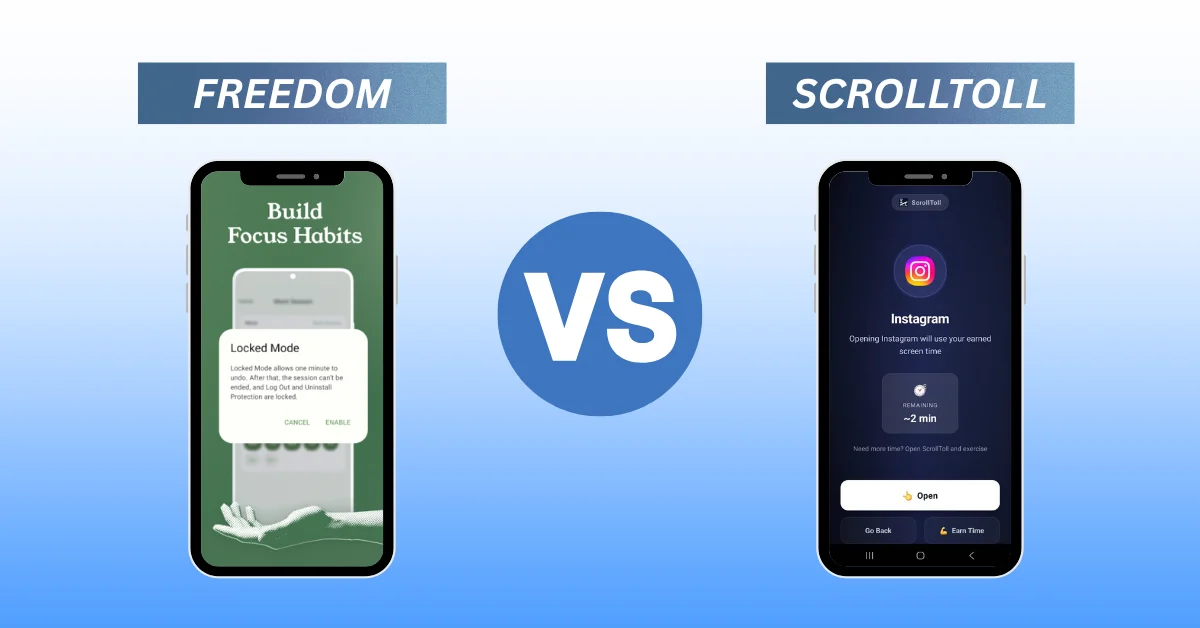
Freedom is website and app blocking software for all of your devices at once. You pick what to block and when, start a session or let a schedule start it for you, and a Locked Mode keeps you out until the session ends. It is the veteran of this category and it covers your laptop and browser, not just your phone.
ScrollToll is a phone app that locks your most distracting apps and keeps them locked until you complete a short exercise, verified by on-device AI so you cannot fake it. Push-ups, squats, jumping jacks, lunges, even your step count. It does not block websites and it is not on desktop. What it does instead is turn the urge to scroll into a rep, which is why more than 40,000 people now use it and report cutting their phone usage by around 50%.
What is Freedom?
Freedom is the original distraction blocker and it has been around for well over a decade. You install it on every device you own, whether that is your iPhone, Android, Mac, Windows machine, or Chromebook. You choose the sites and apps to block, you start a session or schedule one, and everything on your blocklist goes quiet across all of those devices at the same moment. Turn on Locked Mode and there is no settings menu, toggle, or back door that lets you end it early.
Freedom’s strength is coverage. If your distraction problem lives partly in a browser tab, in the Reddit thread you open between emails or the news site you refresh eleven times a day, Freedom reaches it in a way a phone-only tool never can. For a lot of desk workers, the phone is actually the smaller half of the problem, and this is exactly the gap Freedom was built to close.
What is ScrollToll?
ScrollToll starts from a different observation. Most people who fail with screen time tools do not fail because the tool is missing a feature. They fail because the tool is too easy to dismiss in the exact moment they reach for their phone. A timer you can tap past is not really a boundary. It is a suggestion.
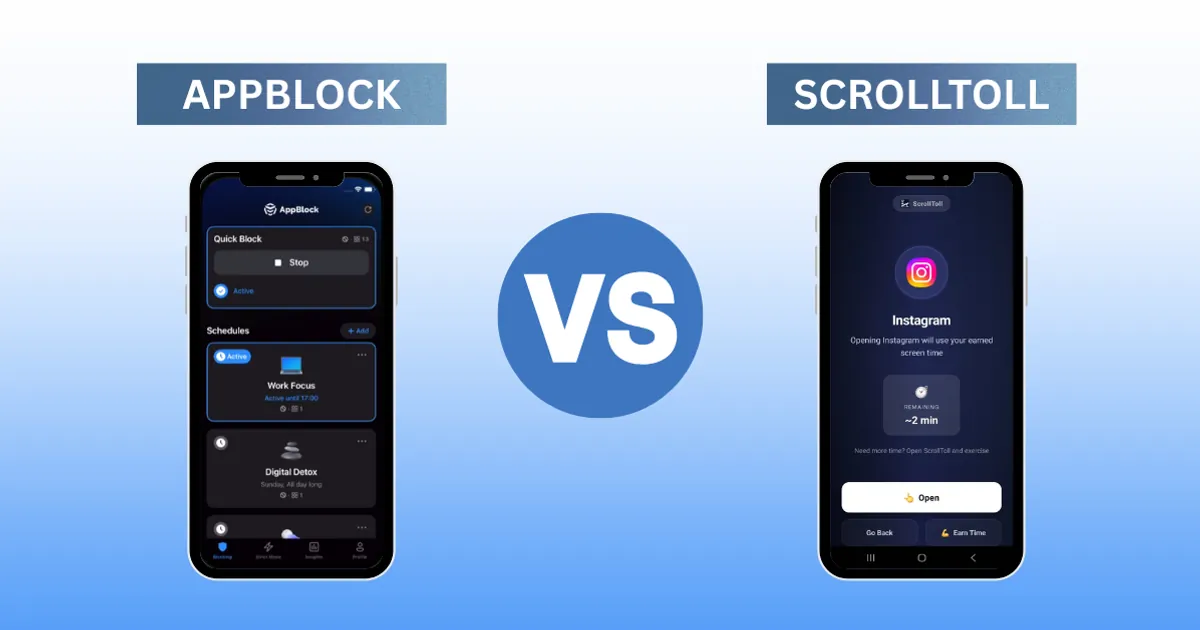
So ScrollToll makes the boundary physical. When you try to open an app you have blocked, ScrollToll asks for movement first. A set of push-ups, some squats, a few lunges, whatever you have chosen. On-device AI pose detection watches each rep and counts it, so you cannot cheat your way through by waving your phone around. Complete the set and you earn your access. It is the idea behind the phrase we keep coming back to: your body is the password.
That single design choice changes the psychology. A timer punishes you with nothing. ScrollToll asks for real effort, and in the two seconds it takes to decide whether the scroll is worth ten push-ups, most people put the phone down. The friction is the feature. If you want the full picture of how the loop works, we broke it down in our guide to the productivity apps people actually use, and you can see it live on the ScrollToll homepage.
Freedom vs ScrollToll: the comparison
| Feature | Freedom | ScrollToll |
|---|---|---|
| What it is | Blocking software for all your devices | Phone app that trades exercise for screen time |
| Blocks on | iPhone, Android, Mac, Windows, Chromebook, browsers | Your phone (the apps you choose) |
| Blocks websites | Yes, across every browser | No, apps only |
| How you get back in | Wait for the session to end (Locked Mode: no early exit) | Complete an AI-verified exercise |
| Core mechanic | Time. A block you set in advance. | Effort. A block you earn your way out of. |
| Hardest to bypass because | Locked Mode removes the exit button | You physically cannot fake the reps |
| Scheduling | Advanced recurring schedules | Strict Mode plus per-app rules |
| Extra benefit | Focus across your whole workspace | You also move more during the day |
| Best for | Desk workers whose distraction spans laptop and phone | Phone-first scrollers who tap past every timer |
Comparison of features between Freedom and ScrollToll
Where do your distractions actually live?
This is the first honest question, and the answer decides a lot. Freedom blocks everywhere. ScrollToll blocks on your phone. So if a real chunk of your lost time happens in a browser on your laptop, ScrollToll will not touch it, and Freedom will. Blocking Instagram on your phone while it still opens in a laptop tab does not reduce your distraction. It just moves where you go to find it.
But be honest about your own pattern before you assume you need full coverage. For a lot of people, the damage is almost entirely on the phone. The bedtime scroll, the checkout-line TikTok, the Reels session that eats a Saturday morning. If that is you, a laptop blocker is solving a problem you do not have, and the thing you actually need is something strong enough to stop the phone reach itself. That is the case ScrollToll is built for, and if your weak spots are the usual ones, our guides on how to block TikTok, block YouTube Shorts, and block Snapchat walk you through it app by app.
How hard is it to get around the block?
Every blocking tool eventually meets the same test. You blocked something, and now you want it. How the tool handles that moment is most of what separates one from another.
Freedom’s answer is Locked Mode. Once a locked session is running, there is no button that ends it early, on any device. It is a clean and effective approach, and for people whose problem is the settings menu, removing the exit entirely is a real fix.
ScrollToll’s answer is different. It does not hide the exit, it prices it. The app is still openable, but only after you have earned it with movement that the AI actually verifies. You are not fighting a menu, you are deciding whether this particular scroll is worth the reps. Strict Mode goes further and adds friction to removing an app from your blocklist too, not just opening it, with changes that make your setup easier taking a full 24 hours to apply. That means a moment of weakness cannot quietly undo the rules you set for yourself when you were thinking clearly. If you have ever deleted a blocker at your lowest-willpower moment of the day, that 24-hour delay is doing exactly the job you need it to do. We go deeper on this in our AppBlock comparison, where the bypass question really matters.
What do you get out of it besides focus?
This is where the two tools stop being comparable, in ScrollToll’s favor. Freedom gives you back your time, and that is a lot. ScrollToll gives you back your time and gets you moving while it does it.
Every block you clear is a small set of exercise you would not otherwise have done. Over a day of resisted scroll urges, that adds up to real movement, which is the whole reason we describe ScrollToll as a screen-time gym rather than just another blocker. You are not only subtracting a bad habit, you are stacking a good one on top of the exact trigger that used to cost you. For the 40,000-plus people already using it, the headline number is the roughly 50% drop in phone use, but the push-ups are a genuine bonus a timer can never give you.
What about price and platform?
The most important practical difference is not cost, it is platform. Freedom runs on basically everything, including desktop and browsers. ScrollToll is phone-only by design, because the phone is where the reach-for-it reflex lives, and it is available on mobile rather than desktop. If you need your work laptop locked down during deep work, that is a point for Freedom, plainly. If your problem is the device in your pocket, ScrollToll is aimed directly at it. You can see current pricing and set your own earn rates on the ScrollToll site, and if you are weighing other options too, our rundown of Opal alternatives puts several of them side by side.
Which one should you choose?
It comes down to two questions. First, where do your distractions live? If they are spread across your laptop and browser as much as your phone, Freedom is the more complete tool and you should start there. It covers ground ScrollToll simply does not.
Second, why did your last blocker fail? If the honest answer is that you tapped past it, ignored the timer, or deleted it in a weak moment, then a stronger schedule is not your fix, because you will do the same thing again. What changes the outcome is making the exit cost something. That is ScrollToll’s entire design, and it is why people who bounced off every timer they tried tend to stick with it. If timers were going to work for you, they already would have.
Can you use both?
You can, and for some people it is the ideal setup. Run Freedom across your laptop and browser during work hours to protect your desk time, and let ScrollToll guard your phone with an exercise toll on the apps you reach for out of habit. Freedom handles the screens you sit in front of, ScrollToll handles the one you carry, and between them there is no unguarded device to leak through. They are not really rivals so much as two answers to two different halves of the same problem.
Frequently Asked Questions
What is the main difference between Freedom and ScrollToll?
Freedom is blocking software that removes distracting apps and websites across all your devices for a set period, held in place by a Locked Mode. ScrollToll is a phone app that keeps your chosen apps locked until you complete an AI-verified exercise, so you earn access back with movement instead of waiting out a timer.
Does ScrollToll block websites like Freedom does?
No. ScrollToll blocks apps on your phone, not websites, and it is not available on desktop. If you need to block sites in a browser or lock down a laptop during work, Freedom is the better fit. ScrollToll is built specifically for the phone-reaching habit.
Is ScrollToll harder to bypass than a normal screen time limit?
Yes. A standard screen time limit can be dismissed with a tap. ScrollToll requires you to physically complete an exercise that on-device AI verifies, and Strict Mode adds a 24-hour delay before you can make your setup easier. That combination makes it far harder to cheat than a timer you can ignore.
How many people use ScrollToll and does it actually work?
More than 40,000 people use ScrollToll, and users report cutting their phone usage by around 50%. The mechanism is simple: when reaching for a blocked app costs a set of push-ups, most people decide the scroll is not worth it and put the phone down.
Can I use Freedom and ScrollToll at the same time?
Yes, and they complement each other well. Freedom can cover your computer and browser during focus hours while ScrollToll guards your phone with an exercise requirement. One handles the screens you sit at, the other handles the one in your pocket.
Which should I pick if my distraction is mostly on my phone?
If almost all of your lost time happens on your phone and you have a habit of tapping past timers, ScrollToll is designed for exactly that. It turns the unlock into a physical toll, which is what finally makes the boundary stick for people who bounced off ordinary blockers.
Ready to break the loop?
Download ScrollToll and start earning your screen time through real movement.