Freedom is the veteran blocker, but it is not the right fit for everyone. Here are 8 Freedom alternatives compared by price, platform, and how hard each one is to bypass.
Most people do not go looking for a Freedom alternative because Freedom is broken. They go looking because Freedom solves one specific version of the problem, and theirs turned out to be slightly different.
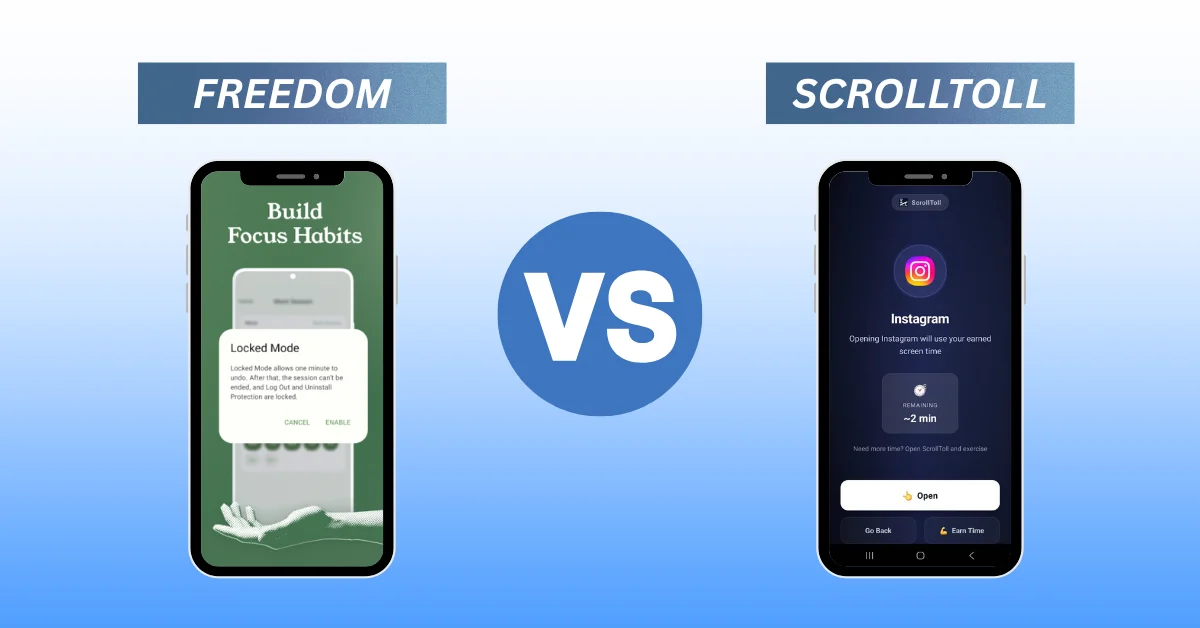
Freedom has been around since 2008 and it does one thing extremely well: it blocks a list of sites and apps across every device you own, on a schedule you set in advance. If your distraction is genuinely spread across a laptop, a browser, and a phone, that coverage is real and hard to replace.
But three things send people looking elsewhere. The price, which lands well over $100 a year at list. The iOS blocking, which is noticeably weaker than the desktop version because of Apple's platform limits. And the mechanic itself, because a schedule only works if you were in a reasonable mood when you set it.
This guide covers eight Freedom alternatives, sorted by the problem each one actually solves. Our own app, ScrollToll: Screen-Time Gym, is first on the list because it fixes the failure mode Freedom users complain about most, but Cold Turkey gets the desktop recommendation outright and we will tell you plainly when Freedom itself is still your best answer.
Quick comparison
| App | Platforms | Rough price | How you get back in | Best for |
|---|---|---|---|---|
| ScrollToll: Screen-Time Gym | iPhone, Android | Paid, 3-day trial, student plans from $1 a month | Complete an AI-verified exercise | People who tap past every timer |
| Cold Turkey | Mac, Windows | About $39 one-time | Wait out the block, no exit | Serious desktop blocking |
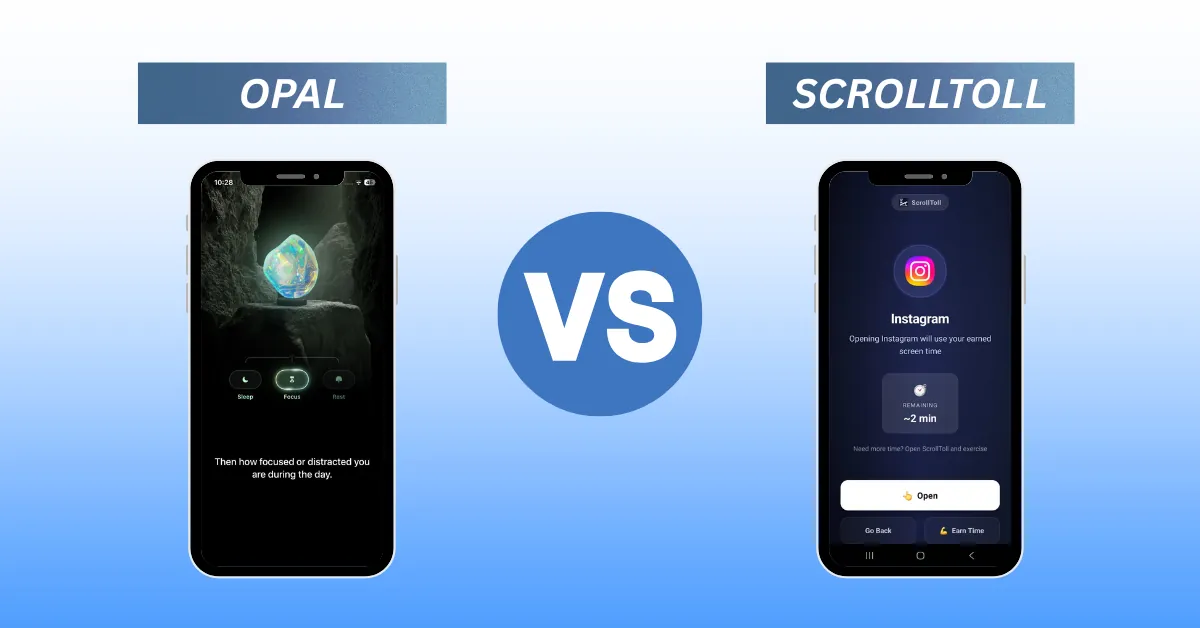
| Opal | iPhone, Android | Around $100 a year | End the session, or wait in Deep Focus | Analytics and reporting |
| Jomo | iPhone, iPad, Mac | Free tier, around $30 a year | End the session | The cheapest scheduled blocker |
| One Sec | iPhone, Android | Free tier, low-cost pro | Breathe, then continue | Gentle friction, not a hard wall |
| ScreenZen | iPhone, Android | Free | Wait out a delay timer | The best free option |
| Brick | iPhone, Android | Around $60 to $99 one-time | Tap a physical NFC device | People who want hardware friction |
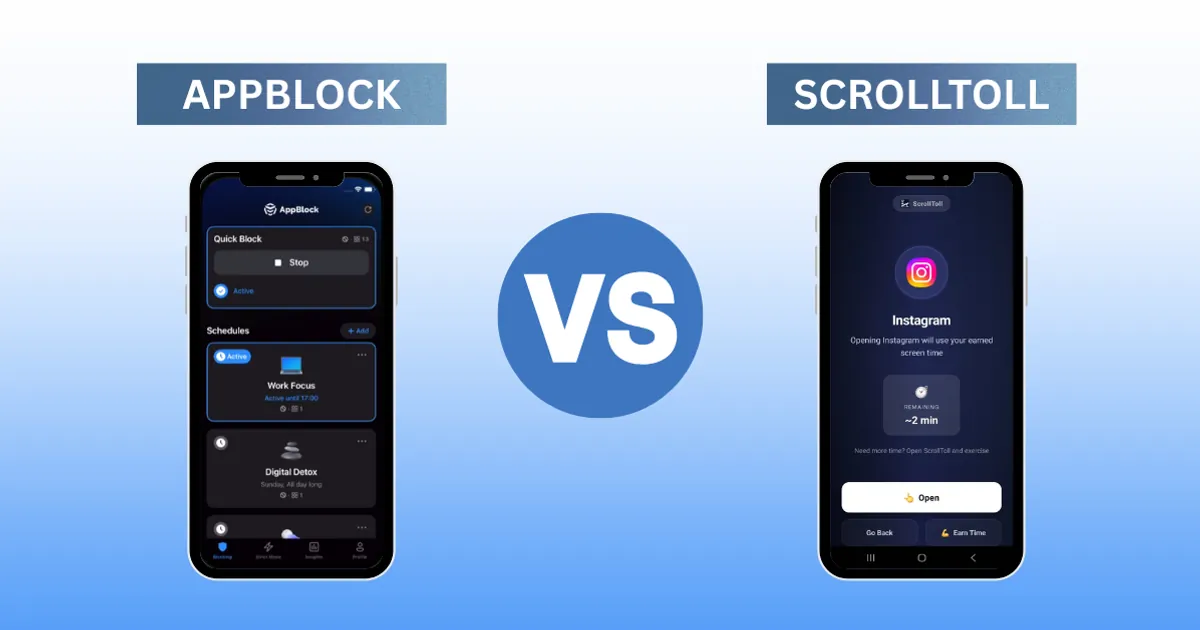
| AppBlock | Android, iPhone | Free tier, paid plan | Wait out the block, Strict Mode locks it | Android power users |
First, work out why Freedom stopped working
This matters more than any feature list, so answer it before you read the reviews.
- Was it the price? Then you want Cold Turkey, Jomo, or ScreenZen. Cold Turkey is a one-time purchase, Jomo undercuts almost everyone on subscription, and ScreenZen is genuinely free.
- Was it the coverage? If Freedom was not reaching something, be honest about where. Freedom already covers more devices than anything else on this list. If coverage was the issue, the fix is probably configuration, not a new app.
- Was it that you turned it off? This is the answer for most people, and it is the one that changes what you should buy. If you ended the session early, ignored the block, or deleted the app in a weak moment, then a cheaper schedule is not a fix. It is the same product with a smaller bill. What changes the outcome is making the exit cost something.
That last group is who ScrollToll was built for.
1. ScrollToll: Screen-Time Gym, best for people who tap past every timer
Platforms: iPhone, Android. Price: paid, with a 3-day free trial. Student plans run all year from as little as $1 a month. The mechanic: exercise, verified by on-device AI.
Every blocker eventually meets the same moment. You blocked something, and now you want it. What the tool does in that second is basically the whole product.
Freedom's answer is to remove the exit with Locked Mode. ScrollToll's answer is to leave the exit open and put a price on it. When you reach for a blocked app, ScrollToll asks for movement first. Push-ups, squats, jumping jacks, lunges, or your step count. On-device AI pose detection counts each rep, so waving the phone around does not work.
The reason this holds where timers do not is that it moves the decision. A timer asks you to respect a rule your past self made. ScrollToll asks a question about right now: is this scroll worth ten push-ups? Most of the time the honest answer is no, and the phone goes back down. More than 40,000 people use it and report cutting phone use by around half.
Strict Mode extends the same logic to your settings. Any change that makes your setup easier takes 24 hours to apply, so a moment of weakness cannot quietly undo the rules you set when you were thinking clearly. If you have ever uninstalled a blocker at 11pm, that delay is doing exactly the job you need.
Pick it if: your problem is the phone, and every schedule-based tool you have tried eventually got ignored.
2. Cold Turkey: the strongest desktop replacement
Platforms: Mac, Windows. Price: around $39 one-time.
If you liked Freedom specifically for laptop blocking and only want to stop paying a subscription, this is your answer and you can stop reading here. Cold Turkey Blocker is the most stubborn desktop blocker available. Its Frozen Turkey mode locks you out of the entire machine, and once a block is running there is genuinely no polite way out.
Where it falls short: mobile support is weak. This is a desktop tool that happens to have a phone app, not the reverse. If your phone is the problem, Cold Turkey will not help.
Pick it if: you are a desk worker who wants Freedom's laptop protection as a one-time purchase.
3. Opal: best analytics
Platforms: iPhone, Android. Price: roughly $100 a year.
Opal is the polished, premium option in the category. Its reporting goes far past what Apple's built-in Screen Time shows you, tracking pickups, session lengths, and focus scores in a way that is genuinely useful if you like data about your own behaviour. Deep Focus sessions cannot be ended early.
Where it falls short: it uses a local VPN for blocking, and a VPN can be switched off in settings. If you are the kind of person who finds the workaround, you will find this one. The price is also at the top of the market, which is an odd place to land if you left Freedom over cost.
Pick it if: you want to understand your habits, not just interrupt them, and price is not the reason you are here.
4. Jomo: the cheapest scheduled blocker
Platforms: iPhone, iPad, Mac. Price: free tier, around $30 a year for Plus, with a one-time option.
Jomo does most of what Opal does for roughly a third of the price. Scheduled sessions, strict mode, app limits, NFC tag support, and a nice "joy of missing out" framing that some people find more motivating than the punishment language most blockers use. There is a student plan too.
Where it falls short: Apple ecosystem only, and it is still a schedule. If clocks were going to work for you, Freedom's already would have.
Pick it if: you liked how Freedom worked and just want to pay considerably less for it on iPhone.
5. One Sec: friction instead of a wall
Platforms: iPhone, Android. Price: free tier, low-cost pro plan.
One Sec does not block anything. When you open a chosen app it inserts a short breathing pause and asks whether you still want to continue. A surprising number of times, you do not. It is one of the few apps in this space with peer-reviewed research behind the approach.
Where it falls short: it is a nudge, not enforcement. If you are three blockers deep and still losing hours, a breathing exercise will not be the thing that stops you.
Pick it if: you scroll on autopilot and mostly need to be interrupted, not restrained.
6. ScreenZen: best free option
Platforms: iPhone, Android. Price: free.
ScreenZen gives you delay timers, open limits, and intention prompts at no cost at all. If you are not yet sure whether a paid blocker will stick, start here rather than paying for something you might abandon in a fortnight.
Where it falls short: the friction is adjustable, which means it is also removable. Free tools tend to lose the argument with a determined user.
Pick it if: you want to test whether blocking helps you before spending anything.
7. Brick: physical friction
Platforms: iPhone, Android. Price: roughly $60 to $99, one-time, hardware included.
Brick is a small magnetic NFC device. You tap your phone against it to lock your chosen apps, and the only way to unlock them is to physically go and tap it again. Leave the Brick at home and your phone stays locked all day.
Where it falls short: you have to buy an object and then not lose it. There is also an emergency unlock, which is sensible but is also an exit if you decide you want one.
Pick it if: you like the idea of a block that lives outside your phone entirely.
8. AppBlock: most configurable on Android
Platforms: Android, iPhone. Price: free tier, paid plan.
AppBlock is the option for people who want to tinker. Geofencing, keyword blocking, usage limits, Pomodoro timers, and a Strict Mode that prevents uninstalling during an active block. Android support is more mature than most of this list.
Where it falls short: it is still schedule-driven at heart, and the sheer number of settings can become its own procrastination project. We wrote more about that in our AppBlock comparison.
Pick it if: you are on Android and you want maximum control over the rules.
So which Freedom alternative should you pick?
Short version, by situation:
- Your distractions live on a laptop: Cold Turkey, or stay with Freedom.
- You want the same thing for less money: Jomo on iPhone, Cold Turkey on desktop.
- You want to spend nothing yet: ScreenZen.
- You want to understand your habits: Opal.
- You keep turning the blocker off: ScrollToll.
That last one is the situation most people are actually in, and it is the one that a cheaper or better-scheduled blocker does not solve. If you have already cycled through two or three of these apps, the pattern is not the app. It is that every one of them let you out for free.
If you want to see how ScrollToll compares to Freedom directly, we did a full head-to-head in Freedom vs ScrollToll. If you are weighing other options, our Opal alternative guide, our ScreenZen alternatives comparison, and our best distraction blocking apps roundup cover more of the category. And if you already know which app is costing you the most time, our guides on how to block TikTok, block YouTube Shorts, and block Snapchat walk you through it.
Frequently Asked Questions
What is the best free alternative to Freedom?
ScreenZen is the strongest fully free option, offering delay timers and intention prompts on both iPhone and Android at no cost. One Sec also has a free tier. ScrollToll is a paid app with a 3-day trial rather than a free plan, though its student pricing starts at around $1 a month, which makes it cheaper than most free-tier upgrades. Be aware that free tools are usually the easiest to bypass, because friction you can remove for nothing tends to get removed.
Is there a cheaper alternative to Freedom?
Yes. Cold Turkey is a one-time purchase of around $39 for desktop blocking, which works out cheaper than Freedom within the first year. On mobile, Jomo is around $30 a year and ScreenZen is free. ScrollToll runs a student plan all year that starts at roughly $1 a month, which is the cheapest paid blocking on this list if you qualify. Freedom's list price sits well above all of them.
Why is Freedom weaker on iPhone than on Mac?
Apple restricts what third-party apps can do to block content on iOS, so mobile blockers rely on Screen Time APIs or a local VPN rather than system-level control. Freedom was built on desktop first and its iOS blocking is less thorough as a result. Apps designed for iPhone from the start tend to handle mobile blocking better.
What is the hardest Freedom alternative to bypass?
It depends on how you bypass things. Cold Turkey's Frozen Turkey mode is the hardest to escape on desktop. On mobile, ScrollToll is difficult to cheat because unlocking requires a physical exercise verified by on-device AI, and Strict Mode adds a 24-hour delay before you can weaken your own settings. Brick adds hardware friction by keeping the unlock on a separate device.
Can I use Freedom alongside another blocker?
Yes, and it is a common setup. Freedom covers your laptop and browser during work hours while a phone-first app like ScrollToll guards the device in your pocket. They handle different halves of the same problem, so there is no unguarded device left to leak through.
Do app blockers actually work?
They work when the mechanic matches how you fail. A blocker you can dismiss with a tap will get dismissed. Tools that make the exit cost something, whether that is time, effort, or walking to another room, hold up better. ScrollToll users report cutting phone use by around 50%, which comes from the exercise requirement rather than from the block itself.
Ready to break the loop?
Download ScrollToll and start earning your screen time through real movement.