The best distraction blocking apps in 2026, compared honestly, from strict cross-platform blockers to physical friction tools like ScrollToll. Find the one that actually sticks.
Distraction blocking apps stop you from opening the apps that pull you away in the first place, whether that's a feed on your phone or a website on your laptop. Most people looking for one are really fighting their phone, so this guide covers the top distraction blocking apps for phone and desktop, and says clearly which is which.
Here's the quick answer. For your phone, ScrollToll is the best app blocker if you keep bypassing your own limits, because it locks distracting apps behind real, AI-verified exercise instead of a timer, a tap, or a passcode (paid, with a student discount available). one sec is best for mindful friction, adding a short pause before you open an addictive app, and Forest is best for gamifying focus with a visual reward. Brick and Bloom are best for physical, tap-to-unlock blocking using a separate hardware device. For every device at once, Freedom is the best cross-platform blocker for syncing focus sessions across your phone, laptop and browsers. On desktop, Cold Turkey Blocker is the strictest option for people who need a blocker they genuinely cannot talk themselves out of, and SelfControl is the best free, open-source option for Mac.
Phone blockers and desktop blockers solve different problems. A desktop blocker can lock you out of a browser tab, but the moment you pick up your phone, the same apps are one tap away. That's why the phone picks on this list focus on making the unlock itself harder, not just on scheduling when apps are blocked. If you only care about your phone, jump to the top distraction blocking apps for phone section, which also covers Opal, AppBlock and ScreenZen.
Below is the full breakdown of each one, what it's actually good for, and how to pick.
Freedom
Best for: syncing blocks across Mac, Windows, iOS, Android, and browsers at once.
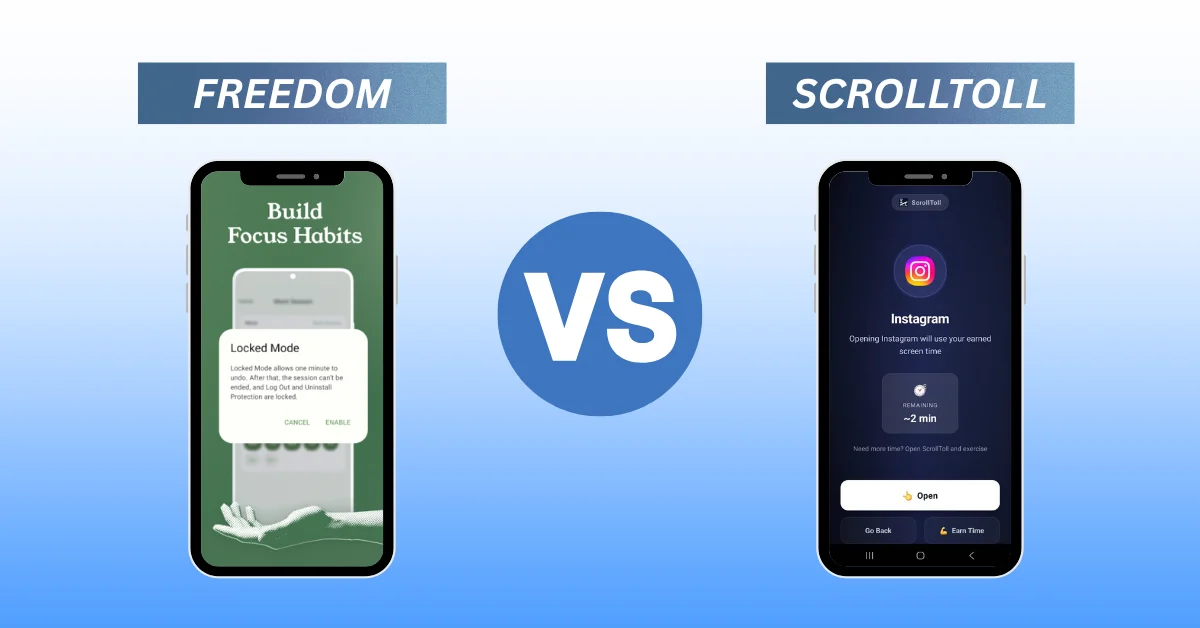
Freedom lets you schedule and sync focus sessions across every device you own, so a blocked app on your laptop stays blocked on your phone too. It's a solid pick if your distraction problem spans multiple screens and you want one dashboard controlling all of them. The tradeoff is that, like most timer-based blockers, a determined user can still find a workaround. We've written a full Freedom vs ScrollToll comparison if you want the detailed side-by-side.
Cold Turkey Blocker
Best for: desktop users who need the strictest possible lockout on Windows or Mac.
Cold Turkey is built for people who've tried softer blockers and clicked past every one of them. It's exceptionally hard to bypass once a block is running, including locking you out of settings that would let you disable it early. It's desktop only, so it won't help much with phone-based scrolling.
one sec
Best for: adding a mindful pause before you open social apps, without fully blocking them.
Instead of locking an app outright, one sec inserts a short breathing exercise or delay every time you try to open it. For some people, that few seconds of friction is enough to break the automatic reach for the phone. It's a lighter-touch option than a hard blocker, which makes it good for people who want awareness rather than restriction.
Forest
Best for: gamifying focus sessions with a visual reward.
Forest grows a virtual tree while you stay off your phone, and the tree dies if you leave the app early. It works well as a lightweight nudge and pairs nicely with Pomodoro-style work sessions, though it relies more on guilt and gamification than actual enforcement.
Brick
Best for: physical, tap-to-unlock blocking using a separate hardware device.
Brick is a small physical tag you tap your phone against to lock or unlock a custom set of apps. Because the trigger lives outside your phone, you can't just dismiss a popup to get around it. The tradeoff is you need to have the physical brick with you, and losing it means losing your unlock method until you replace it.
Bloom
Best for: the same physical, card-based blocking model as Brick, with its own app ecosystem.
Bloom works on a similar principle to Brick: tap a physical card to unlock restricted apps. If you're drawn to the idea of physical friction but want to compare hardware options, it's worth checking both before you buy.
SelfControl
Best for: a free, open-source blocker for Mac users who don't want to pay for anything.
SelfControl blocks access to distracting sites for a set period, and even restarting your computer won't undo it early. It's Mac only and website-focused rather than full app blocking, so it's best suited to people whose main distraction is browser-based.
ScrollToll
Best for: people who've tried timers and tap-to-unlock tools and still find a way around them.
ScrollToll takes a different approach than every app on this list. Instead of a schedule, a tap, or a pause, it locks your distracting apps behind real, AI-verified exercise. Pushups, squats, walking, or a memory challenge earn you screen time, and on-device pose detection checks your form so you can't fake a rep to skip the line. Strict Mode goes a step further and adds the same friction to removing an app from your blocked list, so a moment of weakness at 11pm can't undo the rules you set for yourself in the morning.
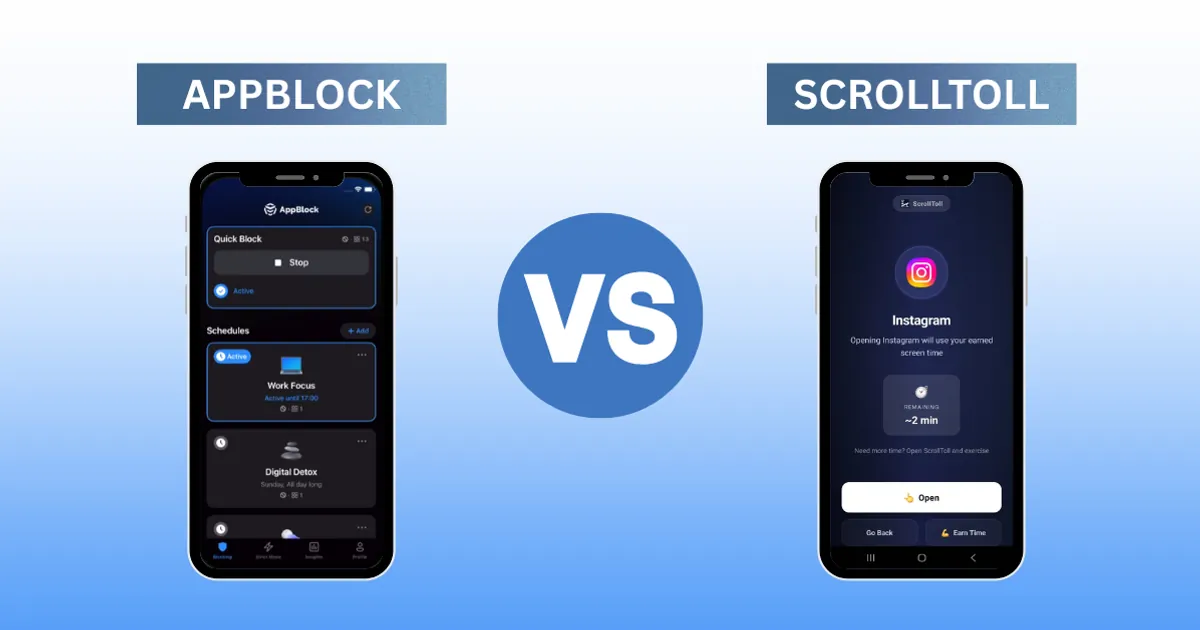
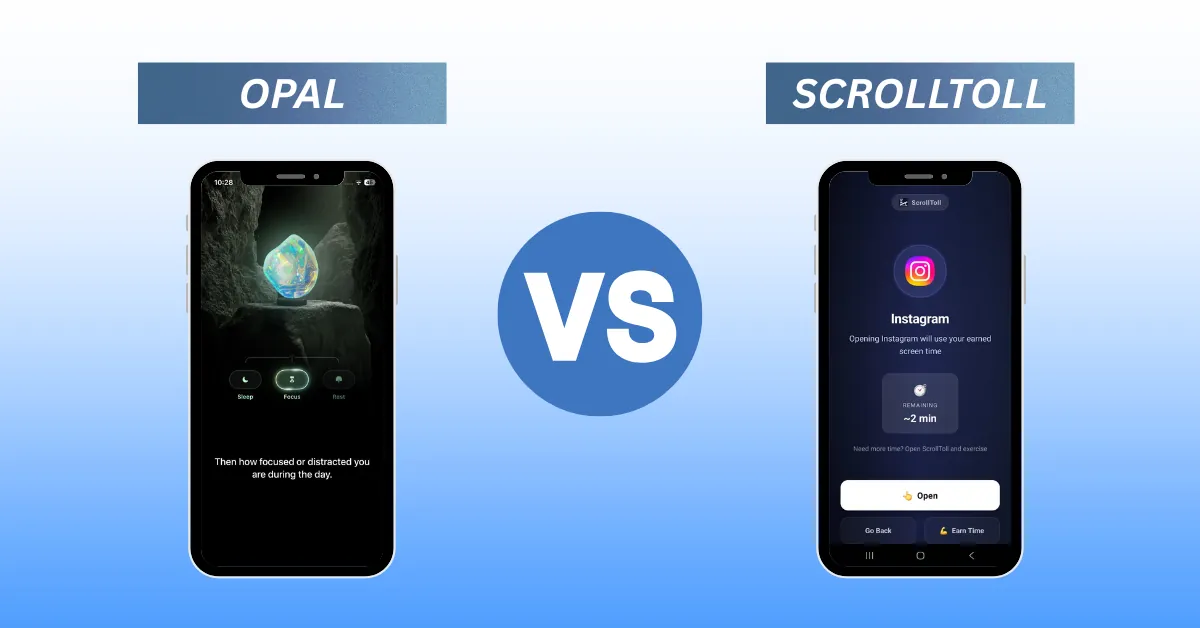
It works on both iOS and Android, all camera processing happens locally on your device, and it's built specifically around the idea that willpower-based blockers fail because they're too easy to override. If a physical card or a snooze button hasn't worked for you before, this is the category worth trying next. ScrollToll is a paid app, with a regular discount offer for students. See the full how it works breakdown, or check the direct comparisons against AppBlock, the best Opal alternative, and what to use when ScreenZen's pause stops working.
How they compare
| App | Best for | Platform | Unlock mechanism | Price |
|---|---|---|---|---|
| Freedom | Cross-device sync | iOS, Android, Mac, Windows, browser | Schedule/timer | Paid, from $3.33/mo |
| Cold Turkey Blocker | Strict desktop lockout | Mac, Windows | Timer, locked settings | Paid |
| one sec | Mindful friction | iOS, Android | Pause/breathing prompt | Free/Paid |
| Forest | Gamified focus | iOS, Android | Visual reward | Free/Paid |
| Brick | Physical tap-to-unlock | iOS, Android + hardware tag | Physical tap | Paid + hardware |
| Bloom | Physical tap-to-unlock | iOS, Android + hardware card | Physical tap | Paid + hardware |
| SelfControl | Free website blocking | Mac | Timer | Free |
| ScrollToll | Unbypassable phone-based blocking | iOS, Android | AI-verified exercise | Paid, student discount |
Top distraction blocking apps for phone
Your phone is where most distraction happens, and it's also where blockers are easiest to get around. On iPhone, almost every blocker runs on Apple's Screen Time framework, and on Android most rely on usage-access permissions, so the real difference between apps is what they ask of you when you want back in. Here are the top distraction blocking apps for phone, from the lightest friction to the most effort.
ScreenZen: the best free option for iPhone and Android. ScreenZen adds configurable delays and open limits to the apps you choose, but the wait is one you can sit through. See our ScreenZen alternatives if the pause has stopped working for you.
one sec: best for habit-driven opening. A breathing pause appears before the app opens, which cuts reflexive checking, though you can still continue afterwards. It works on iPhone and Android.
Forest: best if you respond to rewards. It keeps you off your phone during a session by growing a virtual tree, but it doesn't block anything outside that session.
AppBlock: best for schedules, especially on Android. AppBlock lets you build profiles for work, study and bedtime, and its Strict Mode stops you editing a running block. Scheduled blocking leaves the door open outside your blocked hours, which we cover in AppBlock vs ScrollToll.
Opal: best for polished, scheduled focus sessions on iPhone, with a lighter Android version. Opal's Deep Focus mode stops you ending a session early, but it's part of the paid Opal Pro plan. Compare it in our best Opal alternative guide.
Freedom: best if your phone and laptop both need blocking at the same time, since one session syncs across all your devices.
Brick and Bloom: the best physical options. The unlock lives on a separate tag or card, so they work as long as that stays somewhere inconvenient.
ScrollToll: best if you've bypassed every blocker above. Unlocking takes AI-verified pushups, squats, walking or a memory challenge, and Strict Mode applies the same rule to changing your block list. It works on iPhone and Android, with all camera processing done on your device.
Built-in tools: Screen Time on iPhone and Digital Wellbeing on Android are free and useful for seeing where your time goes, but "Ignore Limit" and pausing a limit are one tap away. Our guide on how to lock apps on iPhone and Android shows how to set them up and which settings are easiest to bypass.
If you want a short answer by platform: on iPhone, ScrollToll and Opal are the strongest picks, and on Android, ScrollToll and AppBlock are.
How to choose
If your distraction happens mostly on a laptop, Cold Turkey or SelfControl will cover you. If it's spread across every device you own, Freedom is built for that. If you want a light nudge rather than a hard stop, one sec or Forest fit better. If you like the idea of a physical object standing between you and the app, Brick or Bloom are worth comparing. And if you've already tried the easier options and kept finding your way around them, ScrollToll is built specifically for that failure mode, since exercise is much harder to fake or skip than tapping "remind me later." For more on why timer-based tools tend to fail on phones specifically, see why website blockers fail on mobile.
Frequently Asked Questions
What's the best app to block distracting apps?
It depends on what you need. Freedom is best if you want cross-device syncing, Cold Turkey is best for strict desktop enforcement, and ScrollToll is best if you want a block that requires real physical effort to bypass rather than a tap or a timer.
How do I block distracting apps on my phone?
On iPhone you can use Screen Time limits, and on Android you can use Digital Wellbeing, but both allow you to tap through with a passcode or "ignore limit" button. Third-party apps like ScrollToll close that loophole by requiring a verified action, such as a set of exercises, before the app unlocks.
What is a phone blocker?
A phone blocker is an app or device that restricts access to specific apps or websites, usually the ones a person finds hardest to stop using, like social media or games. Some rely on timers, some use physical hardware, and some, like ScrollToll, require a real action before granting access.
How do I put a blocker on my iPhone?
You can start with Apple's built-in Screen Time app limits under Settings, or install a dedicated blocker from the App Store for stricter enforcement that's harder to override in the moment.
How does Brick's physical blocker actually work?
Brick uses a small physical tag that you tap your phone against to lock or unlock a chosen list of apps. Because the unlock step lives outside the phone itself, you can't dismiss it the way you can a software popup.
Is a strict app blocker actually worth it if I have self-control?
Most people who search for a strict blocker have already tried relying on self-control and found it inconsistent under pressure, tiredness, or stress. A blocker that requires a real action, rather than a dismissible reminder, removes the moment of decision entirely.
Can distraction blockers help with phone addiction, not just productivity?
Yes. The apps on this list overlap heavily with phone addiction tools, since the underlying behavior, compulsively reopening the same few apps, is the same whether you're calling it a productivity problem or an addiction problem.
Ready to break the loop?
Download ScrollToll and start earning your screen time through real movement.