Can't stop scrolling TikTok at night? These 7 proven, science-backed strategies help you break the doomscroll loop, protect your sleep, and reclaim your evenings.
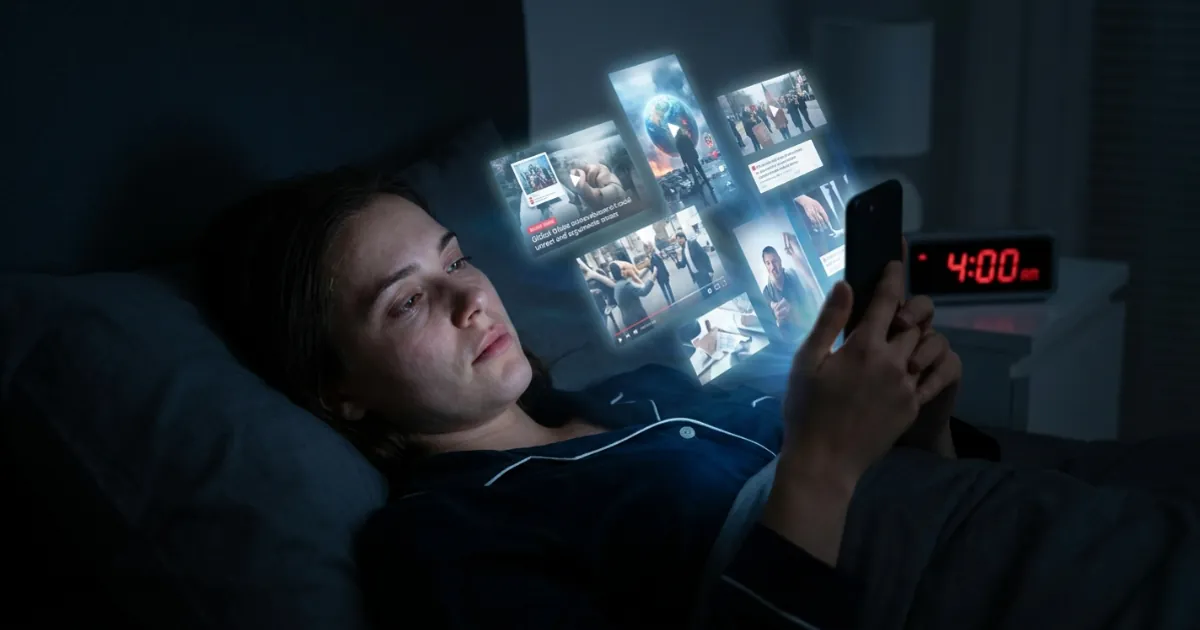
You told yourself one more video. Forty-seven minutes later, you are still lying in the dark, thumb moving on autopilot, wide awake when you should be asleep. If that sounds familiar, you are not weak and you are not alone. TikTok is engineered to keep you scrolling, and nighttime is when its grip is strongest. The good news: the habit is beatable. Below are seven proven, science-backed strategies to stop scrolling TikTok at night, protect your sleep, and get your evenings back.
Strategy 1: Understand the Impact of Social Media on Mental Health
You can’t fix a habit you don’t understand. Late-night TikTok isn’t just eating your time, it is quietly compounding anxiety and rewiring how your brain seeks reward. Understanding the cost is what turns "I should stop" into "I actually want to."
The Relationship Between Social Media and Sleep Quality
The research here is remarkably consistent. Reviews of smartphone use before bed find that pre-bedtime screen use delays sleep onset and reduces total sleep duration across teens, young adults, and working professionals. Two mechanisms are at work: the light suppresses melatonin, and the content itself spikes cognitive arousal, making it hard to wind down. One study of students found that those using phones for more than two hours before bed had significantly longer sleep latency and poorer sleep efficiency. TikTok is arguably the worst offender, because its endless, high-stimulation feed is designed to prevent the exact wind-down your brain needs.
Tips for Enhancing Mental Health Through Digital Mindfulness
Digital mindfulness simply means using your phone on purpose instead of on impulse. A few starting points:
- Name your trigger out loud: "I'm bored," "I'm anxious," "I'm avoiding sleep." Naming it weakens the automatic reach.
- Notice how you feel after a scroll session versus before. That honest gap is powerful motivation.
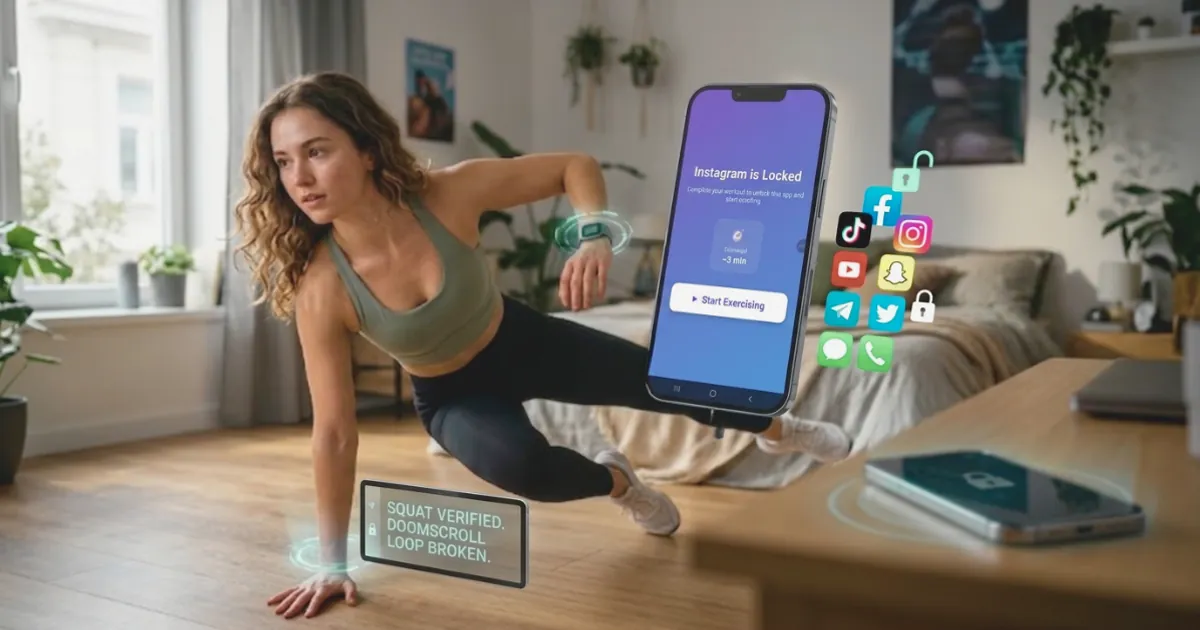
- Replace the reward, don’t just remove it. Your brain wants a dopamine hit; give it a better one. ScrollToll leans directly into this by turning that craving into a set of pushups or a short walk.
For a deeper look at how the feed affects your mind, ScrollToll’s guide on how doomscrolling is destroying your mental health breaks down the anxiety loop in detail.
Strategy 2: Establish a Strong Nighttime Routine
Willpower fails at midnight. A routine doesn’t, because it removes the decision entirely. The goal is to make "not scrolling" the path of least resistance.
Essential Sleep Hygiene Practices to Implement
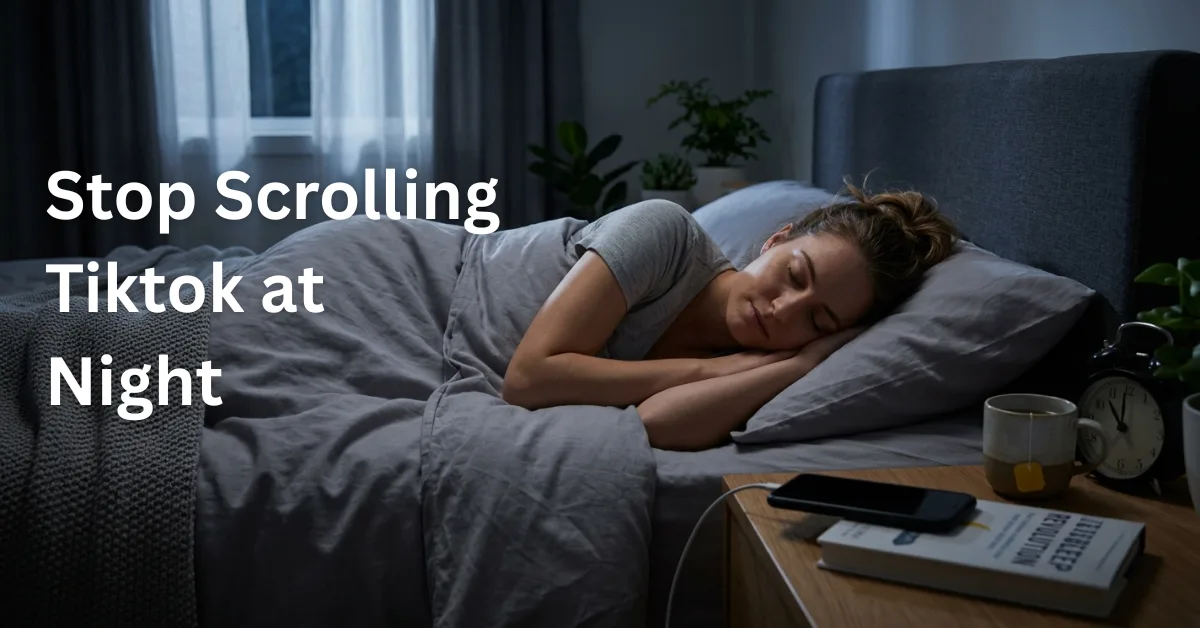
- Set a hard phone curfew. Pick a time (say 10:30pm) after which the phone goes on the charger, ideally in another room.
- Keep a consistent sleep and wake time, even on weekends, to stabilize your circadian rhythm.
- Dim the lights an hour before bed to signal your body that the day is ending.
- Charge your phone across the room, not on the nightstand. Distance is friction, and friction is your friend.
Alternatives to TikTok for Evening Relaxation
Removing TikTok leaves a hole. Fill it deliberately: a physical book, a warm shower, journaling, light stretching, or a podcast on a speaker (not in your hand). If you want a structured way to rebuild your evenings, ScrollToll’s 7-day healthier phone routine plan gives you small daily shifts that compound without demanding you quit cold turkey.
Strategy 3: Screen Time Management Techniques
Awareness is step one; boundaries are step two. Vague intentions ("I'll cut back") lose to a feed built by hundreds of engineers. Concrete limits win.
Setting Boundaries for Social Media Usage
- Set a daily TikTok time cap and treat it as non-negotiable.
- Turn off notifications so the app can’t pull you back in.
- Move TikTok off your home screen, or into a folder on the last page, so opening it takes intent.
- Designate the bedroom as a phone-free zone after your curfew.
Recommended Apps to Limit Social Media Exposure
Built-in tools like Apple Screen Time and Android Digital Wellbeing are a fine start, but they share one fatal flaw: you can tap "Ignore Limit" in one second. That is where a stricter approach matters. ScrollToll is an AI screen-time blocker that doesn’t let you dismiss a timer. Instead, it locks your chosen apps until you complete real, camera-verified exercise, and its Strict Mode even adds friction to removing the block, so you can’t simply undo your own rules in a weak moment. If you want to see how that compares to scheduled blockers, the AppBlock vs ScrollToll comparison explains why blocking on a timer isn’t the same as breaking the loop.
Strategy 4: Leveraging Behavioral Change Strategies
Doomscrolling is a habit loop: a cue triggers a routine that delivers a reward. To change it, you work the loop, not your guilt.
Identifying Triggers for Late-Night Scrolling
Most nighttime scrolling has a specific cue. Common ones: getting into bed, feeling anxious, boredom, loneliness, or simply seeing the phone on the nightstand. For a few nights, note what you were doing and feeling the moment before you opened TikTok. Patterns appear fast, and once you can see the cue, you can intercept it.
Practical Steps to Rewire Your Habits
- Keep the cue, swap the routine. When the urge hits, do ten pushups or a two-minute stretch instead. Same trigger, healthier response.
- Add friction to the bad habit. Log out, delete the app on weeknights, or put a blocker in the way.
- Reduce friction for the good one. Leave a book on your pillow so it is easier to grab than your phone.
- Reward the new behavior. This is exactly the mechanism ScrollToll uses, turning the dopamine you were chasing into a reward you earn with movement.
Worth knowing: your phone habit and your body are linked more tightly than most people realize. ScrollToll’s piece on how your phone is making you sedentary covers the reinforcing loop between scrolling and inactivity, and why movement breaks it at a neurological level.
Strategy 5: Reducing Blue Light Exposure
Blue light isn’t the whole story, but for many people it is a real piece of it, especially in the last hour before bed.
Benefits of Blue Light Filters on Devices
Short-wavelength light from screens can suppress melatonin and delay your circadian phase, pushing your natural sleep time later. In a controlled study, adults who read on a phone without a blue-light filter still had significantly reduced melatonin at bedtime, while filtered reading softened the effect. Worth noting: newer research suggests blue light may be less villainous than once thought and that content-driven arousal matters at least as much, which is why filters help but aren’t a complete fix on their own.
Implementing Phone Sleep Settings
- Schedule Night Shift (iPhone) or Night Light (Android) to turn on automatically each evening.
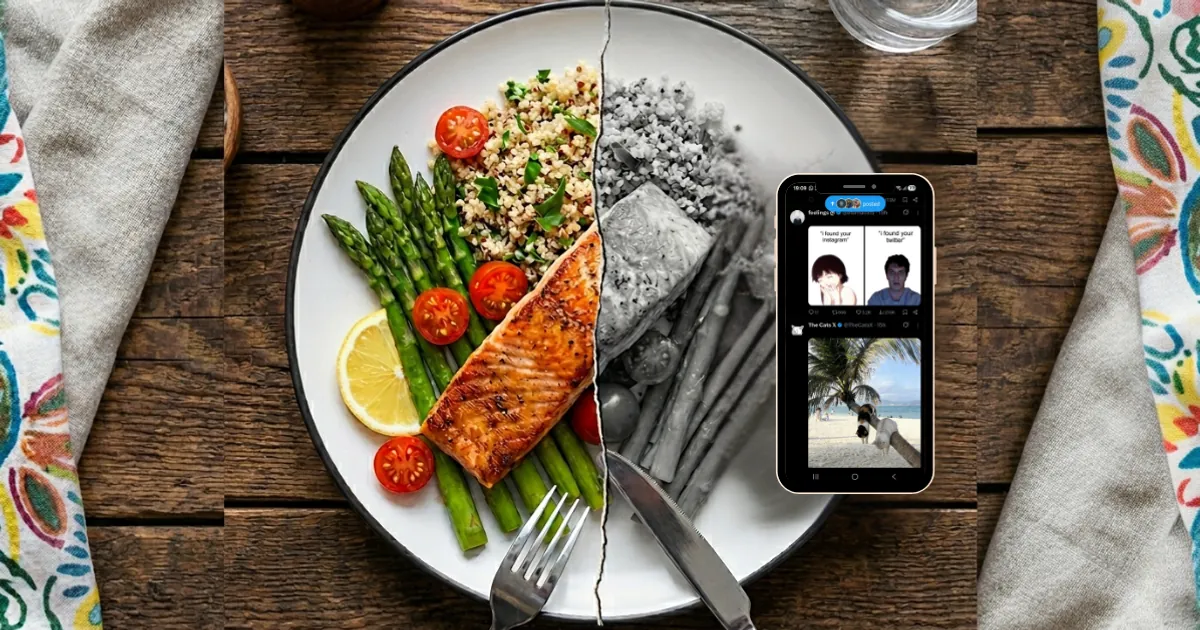
- Enable grayscale mode after your curfew; a black-and-white feed is dramatically less compelling.
- Set up a Sleep Focus / Bedtime Mode that silences notifications and dims the screen.
Strategy 6: Mindfulness Techniques for Better Sleep
Half of nighttime scrolling is really an attempt to quiet a busy mind. Give your brain a better tool for that job.
Incorporating Mindfulness Meditation into Your Routine
A short guided body-scan or sleep meditation gives your mind somewhere to land that isn’t a feed. Even five minutes helps. Here are a couple of free, well-regarded options to start with:
- 10-Minute Meditation for Sleep (Goodful) — a gentle, beginner-friendly wind-down.
- 5-Minute Meditation You Can Do Anywhere (Goodful) — good for the moment the urge to scroll hits.
Breathing Exercises to Wind Down at Night
Breathwork calms the nervous system in minutes and needs no app. Try the 4-7-8 method: breathe in through your nose for 4 counts, hold for 7, exhale slowly through your mouth for 8. Repeat four times. For a guided version, this 4-7-8 breathing exercise for sleep walks you through the rhythm. Box breathing (4-4-4-4) works well too.
Strategy 7: Embrace a Digital Detox
Sometimes the reset button is the right move. A detox isn’t about quitting forever, it is about breaking the compulsion so you can return on your terms.
Planning a Short-Term Break from Social Media
- Start small: a single screen-free evening, or a 24-hour weekend break.
- Tell a friend so you have accountability.
- Plan what you’ll do instead, so you don’t white-knuckle it into boredom.
- Notice the withdrawal, then notice how much calmer you feel by day two.
Creating a Plan for Long-Term Digital Balance
The goal isn’t zero screen time, it is intentional screen time. Build a system that keeps working after motivation fades. That is the core idea behind ScrollToll: instead of relying on willpower every night, you set a rule once, and the app enforces it by making you earn access through movement. Every unlock becomes a small workout, so the habit that used to cost you sleep starts building your health instead. If you’re a parent trying to protect a kid’s evenings, the guide to parental locks that actually stop doomscrolling is a practical next read.
Late-night scrolling is usually one piece of a bigger daily pattern. If you want to bring your overall screen time down rather than just protecting your evenings, our 30-day plan to reduce screen time from 5 hours to 2 covers exactly where an evening cutoff fits into that schedule.
Sources
- Kumar et al. (2025). Exploring the link between smartphone use and sleep quality: A systematic review. Journal of Sleep Research.
- (2026). Impact of smartphone use duration before bedtime on university students’ sleep quality. Scientific Reports.
- Quality of Sleep Among Bedtime Smartphone Users. NIH / PMC.
- (2024). Effects of evening smartphone use on sleep and declarative memory consolidation. PubMed.
Frequently Asked Questions
Why can't I stop scrolling TikTok at night?
TikTok's algorithm is engineered to maximize engagement with an endless, personalized feed of short, high-stimulation videos. At night, when your willpower is depleted and you're tired, that design is hardest to resist. It isn't a character flaw, it is a habit loop reinforced by dopamine. The fix is to change your environment and add friction, not to try harder.
Does scrolling TikTok before bed really hurt my sleep?
Yes. Research consistently links pre-bedtime smartphone use to delayed sleep onset, shorter sleep duration, and poorer sleep quality, driven by both melatonin suppression from screen light and mental arousal from stimulating content. Students using phones more than two hours before bed showed significantly worse sleep efficiency in one study.
Do blue light filters actually work?
They help, but they aren't a complete solution. Filters can reduce melatonin suppression from screen light, yet the arousing nature of the content keeps your brain alert regardless. The most reliable fix is not opening the stimulating app in the first place, which is why blocking beats filtering.
What's the difference between ScrollToll and Screen Time limits?
Built-in limits like Apple Screen Time can be dismissed with a single tap, which is why most people ignore them. ScrollToll doesn't let you dismiss a timer. It locks your chosen apps until you complete real, AI-verified exercise, and Strict Mode adds friction to removing the block itself, so a moment of weakness can't undo your rules.
How does ScrollToll help me stop late-night scrolling specifically?
ScrollToll intercepts the exact moment you reach for TikTok in bed. Instead of the app opening instantly, you have to earn access through movement, pushups, squats, or a short walk. That built-in pause usually kills the impulse entirely, and on the nights it doesn’t, you at least get a bit of exercise instead of an hour of lost sleep.
Do I have to quit TikTok completely?
No. The goal is intentional use, not total abstinence. These strategies are about breaking the compulsive, autopilot scrolling, especially at night, so you can enjoy the app on your terms without it eating your sleep.
Ready to break the loop?
Download ScrollToll and start earning your screen time through real movement.