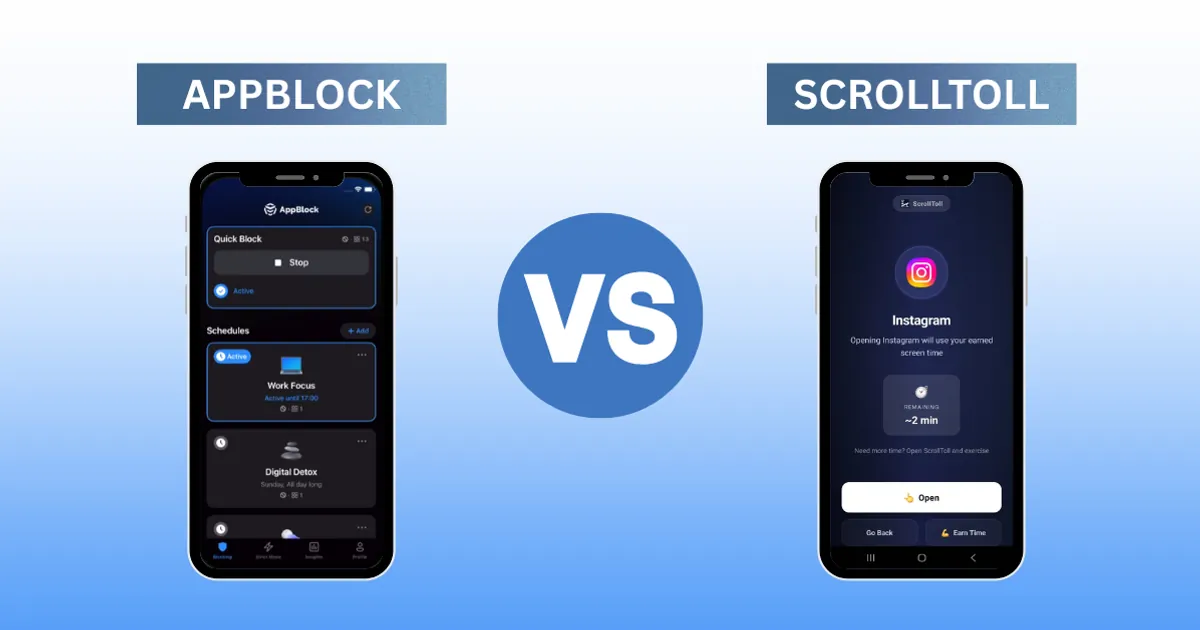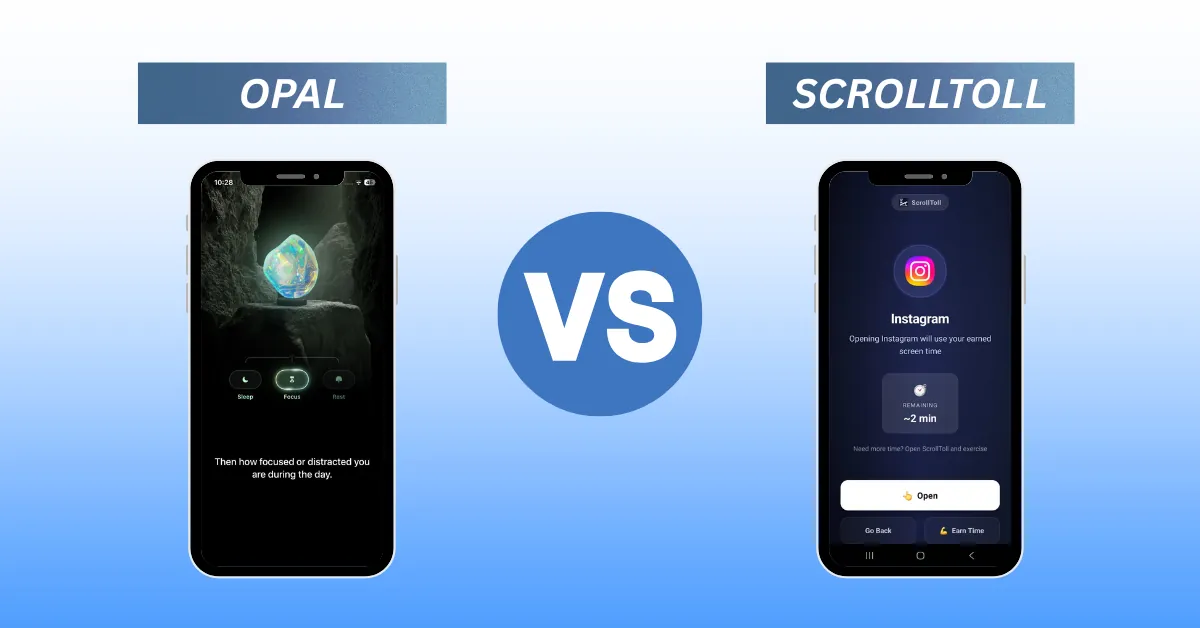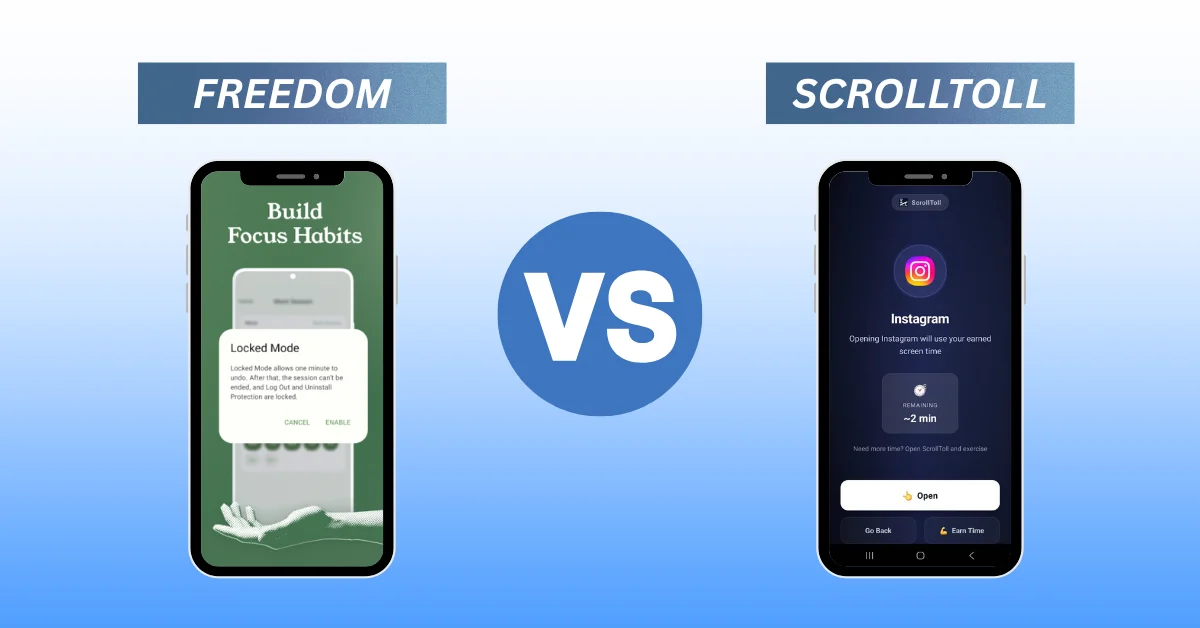
ScreenZen is free, but the pause is one tap away. We compare 7 ScreenZen alternatives by price, mechanism and whether they survive a bad Tuesday night.
Quick answer: The best ScreenZen alternative depends on why ScreenZen stopped working for you. If you tap through the pause without noticing it, you need an app with a real cost attached. ScrollToll makes you earn screen time with exercise. One Sec keeps the gentle delay but adds a breathing exercise. Opal runs scheduled lockouts. Freedom blocks across phone and laptop together. Jomo does Opal’s job for less. Forest gamifies focus sessions. ScreenZen’s own free tools and Apple Screen Time remain the zero cost baseline.
ScreenZen is a good app. It costs nothing, it does not ask for an account, it runs on iPhone and Android, and it puts a deliberate pause between your impulse and your first scroll. That is exactly why so many people end up searching for a ScreenZen alternative. Not because the app is bad, but because after a few weeks it stops doing anything.
The reason is structural. ScreenZen does not block, it delays. And any delay you can simply sit through eventually becomes a loading screen.
This guide is about why that happens and what to move to, sorted by the problem each alternative actually solves.
| Why ScreenZen stopped working | Best alternative | What it does differently |
|---|---|---|
| You tap through the pause without thinking | ScrollToll | Unlocking costs physical reps, not a tap |
| You want awareness, not restriction | One Sec | Breathing exercise plus a timed ejection from the app |
| You need scheduled blocks and detailed stats | Opal | Deep Screen Time integration and reporting |
| You block your phone then scroll on your laptop | Freedom | Blocks phone, desktop and browser at once |
| You want Opal’s features at a lower price | Jomo | Same scheduling model, cheaper subscription |
| You just need focus sessions at a desk | Forest | One time purchase, gamified timer |
| You are not ready to pay anything | Apple Screen Time | Free, built in, easy to override |
What is ScreenZen and what does it do well?
ScreenZen is a free app blocker for iOS and Android that inserts a pause before a chosen app opens, and asks you to state what you came to do. It is more honest than most of the category.
- Free: No premium tier and no artificially crippled free version. Supported by optional tips rather than a subscription.
- No account required: Your usage data stays on your device.
- iOS and Android: Most of the good blockers are iPhone only.
- Progressive delay: The more often you open an app, the longer you wait. This is the cleverest idea in the app.
- Intention prompt: Being asked what you are looking for forces you to name the reflex.
If your problem is mindless reaching for the phone, ScreenZen is often enough. If your problem is the deliberate reach at eleven at night, it is not.
Why people look for a ScreenZen alternative
Four patterns come up repeatedly in reviews and forum threads:
- The pause loses its power: After two to three weeks you tap through the delay without registering it. Your brain learns to treat the countdown as a loading screen, and the reduction you saw in week one flattens out.
- There is no real barrier: ScreenZen slows the decision down, it does not take it away from you. When the behaviour is compulsive rather than absent minded, slowing it down is not enough.
- The app can be deleted in seconds: No strict mode, no commitment, no partner who has to approve.
- Waiting is passive: You sit in front of a countdown for fifteen seconds doing nothing. The time is gone and the habit is unchanged.
Point four is the most interesting one, because it is where the next generation of blockers is aimed.
ScrollToll: the alternative with a real price
Disclosure: this article is published by ScrollToll, one of the apps compared here.
ScrollToll inverts the logic. Instead of making you wait, it makes you earn screen time.
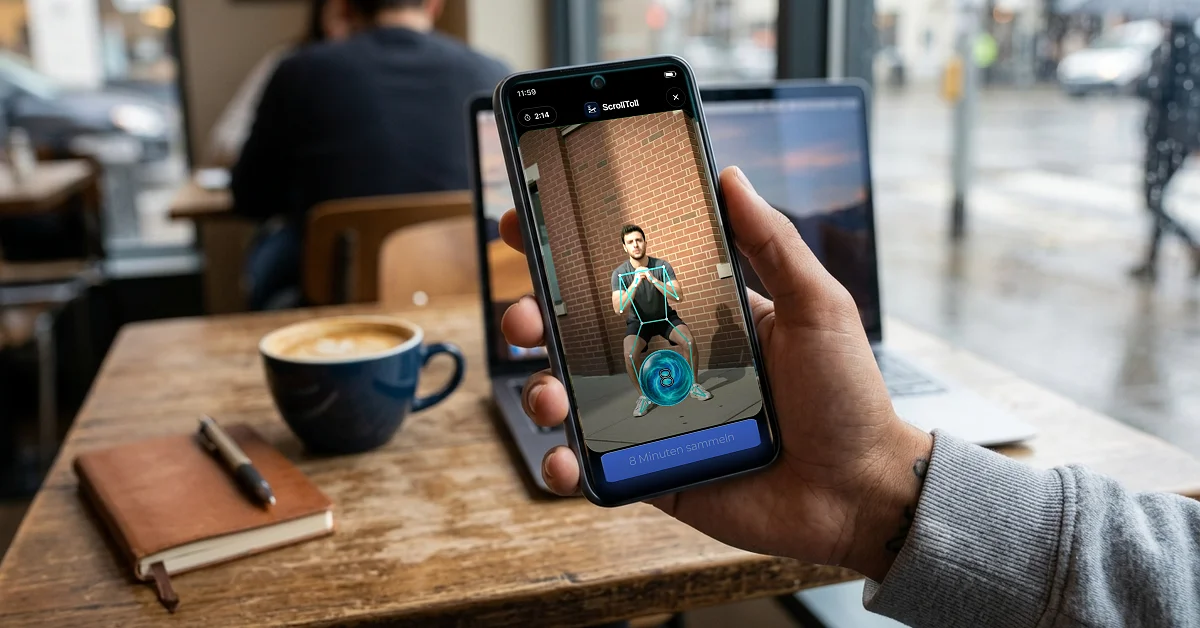
You pick your distracting apps and ScrollToll locks them. To unlock, you do pushups, squats, jumping jacks, lunges, or you walk a set number of steps. AI pose detection checks every rep in real time through the phone camera, counts for you, and gives form feedback. Cheating does not work because the camera tracks your skeleton.
The difference from ScreenZen in one sentence: you can sit out a delay, you cannot sit out twenty squats.
- AI pose detection: Eight or more exercise types, processed entirely on device. No images or video are stored or transmitted.
- Adjustable earning rate: You decide how many minutes a rep is worth, and you see the return before you start.
- Time balance up to 120 minutes: Usable across any of your blocked apps.
- Strict mode: Makes it harder to remove a blocked app, not just to open it. Three variants: unlock by exercise set, cooldown timer, or partner approval by email.
- Camera free options: Step counting and memory tiles for when you are out or at the office.
- iOS and Android: Both platforms supported.
Best for: People for whom gentle friction has demonstrably stopped working, and anyone who would rather turn screen time into movement than into waiting.
Not ideal for: Anyone who needs a permanently free option, or who blocks in situations where physical exercise is impractical. It also does not block websites the way Freedom does.
Price: Three day free trial, then a subscription starting from as little as 1 USD per month on discounted plans. There is no permanent free tier. That puts ScrollToll at the bottom of the paid category, well under Opal and Freedom, though it does ask for something ScreenZen never does.
The other options, briefly
You have options beyond ScrollToll and they are worth knowing, but there is no point in us writing a third version of the same roundup. Short version, with links to the full comparisons where we have already done the work.
One Sec is closest to ScreenZen in spirit: a breathing exercise instead of a countdown. The makers report an average usage reduction of 57 percent from academic collaborations including the Max Planck Institute. It is the best option if you want awareness rather than restriction, and the wrong one if you are the sort of person who taps through ScreenZen, because the mechanism is the same.
Opal is the polished one, with scheduled sessions and detailed reporting, at the highest price in the category. Full breakdown in our Opal alternatives guide.
Freedom is the only genuine cross device option, covering phone, desktop and browser together. Relevant only if you lock your phone and then keep scrolling on a laptop. See our Freedom alternatives comparison.
Jomo does roughly what Opal does for considerably less. Forest gamifies focus sessions as a one time purchase, and works well at a desk but fades once the novelty does.
Apple Screen Time and Android Digital Wellbeing are the free baseline and already on your device. Ignore Limit is one tap away, so treat them as measurement rather than enforcement. Run them for a week to find your three real time sinks, then block deliberately. Our guide on how to lock apps on iPhone and Android covers the built in tools properly.
For the full side by side on every app in the category, see the best distraction blocking apps of 2026.
ScreenZen alternatives at a glance
| App | Mechanism | Platform | Bypassable? | Price (approx.) | Best for |
|---|---|---|---|---|---|
| ScreenZen | Delay plus intention prompt | iOS, Android | Yes, by tapping | Free, optional tips | Absent minded phone grabbing |
| ScrollToll | Earn screen time by exercise, AI verified | iOS, Android | No, reps are mandatory | Subscription, 3 day trial | When gentle friction no longer works |
| One Sec | Breathing pause before opening | iOS, Android | Yes, by tapping | Free for 1 app, Pro from ~19.99 USD/yr | Building awareness |
| Opal | Scheduled lock sessions | iOS | With effort | 99.99 USD/yr | Analytics and schedules |
| Freedom | Cross device blocking | iOS, Android, desktop | Locked Mode helps | ~39.99 USD/yr | Phone plus laptop |
| Jomo | Scheduled blocking | iOS | With effort | ~5.99 USD/mo | Opal features for less |
| Forest | Gamification | iOS, Android | Yes | ~3.99 USD one time | Focus sessions at a desk |
Prices as of September 2026. Providers change plans regularly, please check the relevant store.
How to choose the right alternative
Most people switch apps without naming the actual problem, which is how you end up in a loop of installing, giving up and reinstalling. Work through these instead:
- When do you reach for the phone? Reflexively throughout the day, or deliberately in specific situations like stress, boredom or in bed at night?
- What happens when ScreenZen stops you? Do you put the phone down, or do you wait out the delay? If you wait, you do not need a longer pause. You need a different kind of barrier.
- How many devices does it happen on? Phone only, or does the distraction migrate to the laptop?
- What will you do instead? A block creates empty time. If you do not fill it, the scroll comes back through another channel. This is precisely where ScrollToll’s approach is aimed: the time you would have spent waiting becomes movement.
- Do you need external commitment? If you have overridden your own rules every time so far, partner approval or a strict mode matters more than any feature on the list.
A practical four week test plan
Do not switch apps every week. Do this instead:
- Week 1: Measure your real usage with Screen Time or Digital Wellbeing. Note the three biggest time sinks.
- Week 2: Install one single alternative and block only those three apps. Nothing more.
- Week 3: Turn on strict mode or a commitment feature. This is exactly where most attempts fail.
- Week 4: Compare the numbers. Less than 20 percent reduction means the mechanism does not match your pattern, not that you failed.
If individual apps are the main problem, targeted guides help more than a general blocker: block TikTok, block YouTube Shorts or block Snapchat.
The bottom line
ScreenZen is one of the most honest apps in a category full of aggressive subscriptions. If it works for you, stay with it.
Frequently Asked Questions
Is ScreenZen really completely free?
Yes. ScreenZen has no premium tier and no in-app purchases beyond optional tips. All features are available to every user. It is one of the few apps in this category without a subscription model.
Why does ScreenZen stop working after a few weeks?
Because the delay is designed to be tappable. Your brain learns to treat the countdown as a loading screen rather than a decision point. The reduction most people see in the first week tends to flatten out once the pause becomes familiar.
What is the best ScreenZen alternative for Android?
ScrollToll and One Sec are both available for iOS and Android. Opal, Jomo and most of the polished blockers are iPhone only. If you use Android and need a genuine barrier rather than a delay, ScrollToll is the obvious choice.
Is there a free ScreenZen alternative?
One Sec is free for a single app, and Apple Screen Time and Android Digital Wellbeing cost nothing. All three are as easy to bypass as ScreenZen itself, since each one ultimately relies on a tap you can choose to make.
What does ScrollToll cost compared to free ScreenZen?
ScrollToll offers a three day free trial and then runs on a subscription, with discounted plans starting from as little as 1 USD per month. That places it at the bottom of the paid category, well below Opal and Freedom. Whether switching from a free app is worth it depends entirely on whether the free delay still works for you.
How is ScrollToll different from ScreenZen?
ScreenZen makes you wait, ScrollToll makes you earn. Instead of a countdown you do pushups, squats or steps, verified in real time by AI pose detection. The waiting time becomes movement, and the barrier cannot simply be tapped away.
Does ScrollToll store video recordings of me?
No. All camera processing happens in real time directly on your device. No images or video are recorded, stored or transmitted. The camera is used only to count and check reps as they happen.
Do app blockers actually help with phone addiction?
They are a tool, not a treatment. They work best when you also create a replacement for the time and understand your triggers. A blocker that creates empty time without a plan for that time usually just moves the behaviour somewhere else.
How much does Opal cost compared to other blockers?
Opal sits at the top of the category at 99.99 USD per year. Jomo offers a comparable feature set for around 5.99 USD per month, and Freedom runs at roughly 39.99 USD per year with the advantage of desktop coverage.
Which app blocker is hardest to bypass?
Blockers that rely on a tap to dismiss can always be dismissed. The harder ones attach a cost: ScrollToll requires camera verified exercise reps, Freedom’s Locked Mode prevents rule changes mid session, and partner approval features require another person to agree.
Ready to break the loop?
Download ScrollToll and start earning your screen time through real movement.