Do push ups to earn screen time. How a push up app blocker works, how many reps your scrolling costs, a no-app method for iPhone, and a 7-day starter plan.
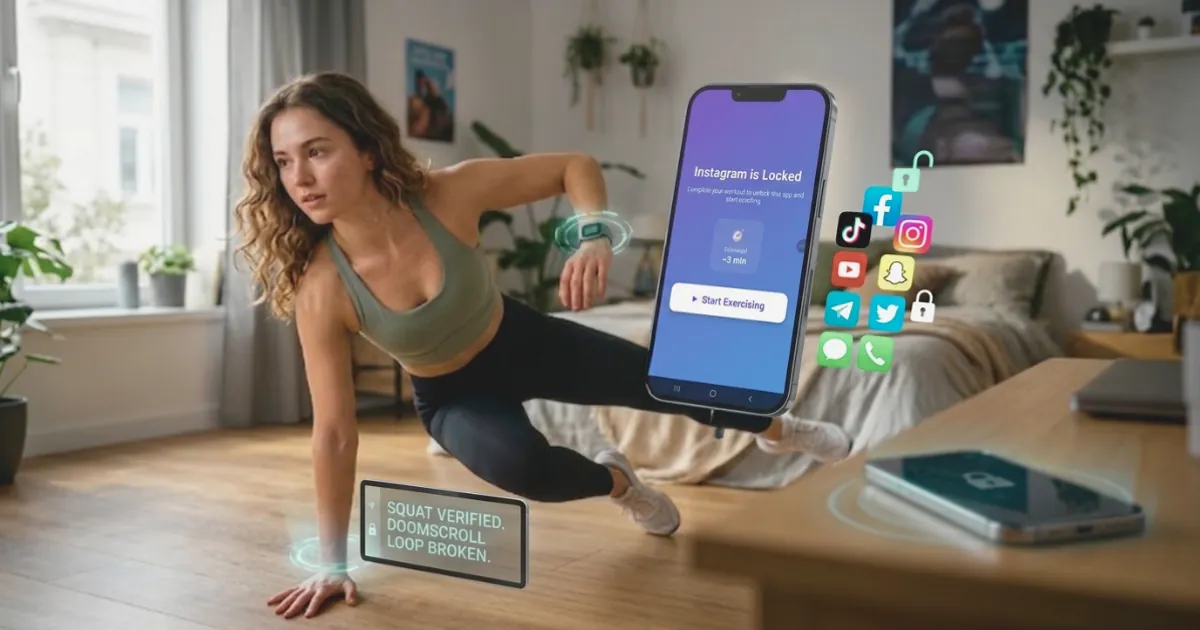
Quick answer: "Push ups for screen time" means locking your distracting apps until you do a set of push ups. A push up app blocker like ScrollToll: Screen-Time Gym keeps Instagram, TikTok or YouTube locked, your phone's camera counts each push up on the device, and every rep adds minutes to your screen time balance (1 minute per rep by default). You can also try the idea without an app by using an iPhone Shortcuts automation that reminds you to do 10 push ups whenever you open a chosen app, but nothing checks that you did them.
This post is about the "exercise to scroll" idea in practice: how it works, how many push ups your current scrolling would cost, and how to start if you can only do a few push ups today.
How push ups for screen time works
The idea is simple: scrolling stops being free. Instead of a time limit you can skip with one tap, you pay for screen time with movement.
- Pick the apps to lock: for most people that's Instagram, TikTok, YouTube or Snapchat.
- Open a locked app: instead of the feed, you see your balance and an option to earn more time.
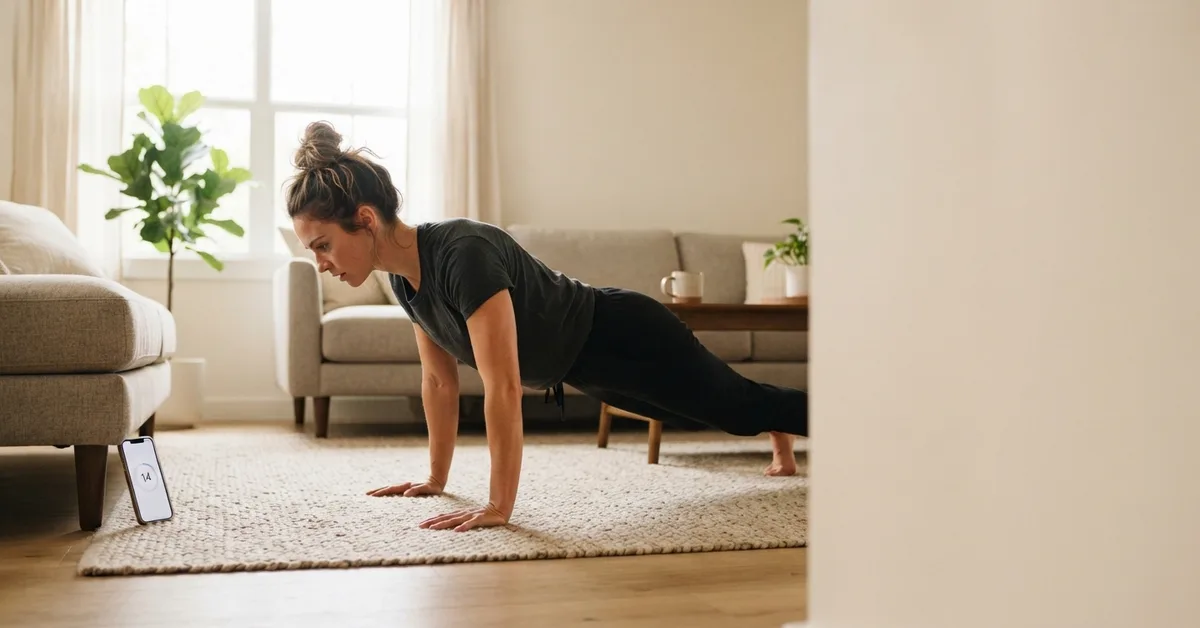
- Do your push ups: prop your phone up so the camera can see you. The app counts each full rep, on the phone, without recording or uploading anything.
- Spend your minutes: each counted push up adds time to your balance. When it runs out, the app locks again.
- Bank what you don't use: unused minutes stay in your balance, up to 2 hours a day, so a morning set can pay for an evening episode.
Push ups are the default, but you don't have to do them every time. ScrollToll: Screen-Time Gym also counts squats, jumping jacks, lunges, crunches and more, and walking earns time through your step counter. Read the full breakdown in what is a screen-time gym.
How many push ups is your screen time worth?
At the default rate of 1 minute per push up, here is what common amounts of daily scrolling would cost:
| Daily scrolling | Push ups needed (1 minute per rep) | Same time earned by walking (5 minutes per 100 steps) |
|---|---|---|
| 15 minutes | 15 | 300 steps |
| 30 minutes | 30 | 600 steps |
| 1 hour | 60 | 1,200 steps |
| 2 hours | 120 | 2,400 steps |
| 4 hours | 240 | 4,800 steps |
Most people don't do 120 push ups a day, and that is the point. When scrolling has a price, you start choosing what is worth it: a video from a friend, yes; the 40th clip in a row, probably not. If the default feels too hard or too easy, you can change how many minutes each rep earns.
Not sure how much you scroll now? The screen time calculator shows your daily, yearly and lifetime totals.
Why a push up works better than a time limit
Normal screen time limits fail for one reason: skipping them takes one tap. On iPhone, the limit screen offers Ignore Limit, and at 11 p.m. that button wins. We explain the whole problem in how to stop tapping Ignore Limit.
A set of push ups changes three things:
- It adds a pause: the urge to open an app on autopilot is strongest in the first moment. In a 2023 study published in PNAS, a pause of a few seconds before a chosen app opened led people to open it 57% less often after six weeks. Ten push ups take longer than that.
- It costs effort, not willpower: you don't have to argue with yourself. You just ask, "Is this worth 10 push ups?" Often the answer is no.
- You get something back: even when you do scroll, you moved first. The WHO recommends that adults do muscle-strengthening activity at least two days a week, and a few sets of push ups spread through the day count toward that.
Push up app blocker vs doing it yourself
You can try "push ups to unlock apps" with no special app. It just depends on your honesty.
The no-app method on iPhone
- Open the Shortcuts app and tap Automation, then New Automation.
- Choose App, select Instagram or TikTok, and keep Is Opened checked. Choose Run Immediately.
- Add the action Show Alert with the text "10 push ups first."
- Save it.
Now every time you open that app, you get a reminder. It works for some people, but you can tap the alert away without doing a single rep.
With a push up app blocker
| Shortcuts reminder | Screen Time limit | Push up app blocker (ScrollToll: Screen-Time Gym) | |
|---|---|---|---|
| Locks the app | No | Yes | Yes |
| Checks you did the push ups | No | No | Yes, the camera counts each rep |
| Easy to skip | Yes, one tap | Yes, Ignore Limit | No, you earn time with reps or steps |
| Stops you switching it off | No | Only with a passcode someone else holds | Strict Mode: loosening your rules waits 24 hours |
| Works on Android | No | Digital Wellbeing, similar | Yes |
The difference is verification. If the cost can be skipped, the 11 p.m. version of you will skip it. When the camera counts the reps, the deal holds.
For a wider comparison, see our list of the best app blockers and how an app blocker that needs exercise to unlock compares with the rest.
Can't do many push ups yet? Start here
You don't need to be fit to use push ups for screen time. Pick the version you can do with good form, and let the reps add up through the day.
| Level | Push up to use | Tip |
|---|---|---|
| Beginner | Wall push ups or incline push ups on a table | Hands on a higher surface makes it easier |
| Building up | Knee push ups | Keep a straight line from knees to head |
| Regular | Full push ups | Elbows about 45 degrees from your body |
| Advanced | Diamond push ups | Hands close together under your chest |
Form matters more than numbers. Our guide to proper push up form covers hand position, the 5 most common mistakes and how to get better. If push ups hurt your wrists or shoulders, switch to squats or walking in the app instead.
A 7-day plan to start
- Day 1: lock your one biggest time-waster and set the earn rate to 2 minutes per rep so it feels easy.
- Day 2: do your first set before you open the app in the morning, not in bed.
- Day 3: add a second exercise you like, such as squats, so you have a choice.
- Day 4: take one walk and bank the minutes for the evening.
- Day 5: check how many reps you did. Most people are surprised.
- Day 6: drop the earn rate to 1 minute per rep if day 1 to 5 felt manageable.
- Day 7: turn on Strict Mode so you can't undo it on a bad night.
Earn your scroll
Download ScrollToll: Screen-Time Gym on the App Store for iPhone or Google Play for Android. Every plan starts with a 3-day trial, and student plans start from about $1 a month. See the pricing page.
Frequently Asked Questions
What does push ups for screen time mean?
It means you lock your distracting apps and unlock them by doing push ups. A push up app blocker like ScrollToll: Screen-Time Gym counts your reps with your phone's camera and adds screen time to your balance for each one, 1 minute per rep by default.
Is there an app that makes you do push ups to unlock apps?
Yes. ScrollToll: Screen-Time Gym locks the apps you choose until you do push ups, squats, jumping jacks or other exercises, or take a walk. The camera counts each rep on your phone without recording anything, and it works on iPhone and Android.
How does the app know I really did the push ups?
It uses on-device pose detection: your phone's camera tracks your body position and counts a rep only when you complete the movement. Nothing is recorded or uploaded.
How many push ups do I need for an hour of screen time?
At the default rate of 1 minute per rep, an hour costs 60 push ups. You can change the rate, and you can mix in squats, other exercises or walking, where 100 steps earn 5 minutes.
Can I do push ups to scroll without an app?
Yes, with an iPhone Shortcuts automation that shows a "10 push ups first" alert when you open an app. It's a reminder only. Nothing checks that you did the reps, so it's easy to skip.
What if I can't do push ups?
Start with wall, incline or knee push ups, or use a different exercise. ScrollToll: Screen-Time Gym also counts squats, jumping jacks, lunges and crunches, and walking earns time too.
Does exercise to scroll actually help you stop scrolling?
It adds a pause and a cost before every unlock, which breaks the automatic habit. Research on short delays before opening apps found people opened those apps 57% less often after six weeks. A set of push ups is a longer pause than that, and you move instead of just waiting.
Can I switch the push up lock off when I want to?
You can, but Strict Mode makes it harder on purpose. With it on, removing an app from your block list needs verified reps, a cooldown or a trusted person's approval, and any change that loosens your rules waits 24 hours.
Ready to break the loop?
Download ScrollToll and start earning your screen time through real movement.