Want an app that makes you exercise before using social media? Here's how exercise-to-unlock app blockers work, why they beat timers, and how to set one up.
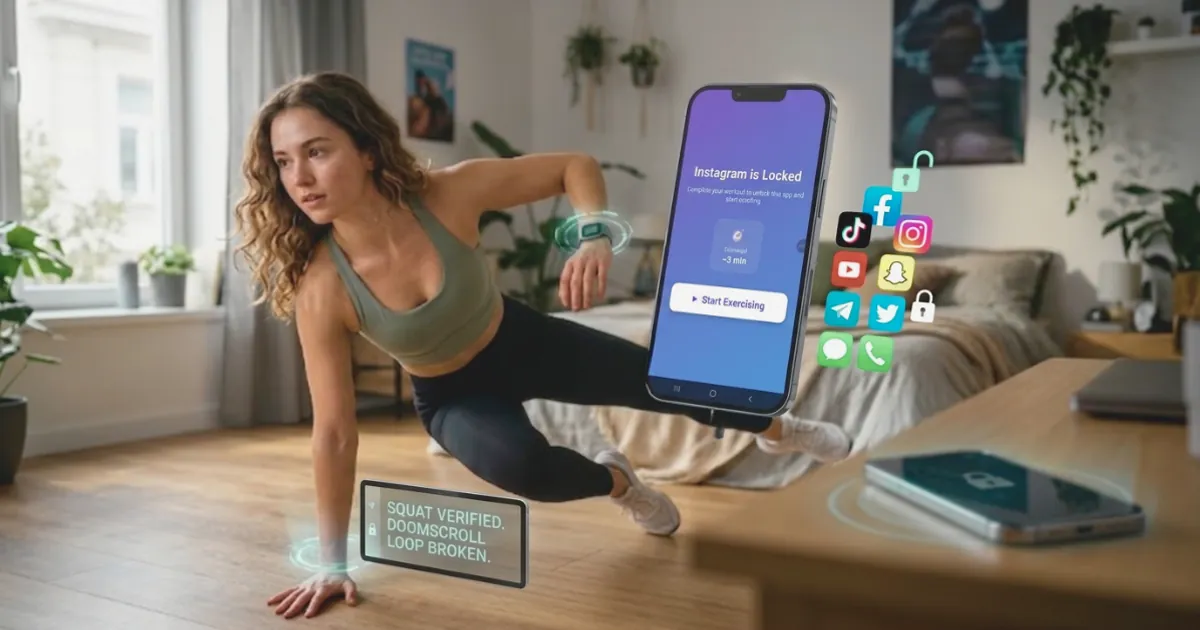
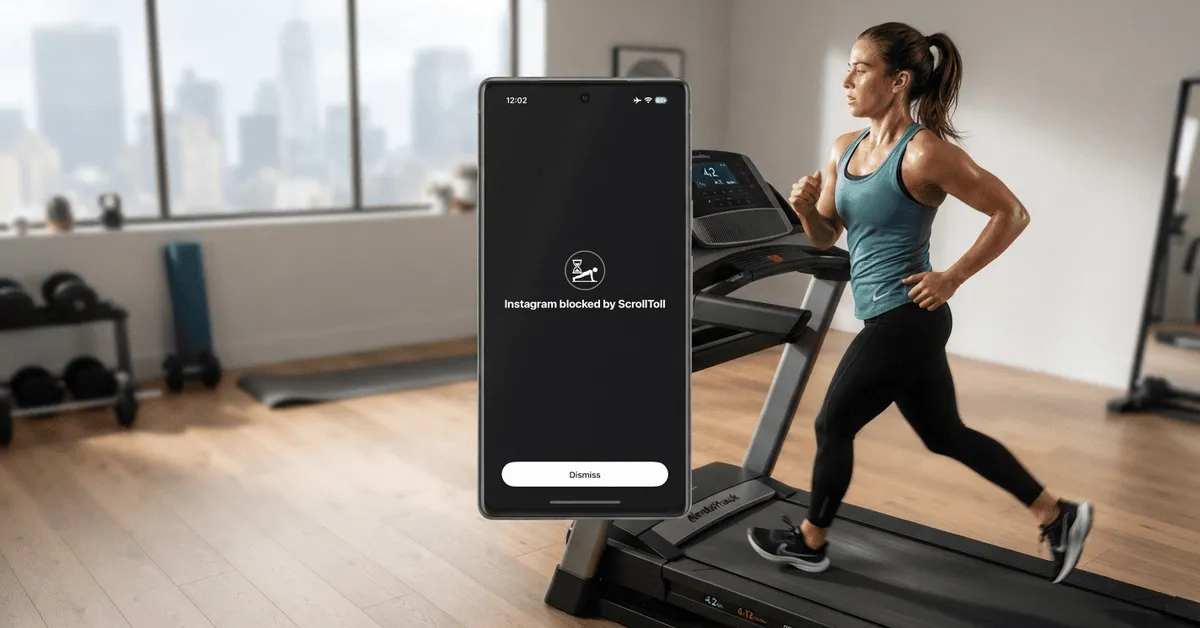
Quick answer: An exercise-to-unlock app blocker locks your social media apps and only gives you screen time back after you move. ScrollToll is built entirely around this idea. It locks apps like TikTok, Instagram and YouTube, and when your time runs out, you earn more by doing pushups, squats, jumping jacks or a short walk. Your phone's camera counts every rep on the device, so you can't fake it, and nothing is ever recorded. It works on iPhone, iPad and Android.
If you've ever set a screen time limit and tapped "15 more minutes" without thinking, this kind of blocker is built for you. A tap costs nothing. Ten squats cost just enough to make you ask whether you really want to open the app.
How an exercise-to-unlock app blocker works
- Choose the apps to lock: Pick the apps that eat your time, usually social media and short-video apps like TikTok, Instagram, YouTube and Snapchat.
- Use your earned time: While you have screen time in your balance, your apps work normally.
- Move to earn more: When your time runs out, the apps stay locked until you exercise. ScrollToll uses your front camera to count reps of pushups, squats, jumping jacks, lunges, crunches and more. You can also earn time by walking or completing a short memory challenge.
- Spend it or save it: Each rep adds minutes to your balance, and you can bank up to two hours to use later.
Why exercising to unlock works better than a timer
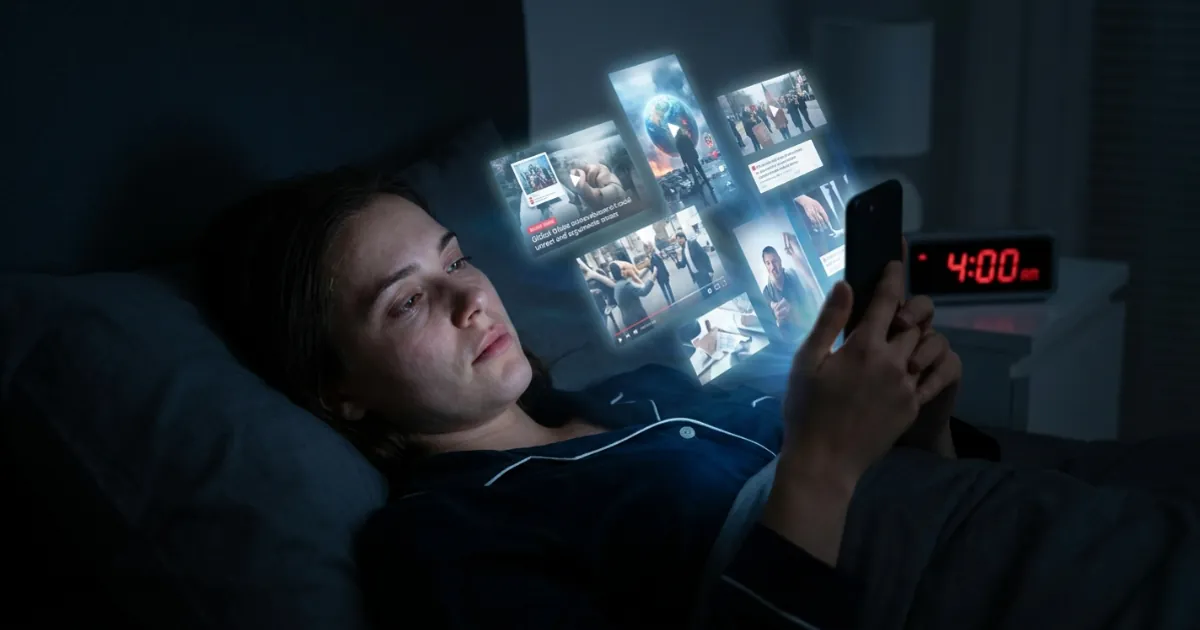
Scrolling is rarely a decision. It's a habit loop: something triggers you (boredom, a notification, a quiet moment), you open the app, and the feed rewards you with something new. Timers try to break that loop with willpower, and willpower is at its lowest late at night, exactly when most scrolling happens.
Friction works better. A 2023 study published in PNAS found that adding a short pause before social media apps opened led people to open them less often. An exercise unlock takes that idea further. The pause is longer, it's physical, and it replaces the scroll with movement instead of just delaying it.
There's a bonus, too. Research on "exercise snacks," short bursts of activity spread through the day, suggests that even brief bouts add up. In one 2019 study, short stair-climbing bursts done a few times a day improved fitness in previously inactive young adults over six weeks. Every time you earn screen time, you get a small dose of movement you wouldn't have had otherwise.
How to set it up in five minutes
- Download ScrollToll: get it from the App Store or Google Play.
- Choose your apps: Start with the one or two apps you lose the most time to. You can add more later.
- Pick your exercises: Choose a mix you can actually do where you usually scroll.
- Turn on Strict Mode: This adds friction to removing an app from your block list. You choose how hard backing out should be: complete a set of verified reps, wait out a cool-down timer, or get approval from a friend, who receives an email with Approve and Deny buttons. Changes that make your setup easier also take 24 hours to apply, so a tired version of you can't quietly undo your rules at midnight.
- Set your earning rate: Adjust how many minutes each exercise earns, and check the preview to see exactly how many reps your next session will take.
Not sure how much time you're losing right now? Try the free screen time calculator first. It takes a minute and shows how much of your year goes to your phone.
Which exercises to choose for where you are
- At home: pushups and squats are quick, need almost no space and get your heart rate up fast.
- In a small room: squats, lunges and crunches all fit next to a bed or desk.
- At work or in public: switch to walking or a memory challenge, so you can earn time without dropping to the floor.
- Late at night: a short set of squats is enough to break the autopilot. If you'd rather wind down, choose a memory challenge instead.
What if you can't exercise right now?
You always have options. Walking and memory challenges earn time without any floor exercise, and time you banked earlier is still there when you need it. If you have an injury or a health condition, pick only the movements that feel comfortable, or rely on the memory challenge.
It's also worth being honest about the limits. ScrollToll blocks apps, not websites, so if your main distraction is a browser, you'll need a website blocker too. And like any blocker, it works best alongside simple habits, like charging your phone outside the bedroom. For app-specific guides, see how to block TikTok and how to block Instagram.
Is ScrollToll the only app that does this?
A few blockers include a physical challenge as one of several unlock options, and some, like Brick, use a separate physical device instead. ScrollToll is different because the whole app is built around earning screen time with verified movement, from the unlock to Strict Mode. For a side-by-side look at apps that add physical friction, see our Clearspace alternatives guide, or our full list of the best distraction blocking apps.
Frequently Asked Questions
Is there an app that makes you exercise before using social media?
Yes. ScrollToll locks social media apps like TikTok, Instagram and YouTube until you earn screen time with exercise. You do pushups, squats, jumping jacks or a short walk, your phone's camera counts the reps on the device, and each rep adds minutes to your balance.
How does ScrollToll count my exercises?
ScrollToll uses your phone's front camera and on-device pose detection to count each rep in real time. All processing happens on your phone, and no video is recorded, stored or uploaded.
Can I cheat an exercise app blocker?
Reps are verified by the camera, so you can't fake them. With Strict Mode on, removing an app from your block list requires verified exercise, a finished cool-down or a friend's approval, and changes that make your setup easier take 24 hours to apply. As with any blocker, a determined person can still remove its permissions in the phone's settings, but that takes deliberate effort instead of a single tap.
What exercises can I do to unlock apps?
ScrollToll supports pushups, squats, jumping jacks, lunges, crunches and more, plus walking and memory challenges for times when you can't do floor exercises.
Does ScrollToll work on iPhone and Android?
Yes. ScrollToll is available on iPhone, iPad and Android.
Is ScrollToll free?
ScrollToll offers a 3-day free trial, after which it's a paid subscription. Students can get a discounted plan all year.
Ready to break the loop?
Download ScrollToll and start earning your screen time through real movement.