A screen-time gym locks your distracting apps until you exercise. Learn how it works, why it beats normal time limits, and how to start in one week.
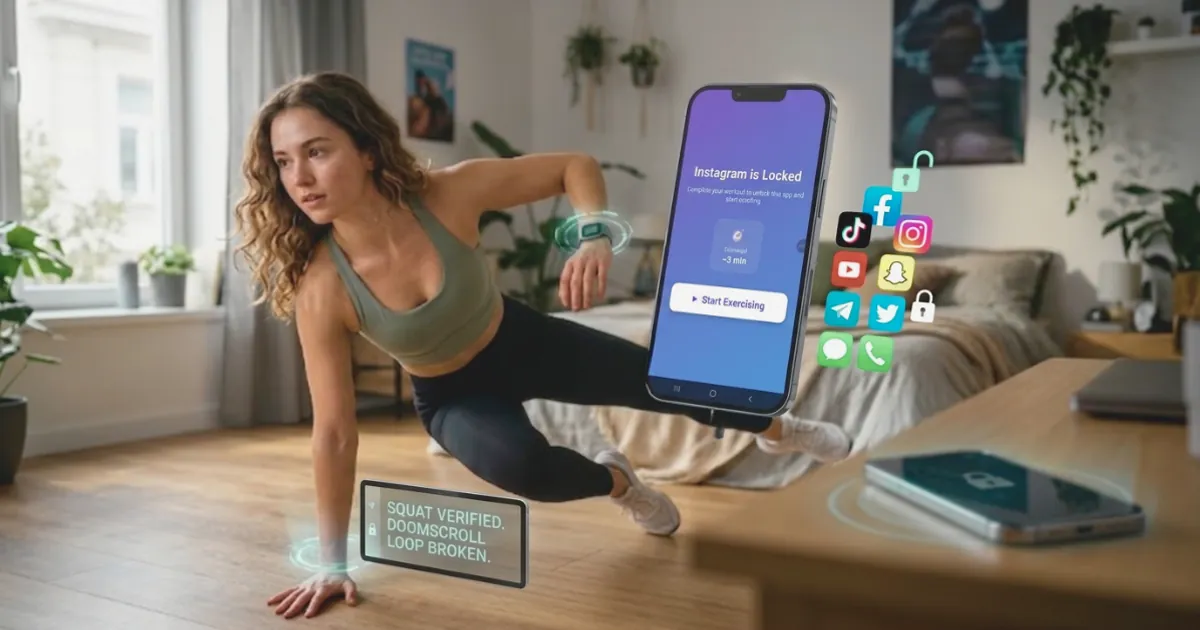
Quick answer: A screen-time gym is an app that locks your most distracting apps, like TikTok, Instagram and YouTube, until you exercise. You earn minutes of screen time by doing pushups, squats, jumping jacks or a short walk, and your phone checks that you really did them. ScrollToll: Screen-Time Gym is an app built on this idea: your phone's camera counts every rep on the device, each rep adds time to your balance, and Strict Mode stops you from switching the rules off in a weak moment.
In short, a screen-time gym does three things:
- Locks: It blocks the apps you choose.
- Charges a toll: To open them, you pay with movement instead of a tap.
- Counts: It verifies the exercise, so you can't skip it.
It works because it turns an automatic habit into a small decision. Most people already want to change: in a 2026 Pew Research Center survey, 53% of US adults said they spend too much time on their phone, and 70% of adults under 30 said the same. A screen-time gym gives that wish a system.
Screen-Time Gym: A Simple Definition
A screen-time gym is a type of app blocker where exercise is the key that unlocks your apps. You may also see these apps called exercise-to-unlock apps, workout app blockers or scroll-to-earn fitness apps. They all mean the same thing. The name comes from a simple swap: in a normal gym you spend time to get fit; in a screen-time gym you get fit to earn time.
It sits between two things you may already know:
| Fitness app | Normal app blocker | Screen-time gym | |
|---|---|---|---|
| Main goal | Get you to work out | Stop you using certain apps | Make every scroll cost a bit of movement |
| What happens when you open a blocked app | Nothing, it doesn't block apps | You wait, or tap "ignore" | You exercise to earn minutes |
| Checks the effort | Sometimes | Not needed | Yes, by camera or step count |
| Easy to cheat | Not relevant | Often, one tap | Hard, the reps are counted |
The idea is not to punish you for using your phone. It is to make sure each session is something you chose, and to get you moving a little in return.
How a Screen-Time Gym Works, Step by Step
Here is how it works in ScrollToll, from setup to your first unlock:
- Pick the apps to lock: Choose single apps or whole categories, such as social media, short video or games.
- Choose your exercise: Pick the moves you want to use to earn time.
- Move: When you want to open a locked app, do a set of reps in front of your phone or go for a walk.
- Get counted: The camera tracks your body position and counts each rep. It gives feedback on your form while you move.
- Spend your minutes: Every counted rep adds time to your balance. A visual timer shows how much you have left.
- Bank what you don't use: Unused minutes stay in your balance, up to 2 hours a day, so a morning walk can pay for an evening episode.
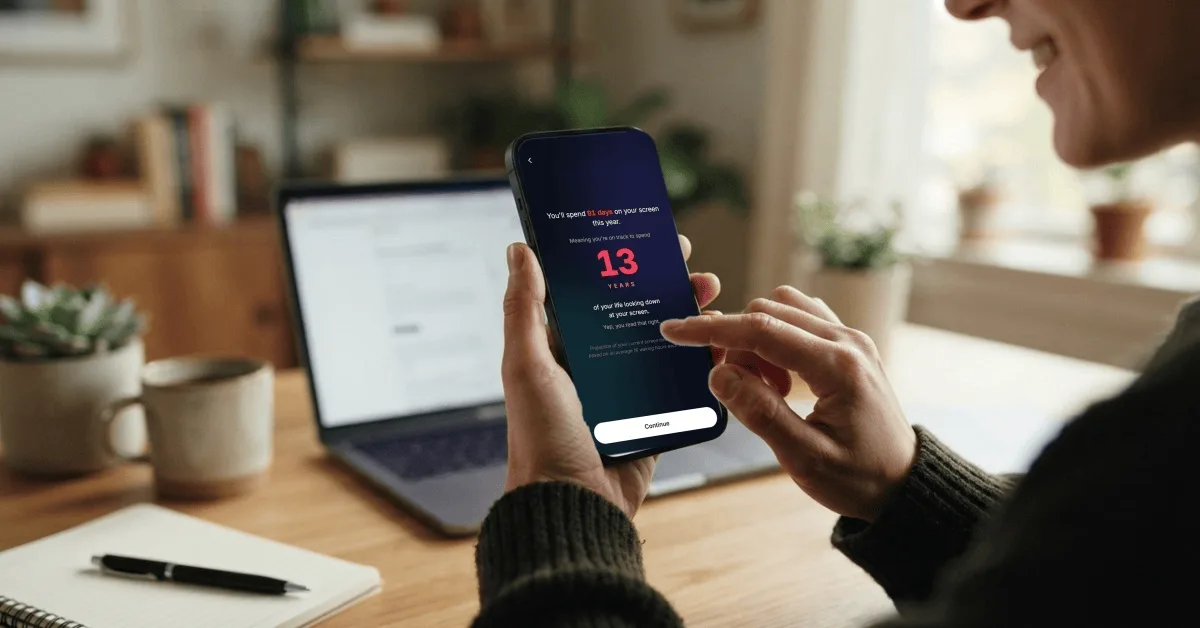
Want to see why this matters? Put your daily hours into the ScrollToll screen time calculator and see how many days a year your phone takes. Most people are surprised.
What You Can Do to Earn Screen Time
ScrollToll currently includes nine ways to earn time. The default rates are below, and you can adjust how many minutes each rep earns.
| Exercise | How it is counted | Default earn rate |
|---|---|---|
| Pushups | Camera | 1 minute per rep |
| Diamond pushups | Camera | 1 minute per rep |
| Squats | Camera | 1 minute per rep |
| Jumping jacks | Camera | 1 minute per rep |
| Lunges | Camera | 1 minute per rep |
| Crunches | Camera | 1 minute per rep |
| Overhead reach | Camera | 1 minute per rep |
| Walking | Step counter, no camera | 5 minutes per 100 steps |
| Memory tiles | Brain game, no camera | 5 minutes per round |
If floor exercises are hard for you, walking and overhead reaches are gentler options. The memory game is there for times when you can't move, like on a train.
Why Exercise Works Better Than a Normal Time Limit
A tap costs nothing: Your phone's built-in limits show a "time's up" screen, but they also offer a button to ignore it. When ignoring the limit takes one tap, a tired brain will tap it. A screen-time gym replaces that easy tap with real effort.
Friction gives you a moment to choose: In a 2023 study published in PNAS, adding a short delay before a social app opened led people to open it 57% less often after six weeks. The pause turned an automatic habit back into a decision. Ten squats is a longer pause than a few seconds, and it is one you can't scroll past.
Short bursts of movement still count: Researchers call them "exercise snacks". In a small 2019 study, inactive young adults who did three short bursts of fast stair climbing a day, three days a week, improved their fitness after six weeks. A few sets of squats before opening Instagram won't replace a workout, but it is better than sitting still.
Your mood gets what it wanted: People often scroll to change how they feel: bored, tired or stressed. A quick set of jumping jacks also changes how you feel. Sometimes, once you have moved, you don't need the scroll anymore.
For more ways to cut back, read our full guide on how to stop phone addiction, which includes a 4-week plan.
Screen-Time Gym vs Other Ways to Cut Screen Time
| Method | How it works | Main weakness | Best for |
|---|---|---|---|
| Built-in limits (Screen Time, Digital Wellbeing) | A reminder after a set time | One tap to ignore | Light users who just need a nudge |
| Timer or focus blockers | Apps are locked for a set period | Often easy to turn off, no reward | Blocking distractions during work |
| Deleting apps | Remove the app completely | Most people reinstall within days | People ready to quit one app for good |
| Screen-time gym | You earn access with verified exercise | Needs a little space and effort | People who want to keep their apps but use them on purpose |
If you want to compare individual apps, our list of the best app blockers tests the main options side by side. We also wrote a deeper look at how an app blocker that needs exercise to unlock works day to day.
Does the Camera Record You?
No. This is the most common worry, and it is a fair one. In ScrollToll, pose detection runs on your phone. The camera reads the position of your body to count reps, but no video or photo is recorded, saved or uploaded. Walking and the memory game don't use the camera at all.
When choosing any screen-time gym, check this before you install. Look for a clear statement that counting happens "on the device" and that nothing is uploaded.
Strict Mode: Rules Your Late-Night Self Can't Undo
A screen-time gym only works if you can't switch it off the moment it gets inconvenient. ScrollToll's Strict Mode handles this in three ways. To remove an app from your block list, you choose one of these:
- Exercise to unlock: Complete a set of verified reps first.
- Cool-down timer: Wait in the app until a timer runs out. Leaving resets it.
- Partner approval: A friend gets an email with Approve and Deny buttons. They don't need an account.
On top of that, any change that makes your rules easier takes 24 hours to apply. By the time it kicks in, the urge that made you want it has usually passed.
Who a Screen-Time Gym Is For
A screen-time gym is a good fit if you:
- Lose time to short videos or social feeds without meaning to.
- Have tried built-in limits and keep ignoring them.
- Sit most of the day and want an easy reason to move.
- Want to keep your apps, just use them less and on purpose.
It may not be the right fit if you have an injury or a health condition that makes exercise unsafe. In that case, use the walking or memory options, or talk to a doctor before adding new exercise. A screen-time gym is a habit tool, not a fitness program or a medical treatment.
How to Start Your First Week
- Check your number: Use the ScrollToll screen time calculator to see your yearly total.
- Lock one or two apps first: Start with the app that steals the most time. Add more later.
- Pick an easy exercise: Squats or walking are a good start. Keep the first week light so you stick with it.
- Bank time in the morning: A walk or a set of reps early in the day means you don't have to stop mid-evening.
- Turn on Strict Mode after a few days: Once the routine feels normal, lock it in.
- Review after 7 days: Check your screen time report and adjust your earn rate if it feels too easy or too hard.
Try ScrollToll: Screen-Time Gym
If you want every scroll to cost a few reps, download ScrollToll: Screen-Time Gym on the App Store for iPhone or Google Play for Android. Every plan starts with a 3-day trial, so you can see how it fits your day before you subscribe. See plans and prices on our pricing page.
Scroll less. Move more.
Sources
- Pew Research Center (2026). About half of Americans say they spend too much time on their smartphone.
- Grüning, D. J., et al. (2023). Directing smartphone use through the self-nudge app one sec. PNAS.
- Jenkins, E. M., et al. (2019). Do stair climbing exercise "snacks" improve cardiorespiratory fitness? Applied Physiology, Nutrition, and Metabolism.
This article is for general information and is not medical advice.
Frequently Asked Questions
What is a screen-time gym?
A screen-time gym is an app that locks distracting apps until you exercise. You earn minutes of screen time by doing reps such as pushups or squats, or by walking, and the app checks that the exercise really happened. The idea is to turn automatic scrolling into a choice and to add a little movement to your day.
How do you earn screen time with exercise?
You choose the apps to lock and the exercises you want to use. When you want screen time, you do a set of reps in front of your phone camera or take a walk, and each counted rep or step adds minutes to your balance. You spend those minutes in your locked apps until they run out.
Is a screen-time gym better than the iPhone or Android screen time limits?
For many people, yes, because built-in limits can be ignored with one tap. A screen-time gym makes you put in real effort before an app opens, which gives you a moment to decide if you really want it. Research on app friction found that even a short delay led people to open social apps 57% less often.
Does a screen-time gym app record you through the camera?
It depends on the app, so check before installing. ScrollToll: Screen-Time Gym counts reps with pose detection that runs on your phone, and no video or photo is recorded, saved or uploaded. Walking and brain game options do not use the camera at all.
What exercises can I do to unlock my apps?
In ScrollToll you can earn time with pushups, diamond pushups, squats, jumping jacks, lunges, crunches, overhead reaches, walking or a memory game. Camera exercises earn 1 minute per rep by default, and walking earns 5 minutes per 100 steps. You can adjust the earn rate to make it easier or harder.
Can I cheat or turn off a screen-time gym?
Reps are counted by the camera, so you can't skip them. ScrollToll's Strict Mode also means removing a blocked app takes verified reps, a cool-down timer or a partner's approval. Any change that makes your rules easier takes 24 hours to apply.
Can a few reps before using my phone really help my fitness?
Short bursts of activity, often called exercise snacks, can add up. A small 2019 study found that inactive young adults who did short bursts of stair climbing a few times a day improved their fitness after six weeks. A screen-time gym won't replace a full workout, but it adds regular movement to a day spent sitting.
What is ScrollToll: Screen-Time Gym?
ScrollToll: Screen-Time Gym is an app that locks your most distracting apps until you exercise. You earn screen time with pushups, squats, jumping jacks or walking, and your phone's camera counts each rep on the device without recording anything. It is available on iPhone and Android and starts with a 3-day trial, then a paid subscription.
Ready to break the loop?
Download ScrollToll and start earning your screen time through real movement.