Looking for a Jomo alternative? Compare ScrollToll and Jomo on how they block apps, pricing, devices and strictness to find your fit.
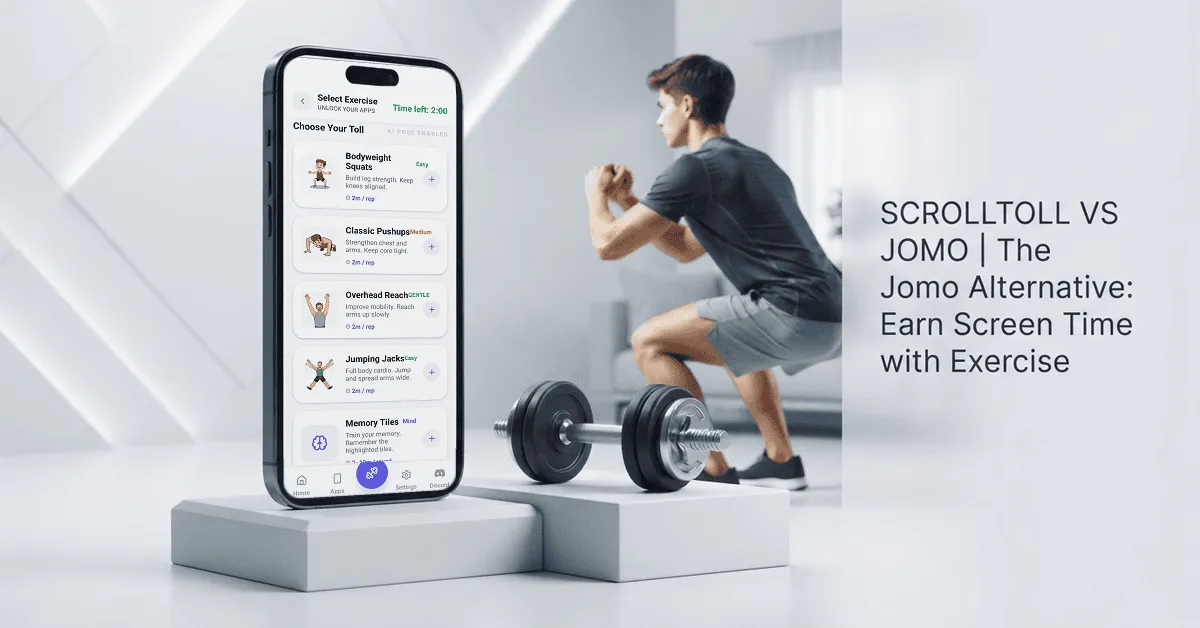
The best Jomo alternative for people who keep breaking their own screen time limits is ScrollToll. Jomo is a rule-based app blocker for iPhone, iPad and Mac that locks distracting apps on a schedule or after a usage limit. ScrollToll takes a different route: when your daily screen time runs out, your chosen apps lock, and you earn more time by doing real exercises like push-ups and squats, counted live by your phone's camera.
Both apps help you cut down on endless scrolling. The difference is how they change the habit. Jomo gives you control through rules. ScrollToll gives every extra minute of scrolling a physical cost.
ScrollToll vs Jomo at a glance
| ScrollToll | Jomo | |
|---|---|---|
| Core idea | Earn screen time with exercise | Block apps with rules, sessions and limits |
| How you unlock | Push-ups, squats and overhead reaches, counted by camera | Breaks, pauses, or positive actions like walking |
| Devices | iPhone, iPad and Android | iPhone, iPad and Mac |
| Free plan | No, 3-day trial | Yes, with limited features |
| Paid plans | Discounted plans from $2/month | $5.99/month, $29.99/year or $99.99 lifetime |
| Student pricing | From $1/month, all year | Available |
| Best for | People who override limits on autopilot | People who want detailed control over rules |
Prices checked in September 2026. They can vary by country and store.
Who should choose ScrollToll over Jomo?
ScrollToll is the better fit if one of these sounds like you:
- You tap "ignore limit" without thinking: A timer or a pause screen is easy to dismiss. Ten squats are not. That small physical step is often enough to break the autopilot loop.
- Your worst scrolling happens at night: Late-night feeds are where most limits fall apart. Having to stand up and move is a natural reset before one more video turns into one more hour.
- You use Android: As of September 2026, Jomo is built for Apple devices only. ScrollToll works on iPhone, iPad and Android.
- You want to move more, not just scroll less: Every unlock doubles as a mini workout, so cutting screen time and building activity happen together.
Jomo may suit you better if you want blocking on your Mac as well as your phone, you prefer to start on a free plan, or you enjoy fine-tuning detailed rules for different apps, websites and times of day.
How Jomo works
Jomo (short for "joy of missing out") is built on Apple's Screen Time API. You create rules that block apps and websites in three main ways: during set times (sessions), after a certain amount of use or number of opens (limits), or until you complete a positive action such as a walk.
Its Strict Mode stops you from editing or deleting a rule while it is active, which helps if you tend to switch blocks off in weak moments. Jomo also includes app and website categories, screen time budgets and weekly reports.
The strength of Jomo is depth. The trade-off is that depth: with so many settings, some people find it more than they need when all they want is one simple boundary.
How ScrollToll works
ScrollToll, also called the Screentime Gym, is designed around one idea: scrolling should cost you something real.
- Pick the apps to lock: Instagram, TikTok, YouTube and any other app that pulls you in.
- Set your daily screen time: This is the time you get before any toll kicks in.
- Hit the limit and the apps lock: No quiet "15 more minutes" button.
- Pay the toll: Do a short set of push-ups, squats or overhead reaches in front of your camera to earn more time.
All exercise detection happens on your device. No video or images are recorded, stored or uploaded. A simple dashboard also shows your daily screen time and the five apps you use most.
The thinking is simple. A timer asks you to wait. A toll asks you to stand up. That moment of effort gives you space to decide whether the next scroll is actually worth it.
Jomo vs Opal vs ScrollToll
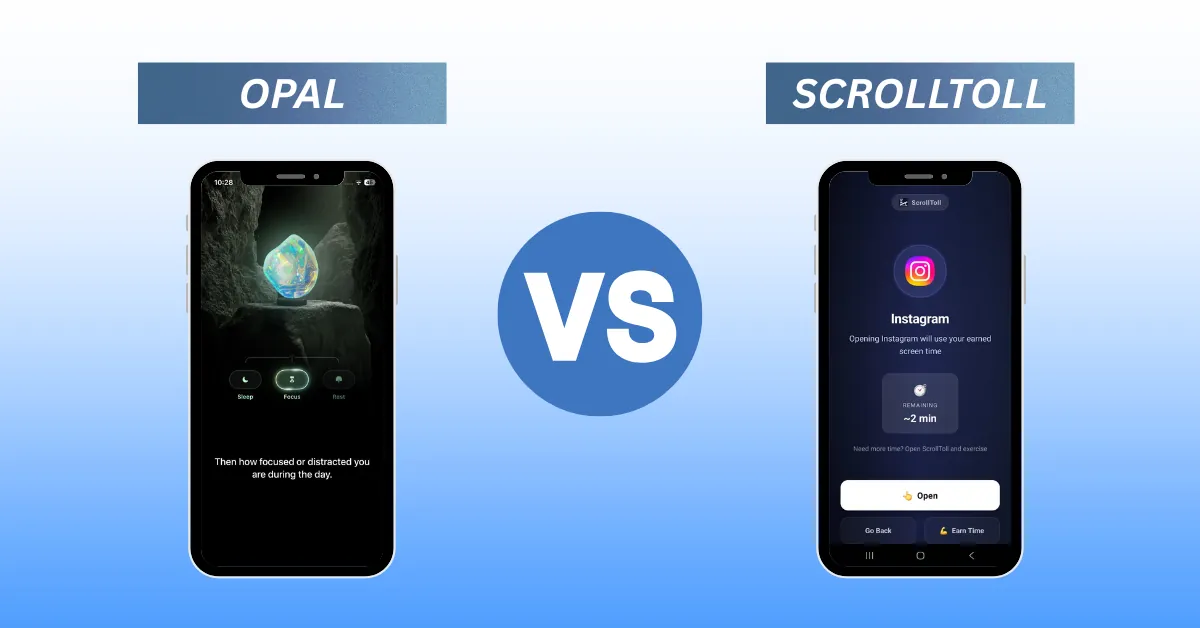
Many people who search "Jomo vs Opal" want a strict app blocker without paying a premium price. Jomo is often picked as the more affordable option of the two, while Opal is known for its polished focus sessions. Both work in a similar way: you set rules and the app enforces them.
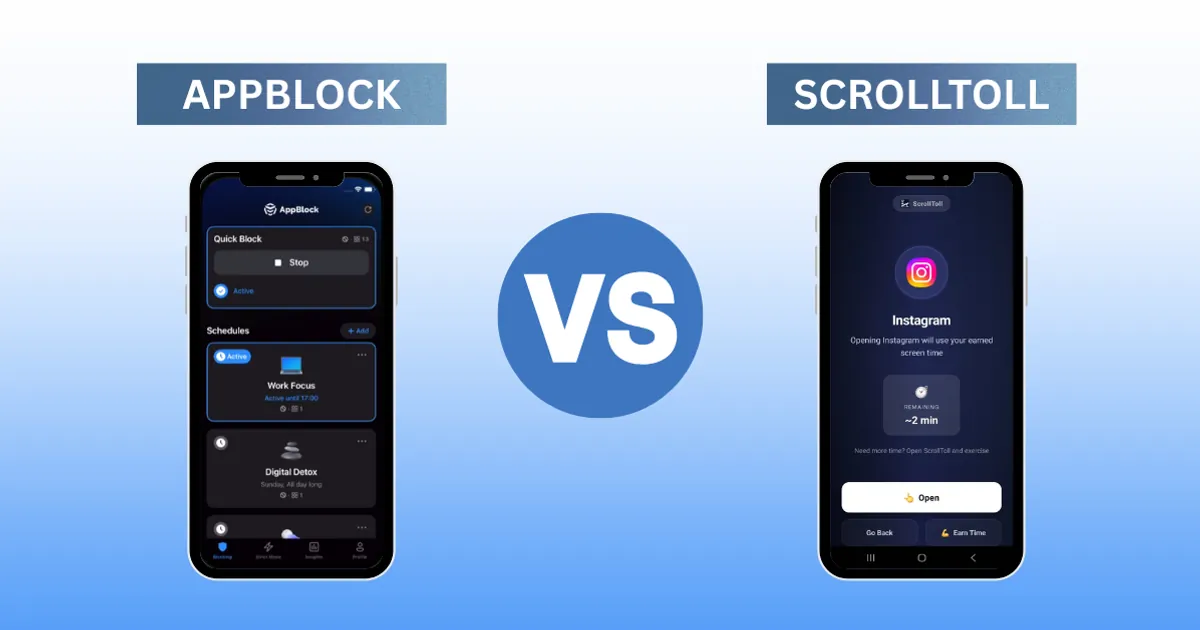
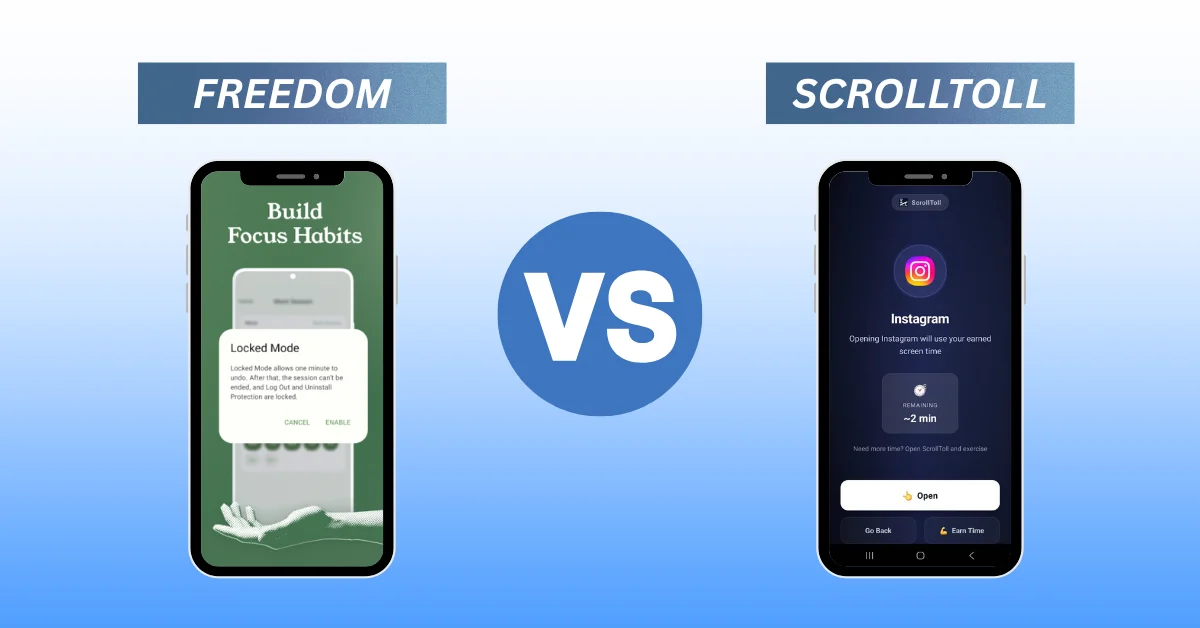
If rules alone have not changed your habits, that is where ScrollToll fits. It swaps rule-setting for a physical trade-off. For a closer look at Opal, read our guide to the best Opal alternative, or see how we compare to the best Freedom alternative if you also need a desktop blocker.
Get more out of any app blocker
Whichever app you choose, a few habits make blocking work better:
- Start with one or two apps: Block the apps you open most, not everything at once. Our step-by-step guides show how to block TikTok on iPhone, how to block YouTube Shorts and how to block Snapchat on iPhone.
- Lock apps at the times you are weakest: For most people that is first thing in the morning and late at night. See our guide on how to lock apps on iPhone and Android for built-in options too.
- Know your baseline: Check your weekly screen time before you start. If you are unsure what a healthy number looks like, read is 5 hours of screen time bad for your brain.
The bottom line
Jomo is a strong, detailed screen time blocker, especially if you live in the Apple ecosystem and want control over every rule. ScrollToll is the Jomo alternative for people who have tried rules and keep finding a way around them. Instead of more settings, it adds a small physical cost to every extra scroll.
Want to see if a toll works better than a timer? Start your 3-day ScrollToll trial on the App Store.
Frequently Asked Questions
What is the best alternative to Jomo?
ScrollToll is a strong Jomo alternative if you keep overriding your screen time limits. Instead of relying on rules and timers, it locks your chosen apps when your daily time runs out and lets you earn more time by doing exercises like push-ups and squats.
Is Jomo free?
Jomo has a free plan with limited features. Its paid plan, Jomo Plus, costs $5.99 per month, $29.99 per year or $99.99 as a one-time purchase in the US, with a 3-day free trial on the yearly plan. Prices can vary by country.
Is Jomo available on Android?
As of September 2026, Jomo is available only on Apple devices: iPhone, iPad and Mac. If you use Android, ScrollToll works on Android, iPhone and iPad.
What is the main difference between Jomo and ScrollToll?
Jomo blocks apps using rules such as schedules, usage limits and Strict Mode. ScrollToll blocks apps once your daily screen time runs out and asks you to complete a short set of exercises, counted by your camera, to unlock more time.
Does ScrollToll record video when it counts exercises?
No. ScrollToll detects your movement on your device in real time. No video or images are recorded, stored or uploaded.
Is Jomo better than Opal?
It depends on what you need. Jomo is often chosen for its lower price and detailed rules, while Opal is known for its polished focus sessions. If neither rule-based approach has worked for you, an exercise-based blocker like ScrollToll is worth trying.
How much does ScrollToll cost?
ScrollToll offers a 3-day trial, discounted plans from $2 per month and student plans from $1 per month all year round.
Ready to break the loop?
Download ScrollToll and start earning your screen time through real movement.