Looking for a Clearspace alternative? Compare ScrollToll, one sec, Opal, ScreenZen and Freedom, and see which apps make you exercise to unlock social media.
Yes, there are apps that help you stop or limit phone use, and the best one depends on how you want to be stopped. Some apps lock you out completely, some make you pause and breathe, some run on a schedule, and a newer group makes you exercise before you can scroll.
Clearspace sits between the last two groups. It adds a pause before you open distracting apps, and it has a pushup mode that lets you earn extra time. If the exercise part is what drew you in, ScrollToll is the alternative built entirely around it. ScrollToll locks the apps you choose and unlocks them only after you complete pushups, squats, overhead reaches or a walk, with every rep counted in real time by on-device AI.
Quick picks: the best Clearspace alternatives
The right app depends on whether you want a gentle nudge, a strict lockdown or a reason to move.
- Best for earning screen time with exercise: ScrollToll. Every rep earns minutes, and you can choose from pushups, squats, overhead reaches, walks and memory challenges.
- Best for pushups plus a mindful pause: Clearspace. It combines a pause before opening apps with a pushup mode where each pushup earns a minute.
- Best for a breathing pause: one sec. It interrupts you with a short breathing delay before a distracting app opens.
- Best free option: ScreenZen. It limits how many times a day you open an app and how long you stay.
- Best for scheduled focus blocks: Opal. It blocks apps during set hours and focus sessions.
- Best for blocking across all your devices: Freedom. It blocks apps and websites on phones, computers and Chrome at the same time.
What Clearspace does
Clearspace describes itself as an intentionality layer for your phone. You pick the apps you want to use less, and Clearspace makes you do something before they open. Its main features are:
- A pause before opening: a short centering moment before a selected app launches.
- Session limits: you set how long each session can last, and Clearspace pulls you out when time is up.
- Schedules: you can restrict apps during set hours, such as work or bedtime.
- Streaks and usage insights: reports show how well you are sticking to your limits.
- Pushup mode: each pushup earns a minute of scrolling that you can use now or save for later.
Clearspace is free to download, with paid features on top.
Why people look for a Clearspace alternative
Clearspace is a friction app first, with exercise as one of its options. People usually start looking elsewhere for one of these reasons:
- They want exercise at the center: not a pause with pushups as an extra, but an app where movement is the whole deal.
- They want more than pushups: squats, overhead reaches or a walk are easier to do in a small room, at work or late at night.
- They want someone to keep them honest: a friend or partner who has to approve an unlock.
- They want something stricter: a pause is easy to wait out, while a set of squats is not.
If any of these sound like you, an exercise-first app is the natural next step.
Which apps limit social media? The four main methods
Screen time apps all try to break the automatic reach for your phone, but they do it in four different ways. Knowing which method suits you makes choosing an app much easier.
1. Strict blocking
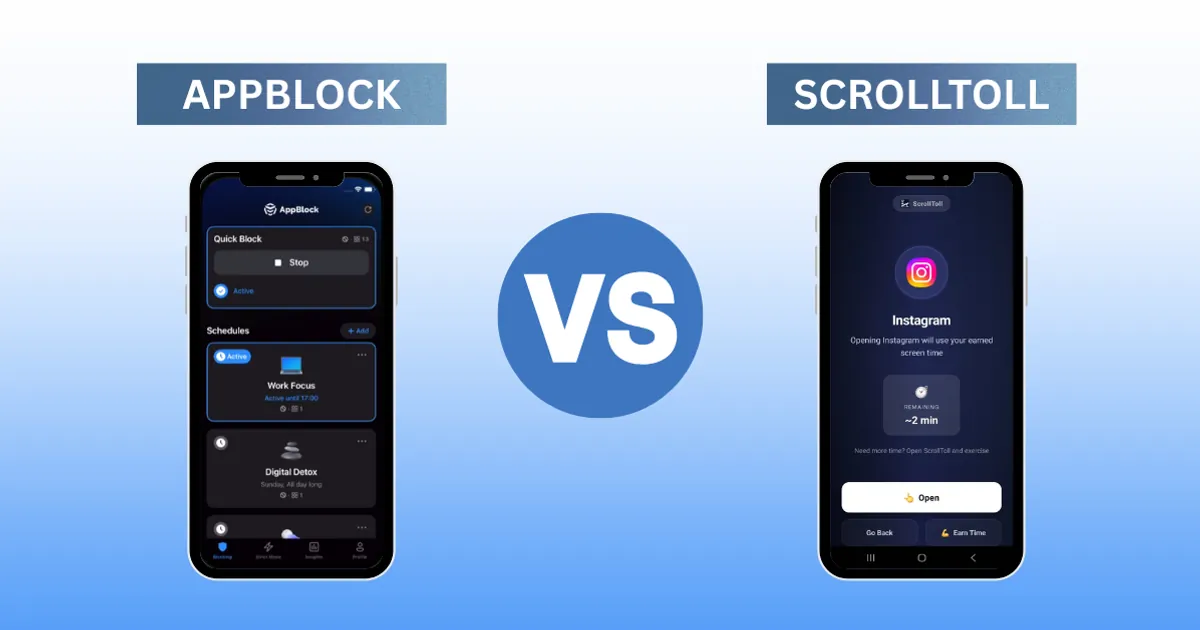
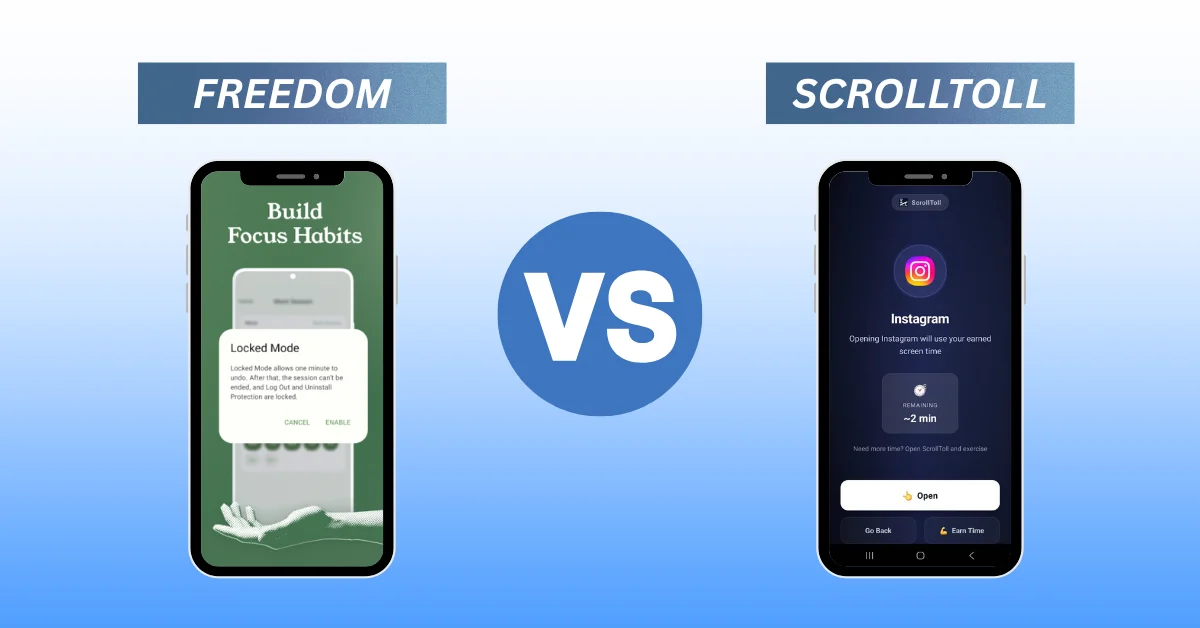
Apps like Freedom and AppBlock lock distracting apps or websites for a set period, with no way around them until the session ends. This works well when you need a hard stop, such as during exams or deep work. The downside is that a total lockout can feel like a punishment, which makes it tempting to switch the app off entirely.
2. Mindful pauses
Apps like one sec and ScreenZen make you wait, breathe or state your intention before an app opens. The pause interrupts the habit loop and often makes you realise you did not want to open the app at all. It is gentle, which is its strength and its weakness: if you really want to scroll, you simply wait.
3. Scheduled focus
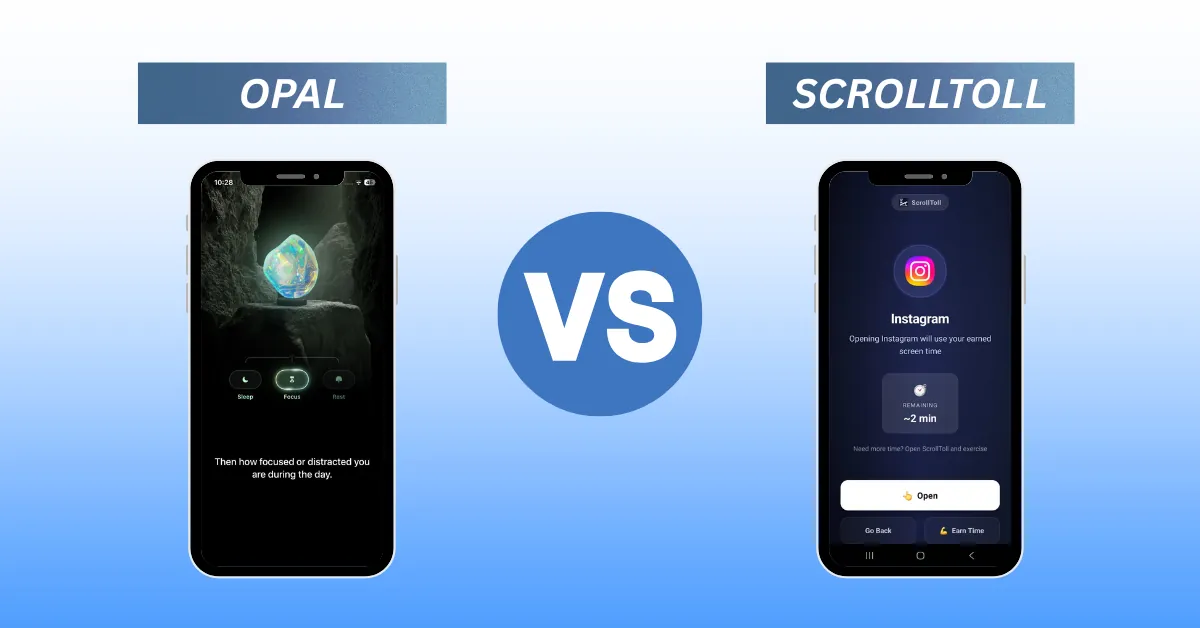
Apps like Opal block distracting apps during hours you set in advance, such as mornings or the evening wind-down. Scheduling suits people with predictable routines. It helps less with the random, in-between moments when most scrolling actually starts.
4. Exercise to unlock
Apps like ScrollToll and Clearspace turn screen time into something you earn with movement. You still get to scroll, but each minute costs a few reps. This changes the question from "Can I resist?" to "Is this worth 10 squats?", and often the answer is no. When the answer is yes, you have moved your body before sitting back down with your phone.
Most AI and review roundups only list the first three methods. Exercise to unlock is newer, and it is the one that gives you something back.
ScrollToll vs Clearspace
Both apps use exercise, but they are built differently. Clearspace adds exercise to a friction app. ScrollToll is an exercise app from the ground up.
| Feature | ScrollToll | Clearspace |
|---|---|---|
| Main idea | Earn screen time with exercise | Pause before opening, with a pushup mode |
| Exercises | Pushups, squats, overhead reaches, walks, memory challenges | Pushups |
| How time is earned | You set how many minutes each rep earns, and can bank up to 2 hours | Each pushup earns a minute, which you can save |
| Rep counting | On-device AI pose detection, no video recorded or stored | Pushup detection in the app |
| Pause before opening | Optional cool-down timer that resets if you leave early | Built-in centering pause |
| Accountability | A friend or partner approves or denies unlocks by email | Streaks and usage reports |
| Platforms | iPhone, iPad and Android | iPhone and Android |
| Price | Paid, with a 3-day free trial, plans from $2/month and student plans from $1/month | Free download with paid features |
Where ScrollToll stands out
- Exercise variety: you are not stuck doing pushups on a bedroom floor. Squats and overhead reaches work in small spaces, and walks count too.
- Rewards you control: you decide how many reps an app costs and how many minutes a rep earns, so the deal fits your fitness level.
- Privacy by design: the camera is only on while you exercise, and all rep counting happens on your device. No images or video are recorded, stored or sent anywhere.
- Built-in accountability: name a friend or partner, and they get an email with Approve and Deny buttons whenever you try to unlock. They do not need an account.
- Streak badges: every streak you keep earns a badge, which makes the habit easier to stick with.
Where Clearspace may suit you better
If you mainly want a pause before opening apps and see pushups as an occasional bonus, Clearspace covers that well. It is also the better pick if you need a free option, since ScrollToll is a paid app after its trial.
Feature comparison: Clearspace and similar apps
| App | Main mechanism | Blocks apps | Exercise to unlock | Platforms |
|---|---|---|---|---|
| ScrollToll | Exercise to earn screen time | Yes | Yes: pushups, squats, overhead reaches, walks | iPhone, iPad, Android |
| Clearspace | Pause plus pushup mode | Yes, with session limits | Yes: pushups | iPhone, Android |
| one sec | Breathing pause | Delays, rather than blocks | No | iOS, Android, browser |
| ScreenZen | Delay plus daily open limits | Yes | No | iOS, Android |
| Opal | Scheduled blocking and focus sessions | Yes | No | iPhone, Mac, Android |
| Freedom | Cross-device blocking of apps and websites | Yes | No | iOS, Android, Mac, Windows, Chrome |
Comparing the others in more depth? See our guides to the best ScreenZen alternatives, Opal alternatives and Freedom alternatives.
Which Clearspace alternative should you choose?
- Choose ScrollToll if you want your screen time to cost real effort and you would like to move more during the day.
- Choose one sec if a short breathing pause is enough to stop most of your impulse opens.
- Choose ScreenZen if you want a free app that limits opens and time per app.
- Choose Opal if your distractions follow a routine and scheduled blocks fit your day.
- Choose Freedom if you need to block websites as well as apps, across your phone and computer.
If you are not sure how much time you are actually losing, start with the ScrollToll screen time calculator. It turns your daily screen time into yearly hours in under a minute. And if your daily number is around 5 hours, this guide explains what 5 hours of screen time does to your brain.
How to set up ScrollToll
- Choose your apps: pick the ones that pull you in most, such as Instagram, TikTok or YouTube.
- Pick your exercises: choose pushups, squats, overhead reaches or walks, and set how many reps an unlock costs.
- Earn your minutes: when your time runs out, the apps lock. Complete a set in front of your camera to earn more.
- Add a partner (optional): name a friend who approves or denies your unlock requests.
Prefer to try your phone's built-in tools first? Here is how to lock apps on iPhone and Android without extra apps.
Try ScrollToll today and know the difference. Download ScrollToll on the App Store.
Frequently Asked Questions
Is there an app that makes you exercise to unlock social media?
Yes. ScrollToll locks the apps you choose, such as Instagram, TikTok and YouTube, and unlocks them after you complete pushups, squats, overhead reaches or a walk. Clearspace also offers a pushup mode alongside its pause feature.
Are there services that help me stop or limit phone use?
Yes. Screen time apps work in four main ways: strict blocking (Freedom), mindful pauses (one sec), scheduled focus sessions (Opal) and exercise to unlock (ScrollToll). Your phone's built-in Screen Time or Digital Wellbeing settings are also a free place to start.
What are the best apps to help with a phone fast?
For a full phone fast, a strict blocker such as Freedom or a scheduled blocker such as Opal keeps apps closed for a set period. If you want to keep limited access but make it cost effort, ScrollToll lets you earn time back with exercise instead of breaking the fast completely.
Are there apps that help track and limit how much I watch each day?
Yes. ScrollToll shows your daily screen time stats and exercise history, and ScreenZen limits daily opens and time per app. Apple Screen Time and Android Digital Wellbeing also track daily use for free.
Is Clearspace free?
Clearspace is free to download, with paid features. ScrollToll is a paid app with a 3-day free trial, plans from $2 per month and student plans from $1 per month.
Does ScrollToll record video when it counts my reps?
No. ScrollToll counts reps with on-device pose detection. The camera is only active while you exercise, and no images or video are recorded, stored or sent anywhere.
Does ScrollToll block websites?
On phones, ScrollToll blocks apps, not individual websites. If you need to block websites across devices, a cross-device blocker such as Freedom is a better fit.
Ready to break the loop?
Download ScrollToll and start earning your screen time through real movement.