Feed full of rage and junk? How to reset your Instagram, TikTok, YouTube, Reddit and Facebook algorithm, and how to stop it sliding back in a week.
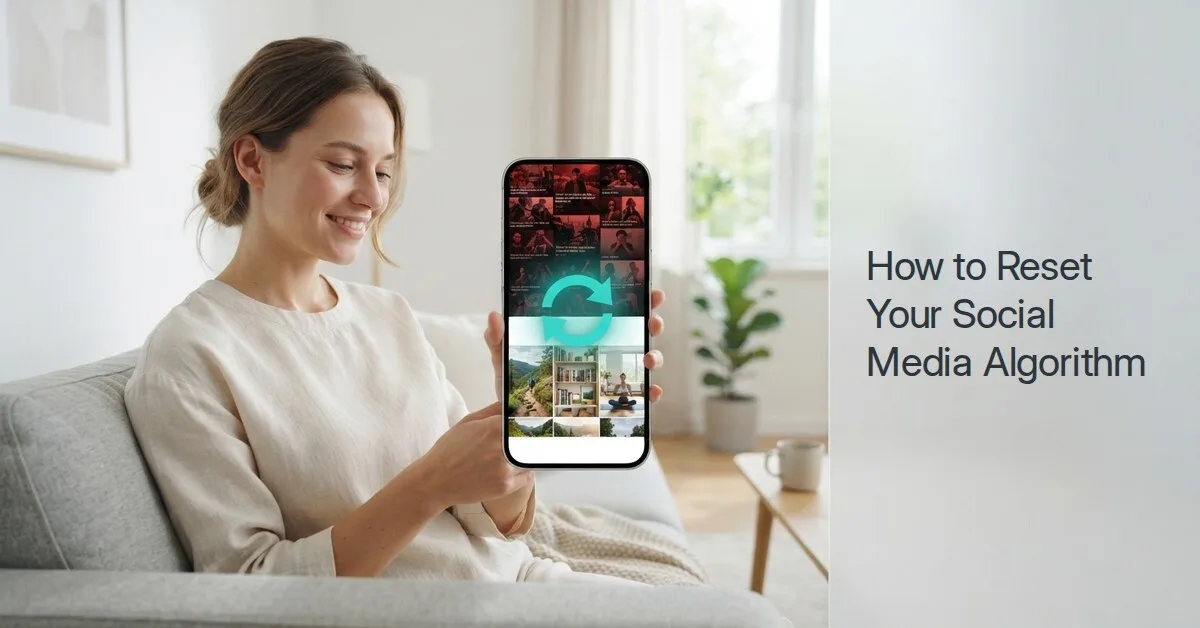
Quick answer: To reset your social media algorithm, use each app's built-in reset. On Instagram, go to your profile, tap the menu, then Content preferences > Reset suggested content. On TikTok, go to Settings and privacy > Content preferences > Refresh your For You feed. On YouTube, clear and pause your watch history. On Reddit and Facebook, there is no single reset, so mute communities, tap "Show less" and switch to a following-only feed. A reset only lasts if you change how you scroll afterwards, so pair it with limits or an app like ScrollToll: Screen-Time Gym, which makes you exercise before the app opens.
Here is every app at a glance:
| App | Full reset? | Where to find it | What it changes |
|---|---|---|---|
| Yes | Profile > menu > Content preferences > Reset suggested content | Clears recommendations in Explore, Reels and Feed | |
| TikTok | Yes | Profile > menu > Settings and privacy > Content preferences > Refresh your For You feed | Your For You feed starts again as if you were new |
| YouTube | Yes, by clearing history | Settings > History and privacy, or Your data in YouTube | Recommendations stop using what you watched before |
| No | Mute communities, "Show fewer posts like this" | Removes topics one by one | |
| No | "Show less" on posts, Feeds tab | Shifts what you see over time | |
| X | No | "Not interested", Following tab, muted words | Removes topics one by one |
Why your feed got worse
Social media algorithms show you more of whatever keeps you watching. They don't judge whether it is good for you. If you paused on one angry news post or watched a few gym videos at midnight, the app takes that as a request for more.
That is how people end up with feeds they would never have chosen: politics on Reddit, rage-bait on Facebook, endless "productivity" or workout clips on Instagram that you watch instead of actually doing anything. The feed reflects what held your attention, not what you want.
The good news: most apps now let you wipe the slate, and all of them let you steer.
How to reset your Instagram algorithm
Instagram added a full recommendations reset that clears what it suggests in Explore, Reels and your Feed, according to Meta's announcement.
- Open your profile and tap the menu (three lines) at the top right.
- Tap Content preferences.
- Tap Reset suggested content, then Next.
- Review the accounts you follow and unfollow any you don't want, or skip this step.
- Tap Reset suggested content again to confirm.
Keep it clean afterwards:
- Tap the three dots on any post you don't want and choose Not interested.
- Use Hidden Words to hide posts with words like politics, crypto or anything that drags you in.
- Switch to the Following feed, which shows only accounts you follow in time order.
How to reset your TikTok algorithm
TikTok's Refresh your For You feed treats you like a new user, starting with popular videos until it learns your interests again.
- Tap Profile, then the menu (three lines) at the top right.
- Tap Settings and privacy.
- Tap Content preferences, then Refresh your For You feed.
- Tap Continue, then Refresh.
The refresh only affects your For You feed. Your followers, following list, messages and Following feed stay the same, and the refresh can't be undone.
Keep it clean afterwards: Long-press any video you don't want and tap Not interested. In the first few days, be deliberate: the videos you watch to the end teach the new feed fastest.
How to reset your YouTube recommendations
YouTube builds recommendations from your watch and search history, so clearing it is the reset.
- Tap your profile picture, then Settings.
- Open History and privacy (on some versions, manage it through Your data in YouTube).
- Tap Clear watch history and Clear search history.
- To stop it rebuilding, turn on Pause watch history.
Good to know: Google says that if you have no recent history and history-based recommendations are off, features like Home page recommendations are removed. Many people find an empty Home page is exactly what they need: you only see what you search for.
Keep it clean afterwards: On any video you don't want, tap the three dots and choose Not interested or Don't recommend channel. For Shorts specifically, see our guide on how to block YouTube Shorts.
How to reset your Reddit feed
Reddit has no single reset button, but you can clear out a feed quickly:
- Leave communities you don't want: go to the community and tap Joined to leave.
- Mute communities that keep appearing: on a post from that community, tap the three dots and choose to mute it. Muted communities stop showing in your feed.
- Show fewer posts like this: use the option in a post's menu to train the feed away from topics.
- Turn off recommended posts: in Reddit's settings, look for the option to stop showing recommendations in your home feed. Menu names change between app versions, so check your Settings if you don't see it.
If Reddit itself is the problem, our guide on how to lock apps on iPhone and Android shows how to block any app, Reddit included.
How to reset your Facebook feed
Facebook also has no full reset, but it gives you more control than most people use:
- Tap "Show less" on posts you don't want and "Show more" on ones you do.
- Open the Feeds tab to see Favorites and Following in time order instead of the algorithm's choices.
- Unfollow without unfriending: on a post, tap the three dots and choose Unfollow to stop seeing someone without removing them.
- Snooze pages or people for 30 days when you need a break from them.
To lock Facebook completely, see how to block Facebook on your phone.
How to reset your X (Twitter) feed
- Switch from For you to the Following tab, which shows only accounts you follow.
- Tap the three dots on posts you don't want and choose Not interested in this post.
- Add muted words for topics you want gone.
Why a reset doesn't last, and how to make it stick
A reset clears what the app knows about you. It does not change what you do. If you go back to scrolling late at night, pausing on the same kind of content, the algorithm rebuilds the old feed within days.
Three things make the new feed stick:
- Decide what you want before you open the app: "I'm checking two friends' stories" instead of "I'll just see what's on".
- Scroll less overall: a smaller amount of scrolling gives the algorithm less to learn from. In a 2023 study published in PNAS, adding a short delay before a social app opened led people to open it 57% less often after six weeks.
- Make opening the app cost something: when every session takes effort, you stop opening apps out of habit, which is when the worst content gets you.
Want to see how much time your feeds actually take? Try the ScrollToll screen time calculator. If a built-in limit isn't enough, compare the best app blockers for iPhone and Android.
How ScrollToll: Screen-Time Gym keeps your feed in check
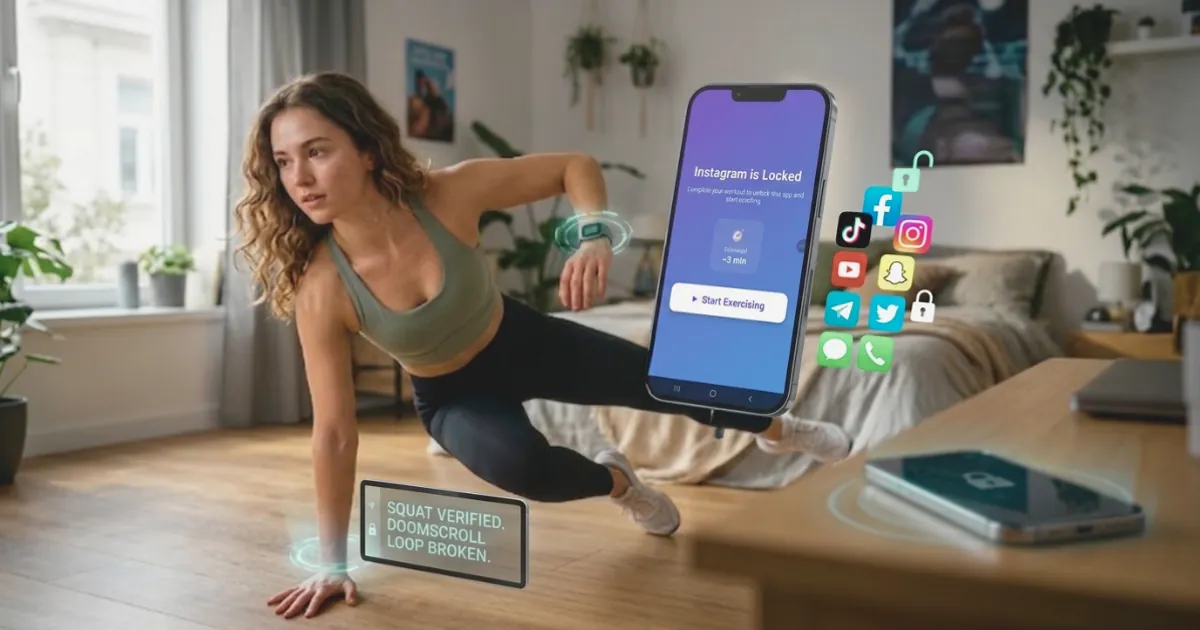
ScrollToll: Screen-Time Gym locks the apps you choose, like Instagram, TikTok, YouTube and Reddit. To unlock time, you do a set of pushups, squats or jumping jacks, or take a short walk. Your phone's camera counts each rep on the device, and nothing is recorded.
That small cost changes how you use your feed. You open apps on purpose instead of by reflex, you scroll for less time, and the algorithm has much less late-night scrolling to learn from. With Strict Mode on, any change that makes your rules easier waits 24 hours, so a bad night can't undo your plan. See how an app blocker that needs exercise to unlock works, or read more about the screen-time gym idea.
Start fresh: Download ScrollToll: Screen-Time Gym on the App Store for iPhone or Google Play for Android, with a 3-day trial.
Sources
- Meta (2024). Reshape your Instagram with a recommendations reset.
- YouTube Help. View, delete, or turn on or off watch history.
- Outfame (2026). How to refresh your TikTok For You feed.
- Grüning, D. J., et al. (2023). Directing smartphone use through the self-nudge app one sec. PNAS.
Frequently Asked Questions
Can you reset your social media algorithm?
Yes, on some apps. Instagram has Reset suggested content, TikTok has Refresh your For You feed, and YouTube resets when you clear your watch history. Reddit, Facebook and X have no full reset, but muting, "Show less" and following-only feeds change what you see.
How do I reset my Instagram algorithm?
Go to your profile, tap the menu at the top right, then Content preferences and Reset suggested content. Confirm the reset, and optionally unfollow accounts you no longer want to see. Recommendations in Explore, Reels and Feed start again.
How do I reset my TikTok For You page?
Tap Profile, then the menu, then Settings and privacy, Content preferences and Refresh your For You feed. Tap Continue and Refresh. Your For You feed starts again like a new account, while your followers and messages stay the same.
How do I reset my YouTube recommendations?
Clear your watch history and search history in YouTube's history settings, and turn on Pause watch history to stop it rebuilding. With no history, YouTube can remove Home page recommendations, so you only see what you search for.
Is there a reset button for Reddit or Facebook?
No. On Reddit, leave or mute communities and use Show fewer posts like this. On Facebook, use Show less on posts, the Feeds tab for Favorites and Following, and Unfollow or Snooze for people and pages.
How long does it take for a reset algorithm to change back?
It can rebuild within days, because the app learns from what you watch and pause on. Being deliberate about what you open, and scrolling less overall, keeps the new feed closer to what you want.
Why is my feed full of negative or political content?
Algorithms show more of whatever holds your attention, and angry or alarming posts hold attention well. Pausing on a few of them is enough to fill your feed. Use Not interested, mute topics, and reset the app's recommendations if it offers one.
Can an app help me stop doomscrolling after I reset my feed?
Yes. ScrollToll: Screen-Time Gym locks apps like Instagram, TikTok and Reddit until you earn time with pushups, squats, jumping jacks or a walk, counted by your phone's camera without recording anything. Less mindless scrolling gives the algorithm less to rebuild from, and it starts with a 3-day trial.
Ready to break the loop?
Download ScrollToll and start earning your screen time through real movement.