UK adults spend 4.5 hours a day online. The best apps to stop doomscrolling in the UK, picked for the commute, work, revision and late nights, with free options.
Quick answer: The best apps to stop doomscrolling in the UK depend on when you scroll. For a free start, use Screen Time on iPhone or Digital Wellbeing on Android, then try ScreenZen, which adds a pause before distracting apps open. one sec is best for breaking the reflex on your commute, Opal and AppBlock suit work hours, and Freedom is the pick if you also scroll on a laptop. If you keep switching off every limit you set, especially late at night, ScrollToll: Screen-Time Gym keeps apps locked until you do a few press-ups or squats. Prefer something physical? Brick or a timed lock box takes the phone out of reach altogether.
This guide is published by ScrollToll: Screen-Time Gym, one of the apps on this list.
Key takeaways
- The UK scrolls a lot: adults spend about 4.5 hours a day online, mostly on smartphones, according to Ofcom's 2025 report.
- Pick by moment, not by ranking: the right app for the morning commute is different from the right app at midnight.
- Start free: your phone's built-in tools and ScreenZen cost nothing.
- Go stricter if you keep cheating: if you undo your own limits, choose an app or device that's hard to switch off.
- Give the urge somewhere to go: blocking works better when something else fills the gap, like a walk, a book or a few squats.
How much time does the UK spend scrolling?
Ofcom's Online Nation 2025 report found that UK adults now spend an average of 4 hours 30 minutes a day online, 10 minutes more than the year before. Women average 4 hours 43 minutes. YouTube alone takes up about 51 minutes a day, and most online time happens on smartphones. Only a third of adults now say the internet is good for society, down from 40% a year earlier.
Younger adults spend even longer: analyses of the same report put 18 to 24 year olds at over 6 hours a day online.
To see what those hours add up to over a lifetime, read how many years you'll spend on your phone.
Not all of that time is doomscrolling, of course. But the pattern most people want to change is the same: opening an app without deciding to, and looking up 40 minutes later.
The best apps to stop doomscrolling, compared
| App | Best for | How it works | Free option | iPhone | Android |
|---|---|---|---|---|---|
| Screen Time / Digital Wellbeing | A free first step | Daily app limits and downtime | Yes, built in | Yes | Yes |
| ScreenZen | Free friction | A wait before apps open that grows each time | Yes, free | Yes | Yes |
| one sec | The commute reflex | A short breathing pause before the app opens | Free for one app | Yes | Yes |
| Opal | Focus at work | Scheduled blocks and focus sessions | Free plan | Yes | Check store |
| AppBlock | Fixed daily routines | Profiles, schedules, blocks parts of apps like Reels | Free plan | Yes | Yes |
| Freedom | Phone and laptop | Blocks apps and websites on all devices at once | Trial, then paid | Yes | Yes |
| Jomo | Gentle encouragement | Friendly sessions and challenges | Limited free plan | Yes | No |
| Brick | A physical off switch | Tap your phone on a small device to lock and unlock apps | No, one-off device purchase | Yes | Yes |
| ScrollToll: Screen-Time Gym | Late nights and broken limits | Apps stay locked until you earn time with exercise | 3-day trial, then paid | Yes | Yes |
Plans and UK prices change often, so check each app's listing in the UK App Store or Google Play before you pay. For a full ranking by how hard each one is to bypass, see our guide to the best app blockers.
The best app for each scrolling moment
On your commute: one sec
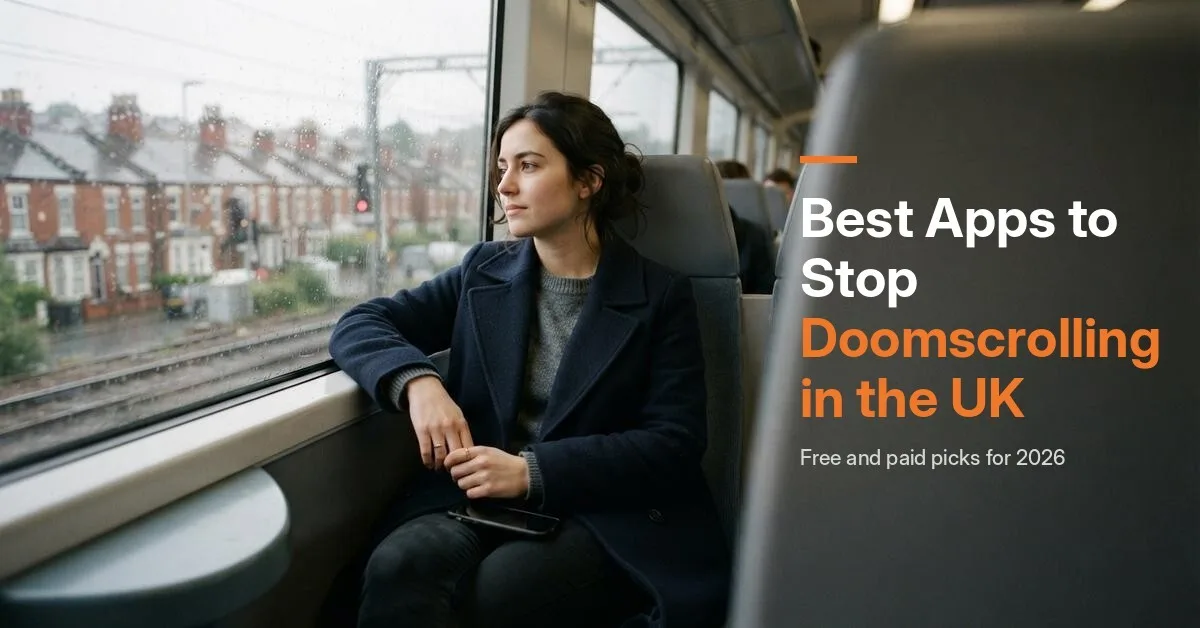
The train or bus is where many people open Instagram or TikTok without thinking. one sec adds a short breathing pause before the app opens, then asks if you still want to continue. It's backed by research: in a 2023 study published in PNAS, users opened their target apps 57% less often after six weeks. It's gentle, which suits a commute where you might genuinely want to check messages.
When you just want to start for free: ScreenZen
ScreenZen is completely free and adds a delay before distracting apps open, which gets longer the more often you open them. It's the easiest way to test whether friction works for you before paying for anything.
At work or working from home: Opal or AppBlock
If your scrolling happens in the gaps of a working day, schedule it out. Opal lets you set focus blocks for working hours and adds reports and streaks. AppBlock is stronger on Android, with separate profiles for work, evenings and weekends, and it can block just part of an app, such as Reels, so you can still use Instagram for messages. Wondering whether you need to pay for Opal? See our guide to Opal alternatives, including what its free plan covers.
If you also scroll on a laptop: Freedom
Locking your phone doesn't help if you just open YouTube on your laptop instead. Freedom blocks the same apps and websites across phone, computer and browser in one session. It's a paid app with a trial. Before you subscribe, compare it with the best Freedom alternatives, including cheaper and stricter options.
During uni revision or exams: see our student guide
Students have different needs: lectures, revision timetables and a tight budget. We cover them in our guide to the best app blockers for college students, including free options and a 7-day exam plan.
Late at night in bed: ScrollToll: Screen-Time Gym
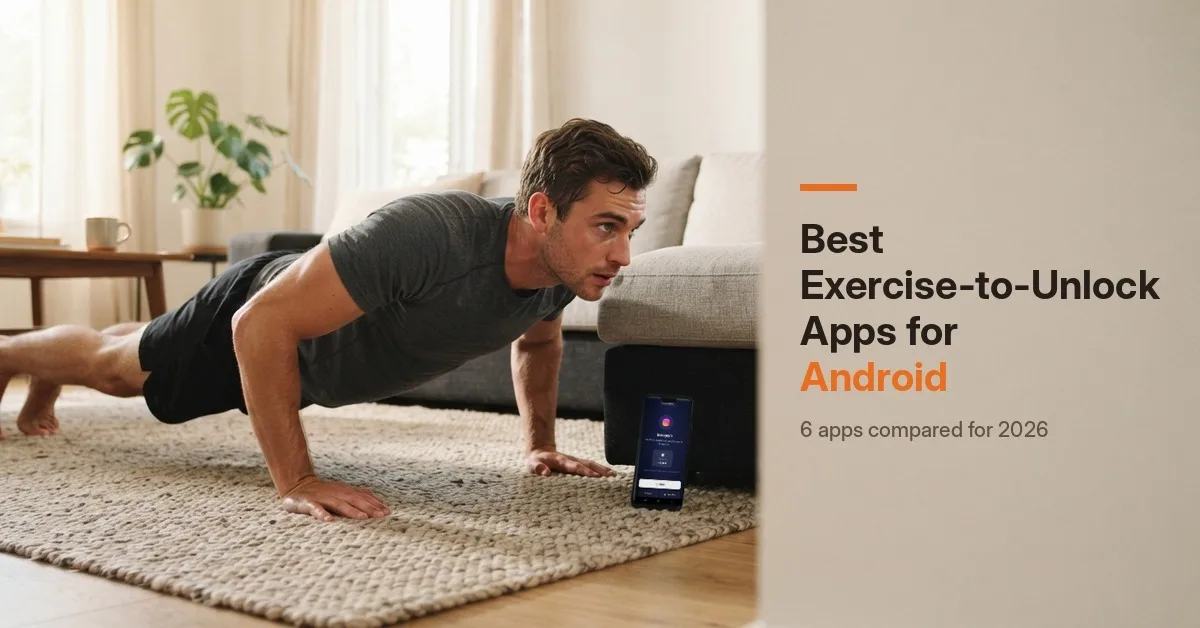
The hardest moment is the one where you've already decided to scroll, usually late at night, when a pause or a "15 more minutes" button won't stop you. ScrollToll: Screen-Time Gym locks the apps you choose until you earn time by doing press-ups, squats, star jumps, lunges or a short walk. Your phone's camera counts every rep on the device and nothing is recorded. Each rep earns 1 minute by default, and you can bank up to two hours a day.
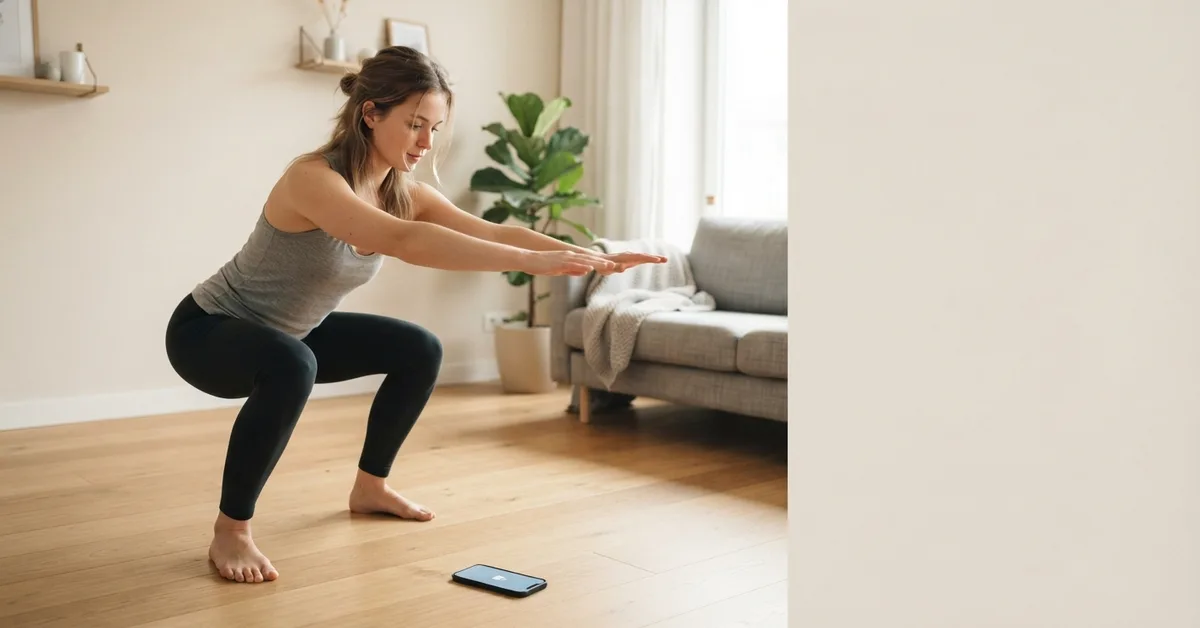
Ten squats beside the bed are often enough to make you ask whether you really want to open TikTok. Strict Mode makes it hard to undo your rules at midnight: removing a locked app takes verified reps, a cool-down or a friend's approval, and any change that loosens your rules waits 24 hours.
Its limits: it blocks apps, not websites, and it's a paid app after a 3-day trial, with discounted student plans. See how an app that blocks social media until you exercise works.
Not an app person? Physical ways to stop doomscrolling
Some people do better when the barrier is outside the phone:
- Brick: a small device you tap your phone on to lock chosen apps. Leave it in the kitchen, and unlocking TikTok means getting out of bed.
- Timed lock boxes: you put your phone in and set a timer. Basic models in the UK start at around £15.
- A cheap alarm clock: the simplest fix of all. If your phone isn't your alarm, it doesn't need to sleep next to you.
These work well for evenings, but they're all-or-nothing. If you need your phone for messages or work calls, an app that blocks only the scrolling apps is usually easier to live with.
Apps to fill the gap instead of scrolling
Blocking works better when the urge has somewhere else to go. A few UK-friendly swaps that still feel like "picking up your phone":
- Free library e-books and audiobooks: most UK councils offer them through Libby or BorrowBox with a free library card.
- Podcasts and radio: BBC Sounds has live radio and podcasts at no cost.
- A language or puzzle app: five minutes of Duolingo or a daily puzzle has a natural end, unlike a feed.
- Moving instead: ScrollToll: Screen-Time Gym turns the urge itself into a set of squats or a short walk.
What to check before you install a doomscrolling app
- Permissions: on iPhone, most blockers need Screen Time access, and on Android, accessibility or usage access. That's normal for this kind of app, so only install from the App Store or Google Play.
- Privacy: check the "App Privacy" or "Data safety" section on the store page. ScrollToll: Screen-Time Gym processes the camera on your device and doesn't record or upload video.
- How easy it is to switch off: if you know you'll be tempted, look for a strict mode, a cool-down or an accountability partner.
- The real price in pounds: UK subscriptions don't always match the US price, so check the UK listing.
How to stop doomscrolling: 6 habits that make any app work better
- Charge your phone outside the bedroom: a cheap alarm clock removes the main reason to keep it by the bed.
- Move your worst app off the home screen: put it in a folder on the last page, so every open takes an extra swipe.
- Turn off non-essential notifications: most doomscrolling starts with one notification.
- Pick one app to block first: the one you open most without thinking. Add others later.
- Give the urge somewhere to go: a short walk, a cup of tea or a set of squats works better than willpower alone.
- Judge your setup after three weeks, not one: almost every app works while it's new.
How to choose
| If you… | Choose |
|---|---|
| Want to start free | Screen Time, Digital Wellbeing or ScreenZen |
| Scroll on the commute out of habit | one sec |
| Lose time in gaps at work | Opal or AppBlock |
| Scroll on your laptop too | Freedom |
| Want a physical barrier | Brick or a timed lock box |
| Keep switching off every limit, especially at night | ScrollToll: Screen-Time Gym |
Download it on the App Store or Google Play.
Frequently Asked Questions
What is the best app to stop doomscrolling in the UK?
It depends on when you scroll. ScreenZen is the best free option, one sec is best for breaking the habit on your commute, Opal and AppBlock suit work hours, Freedom covers your laptop too, and ScrollToll: Screen-Time Gym is best if you keep switching off your limits, because apps stay locked until you exercise.
Is there a free app to stop doomscrolling?
Yes. Screen Time on iPhone and Digital Wellbeing on Android are free and already on your phone. ScreenZen is a free app that adds a pause before distracting apps open, and AppBlock, one sec and Opal have free versions with limits.
How much time do people in the UK spend online?
According to Ofcom's Online Nation 2025 report, UK adults spend an average of 4 hours 30 minutes a day online, mostly on smartphones. YouTube alone accounts for about 51 minutes a day.
How do I stop doomscrolling at night?
Charge your phone outside the bedroom, turn off non-essential notifications, and use a blocker that's hard to switch off late at night. Pauses are easy to sit through when you're tired, so a stricter lock, such as one that asks for a few squats first, works better for many people.
Do apps to stop doomscrolling actually work?
They can. A 2023 study in PNAS found that adding a short pause before opening an app cut openings by 57% after six weeks. They work best when unlocking takes real effort and when they're paired with simple habits.
Are doomscrolling apps safe to use?
Apps from the App Store and Google Play are generally safe, but they need permissions like Screen Time or usage access to work. Check the privacy section on each store page before installing.
Are there physical alternatives to doomscrolling apps?
Yes. Brick is a small device that locks chosen apps until you tap your phone on it, and timed lock boxes, from around £15 in the UK, keep your phone out of reach for a set time. A separate alarm clock also helps keep your phone out of the bedroom.
Is there an app that makes you exercise before scrolling?
Yes. ScrollToll: Screen-Time Gym locks apps like Instagram and TikTok until you earn time with press-ups, squats, star jumps, lunges or a walk, counted by your phone's camera.
Ready to break the loop?
Download ScrollToll and start earning your screen time through real movement.